4-1
4. Control Units
4.1 How the ECDIS is Controlled
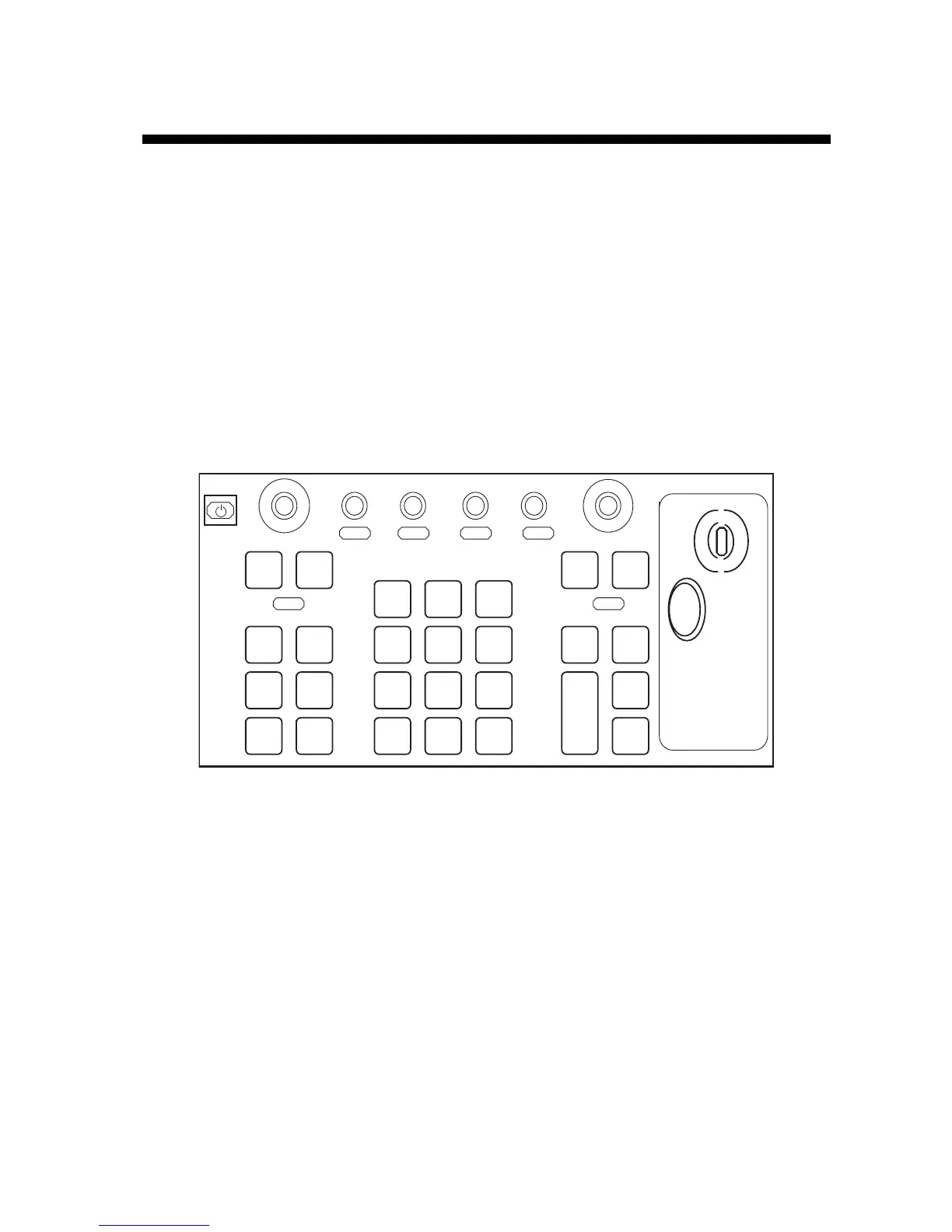
The operator controls the ECDIS with the Control Unit RCU-018 or the Control Unit RCU-015. Either unit is
equipped with a trackball, right and left mouse buttons and a scrollwheel. The RCU-018 is additionally equipped
with a keyboard. All functions of the ECDIS can be accessed using the trackball, mouse buttons and scrollwheel
alone. To operate from a menu with the mouse, roll the trackball to choose desired item, operate the mouse buttons
or scrollwheel (depending on item) to choose option then push the scrollwheel to confirm your selection.
4.2 Control Unit RCU-018
The Control Unit RCU-018 consists of a keyboard, the trackball, scrollwheel and mouse buttons. The trackball
functions like a mouse; the operator rolls the trackball and operates the left and right mouse buttons to access
functions.



 To Next Page