15. User Chart Control
15-4
15.2 What is a User Chart Point and How is it Used?
A point is a center point for a sub chart inside a user chart. Sub charts are small enough (max 80 elements) to be sent
for display on the radar. Sub charts are made with post processing, which is performed automatically, when you
leave editing (i.e., you uncheck Enable changes), you close the user chart window with the CANCEL button on the
keyboard-equipped control unit or you choose a user chart from the menu.
The symbol used for points is box with "I" inside:
¨¨¨
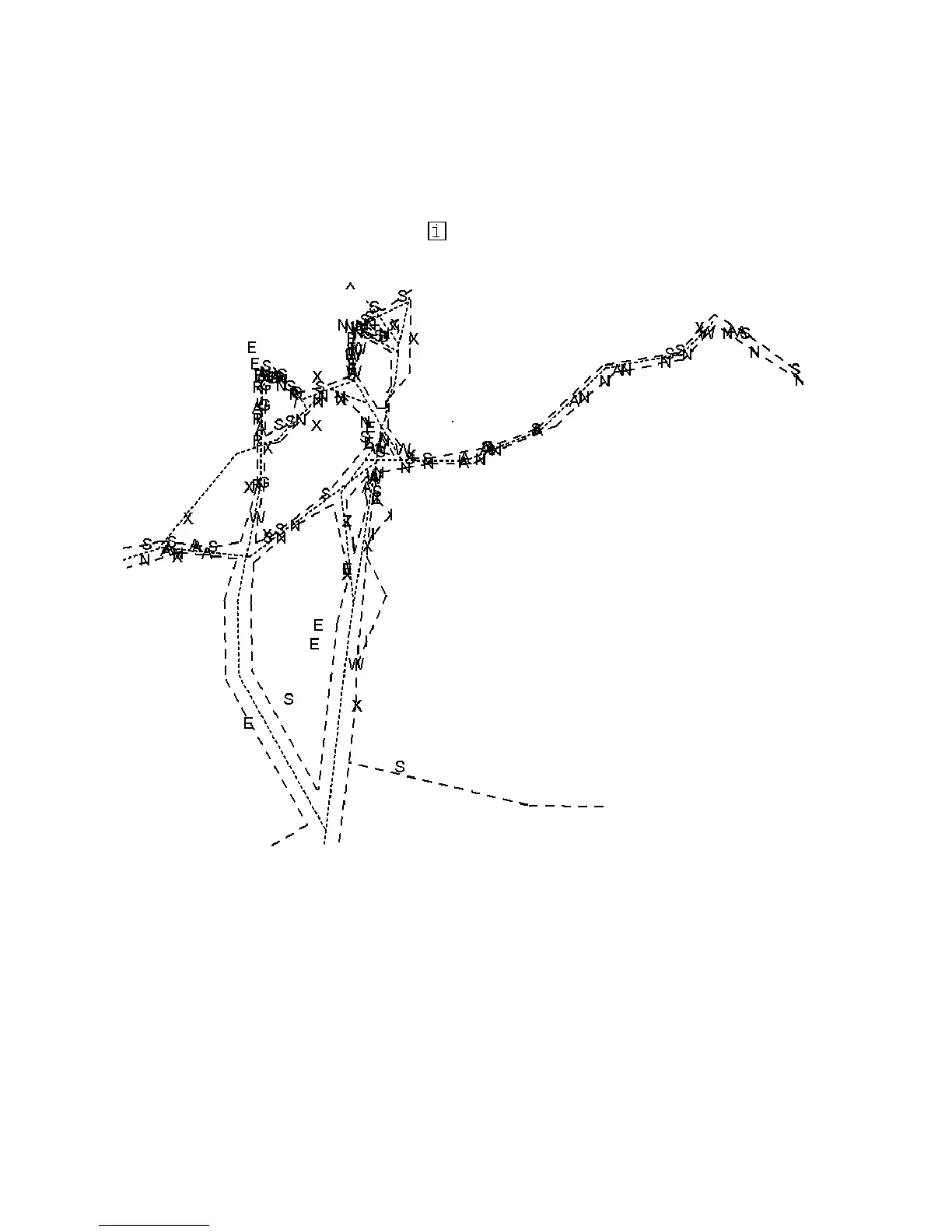
This an example of a complex user chart with several hundreds of lines and symbols. The ARPA radar can display
max. 60 lines and 20 symbols from the complete user chart. Points are used to create sub-charts for ARPA radar use.
Each point can collect 60 nearest lines and 20 nearest symbols in a sub chart.



 To Next Page