18. Common Reference System
18-7
18.3.3 Setting usage rights as "plan"
Workstation can be chosen to control only the planning mode. This means that particular workstation is used to edit
route, user chart and pilot data in the planning mode. Selection of Plan usage rights is done in the Installation
Parameters of the ECDIS by service personnel. The operator is not able to set these usage rights.
Note that a workstation chosen for Plan usage rights still
has full viewing access to navigation sensors and to
monitored routes, user charts, etc. This is important
because it allows that parallel operator(s) can monitor
navigation situation.
To verify configuration of the system in which a chosen
workstation has usage rights set as Plan, do the
following:
1. Operate at the workstation for which you like to
give Plan usage rights.
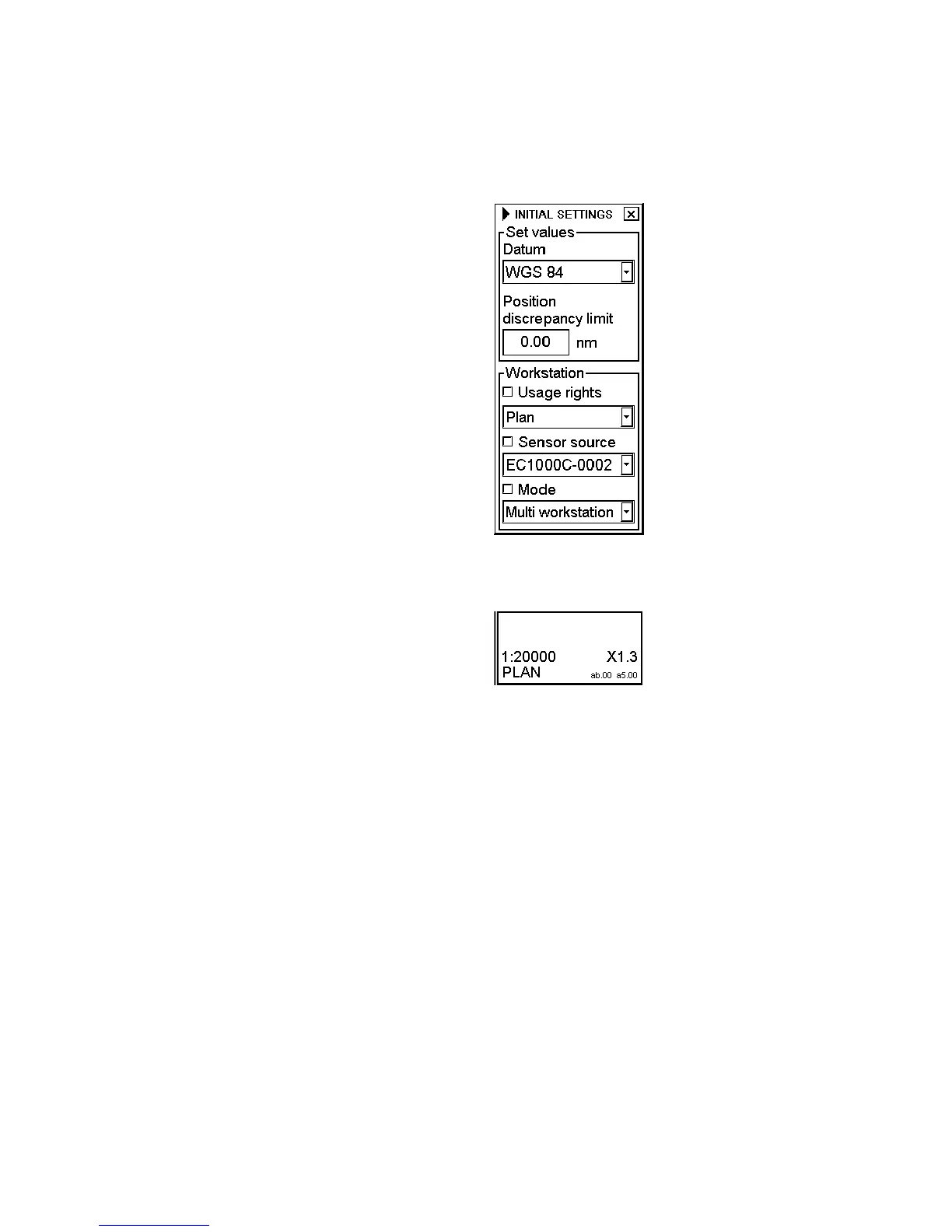
2. Place the cursor below the chart scale indication,
confirm that Initial Settings is shown in the mouse
functions area then push the right mouse button.
3. Check Usage rights and choose Plan from the list
box.
The indication PLAN appears at the lower right hand
corner of the display.



 To Next Page