19. Navigation Sensors
19-7
19.3 Primary and Secondary Positions of Own Ship
The system has three different positions for your ship: System position, primary position and secondary position:
• System position: Used for navigation and steering. See "Source of Position" on page 19-6.
• Primary position: Position generated by position source chosen as primary position source.
• Secondary position: Position generated by position source chosen as secondary position source.
The position source for primary position of your ship is chosen either as Primary or as Pri no alarm on the Position
page of the Sensors dialog box.
The position source for secondary position of your ship is chosen either as Secondary or as Sec no alarm on the
Position page of the Sensors dialog box. Secondary position of your ship is not available as latitude/longitude value
for the operator.
GPS in diff. mode
or SYLEDIS
selected as
SECONDARY
Any other than
GPS in diff. mode
or SYLEDIS
selected as
SECONDARY
Secondary
position
of the
own ship
used by
the system
Selected and position exists
Secondary position
of own ship is
is not valid
Selected and
position exists
Not selected
or no position
Not selected
or no position
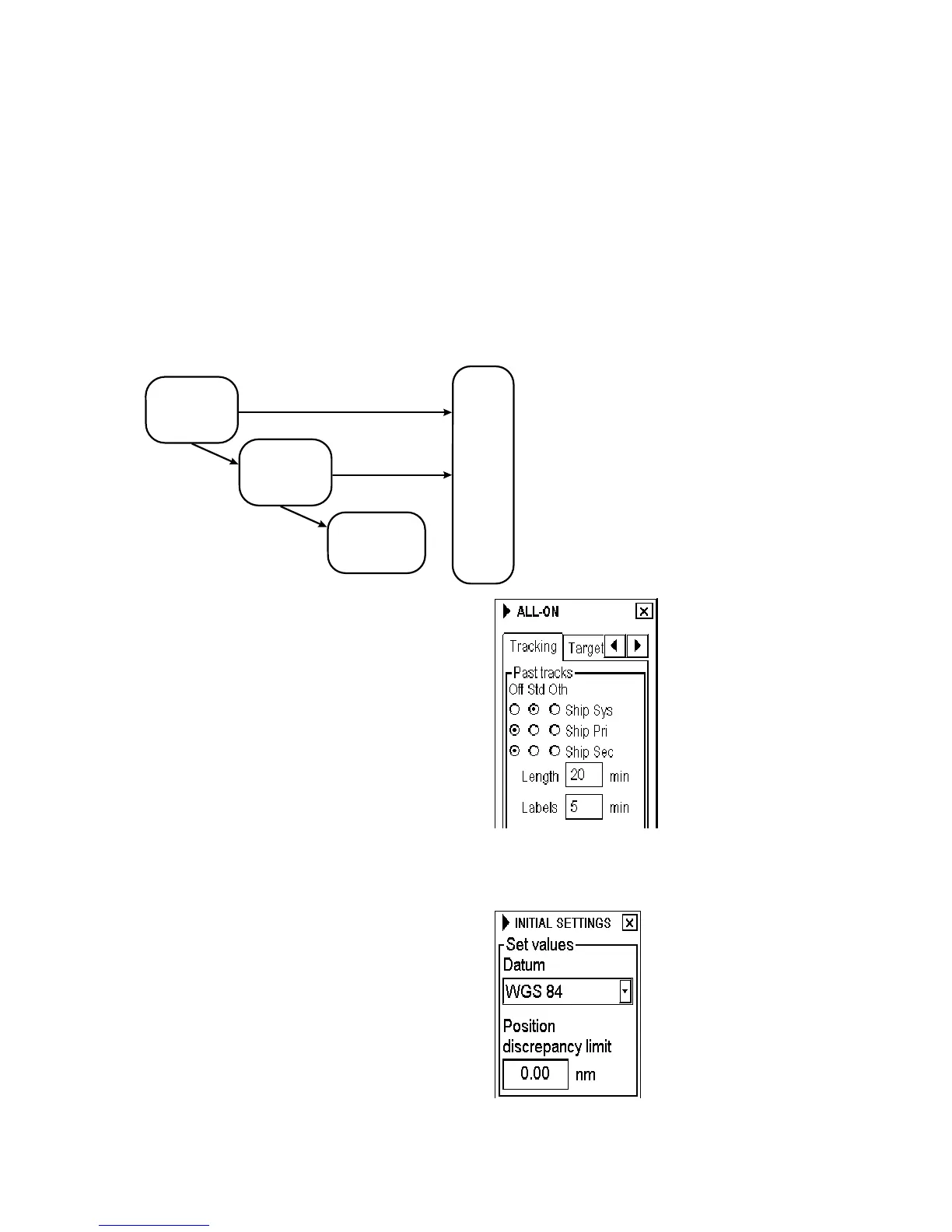
System, primary and secondary positions of your ship
may be plotted on the ECDIS display with the Past
tracks feature. You can control their visibility from the
Tracking page of the Chart Display dialog box, shown
right. In this example, past tracks are plotted using Ship
system position.
19.4 Position Discrepancy Alarm
You can activate the alarm "2007 Position discrepancy"
from the Initial Settings dialog box. The alarm is active
between primary position and any secondary positions.
Note that the alarm is also effective between your ship's
position and any positions, since ECDIS compass
position discrepancy between position used by system
(your ship's position) and any individual position sensor
selected as primary or secondary source of position. To
deactivate the alarm set limit as 0.00.



 To Next Page