23. Recording Functions
23-8
23.3.4 Chart usage log
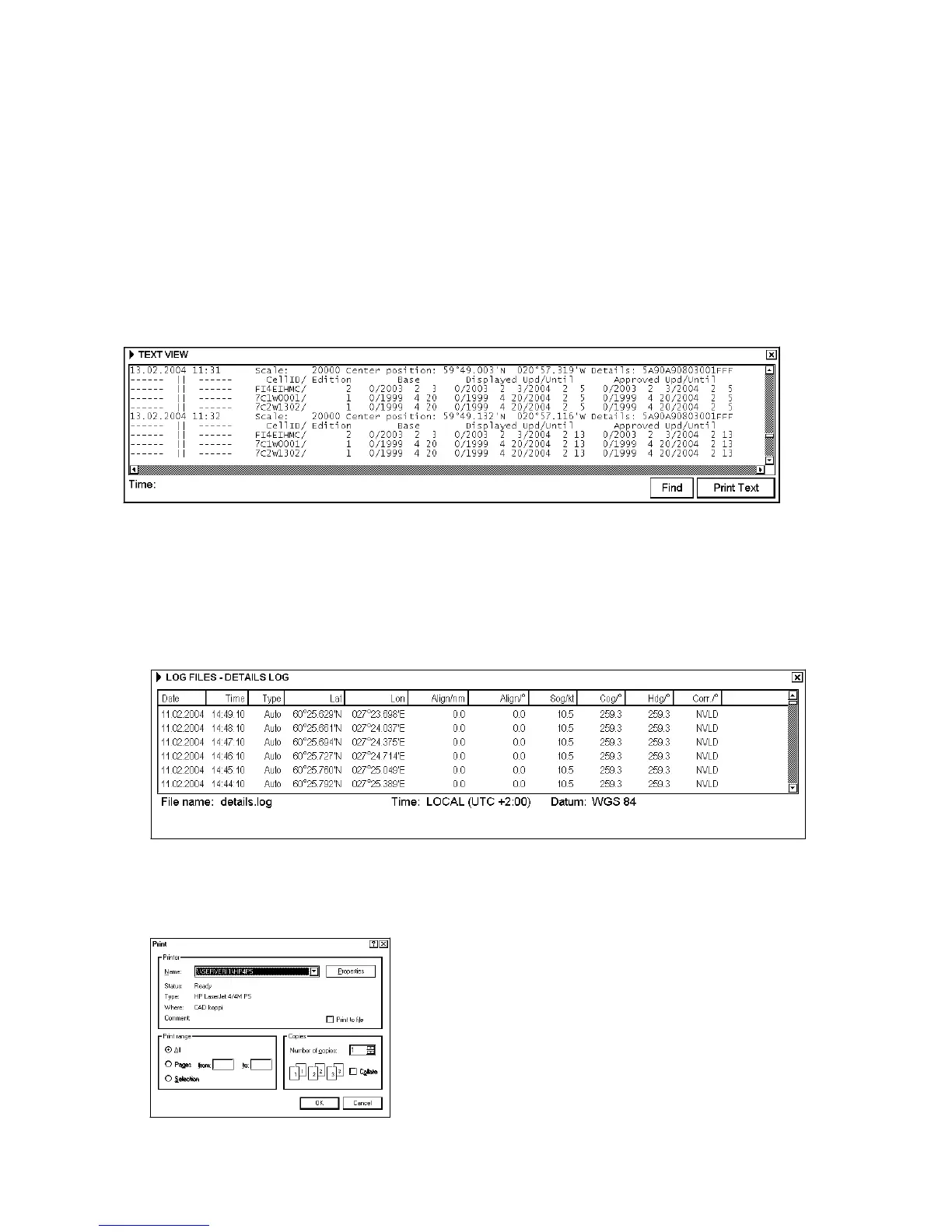
The chart usage log stores which charts were displayed on the ECDIS chart display area or which were used for
chart alarms. The following information is recorded in the chart usage log:
• Chart ID
• Chart edition
• The latest update included to chart
• Displayed Updates Until
• Approved Updates Until
• Center position of display (Lat, Lon).
• Scale of chart display
• Details of chart chosen for display
23.3.5 Printing details, voyage or danger targets log
This procedure is the same if you make User Chart from Details, Voyage or Danger Targets log.
Printing entire log
1. Open the Main menu, choose Record then choose appropriate Log item. The example below shows the Details
Log.
First 1000 Prev 1000 Last 449
2. Place the cursor on the triangle to show Log File menu and select Print Log.
3. To print a log, click the Print Log button. To print whole log, select Print All from the menu.
4. A Print dialog box appears, click the OK button. The entire log will be printed.



 To Next Page