8. Vector Chart Material
8-95
8.15.2 S57 cell details
You may need to check when an update has been added into your ECDIS. Also you may need to check what was
shown in your chart display three weeks ago. There are also many other cases where you need to find what was
known by your ECDIS.
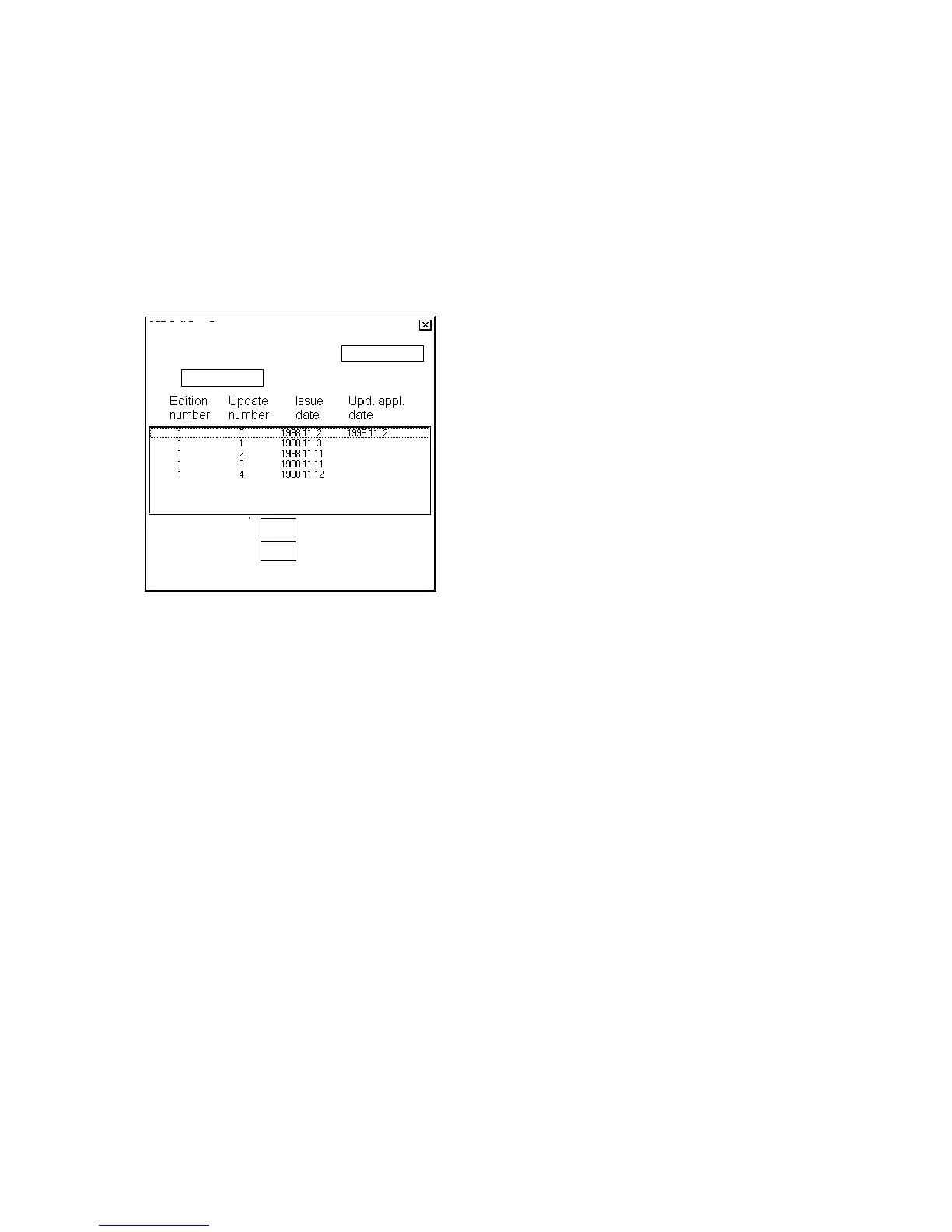
To view updates by their numbers, open the Chart menu, choose Chart Cell Status to display the Chart Cell Status
window then click the Details button. You will get a Chart Cell Details window, where you can view updates by
their numbers.
To check any situation in the past, you can use the Displayed Update and Approved Update fields to specify update
number.
Chart Cell Details
Cell:
RENC
CD
HD
Item:
Displayed Update
Approved Update
Latest Update


 To Next Page