4. Control Units
4-2
4.2.1 Keys in control unit RCU-018
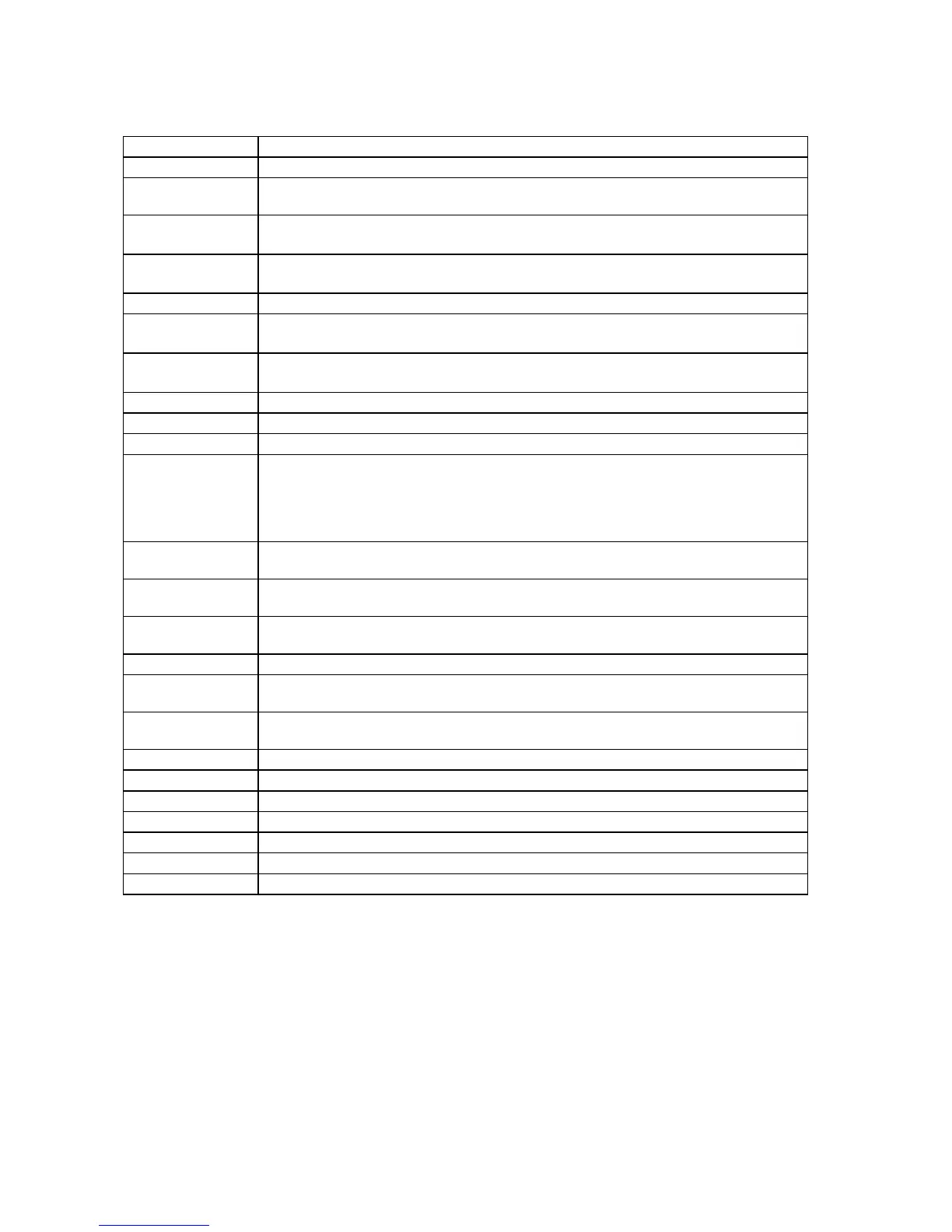
Key Description
Power Turns the system on/off. (This control does not switch the display on/off.)
VRM rotary
encoder
Adjusts active VRM.
VRM ON
Activates and displays EBL1 if none is displayed or EBL 2 is active.
Activates and displays EBL 2 if EBL1 is active.
VRM OFF
Inactivates and erases EBL1 if both EBLs are displayed.
Inactivates and erases EBL 2 if EBL1 is active.
EBL rotary encoder Adjusts active EBL.
EBL ON
Activates and displays EBL1 if none is displayed or EBL 2 is active.
Activates and displays EBL 2 if EBL1 is active.
EBL OFF
Inactivates and erases EBL1 if both EBLs are displayed.
Inactivates and erases EBL 2 if EBL1 is active.
F1 Activates operator-defined function or menu.
F2 Activates operator-defined function or menu.
ALARM ACK Alarm acknowledgement for alarms generated by chart, navigation or steering calculation.
SYSTEM
FAILURE
The red lamp behind the key lights and the buzzer sounds when system failure is found.
Hit the ALARM ACK key to silence the buzzer. The key remains lit until the reason for
the problem is removed.
System failure: control unit cannot communicate with EC-1000C. (EC-1000C is
inoperative.)
RADAR Displays Radar Overlay dialog box, which provides functions for adjustment of the radar
picture.
STD DSP Activates standard display presentation on the ECDIS.
Restore monitor brilliance to calibrated state.
1/MARK Displays the Nav. Marks dialog box, which mainly provides for activation/deactivation of
various markers.
2/ABC/P BRILL Adjusts control unit dimmer.
3/DEF/MODE Chooses presentation mode: North-up TM, Route-up RM, Course-up RM, North-up RM,
Course-up TM.
4/GHI/OFF CNT Offcenters your ship's position to cursor location on the ECDIS display. Press again to
return your ship's position to screen center.
5/JKL/SCROLL Enables scrolling, when the trackball is active.
6/MNO/RECORD Opens Voyage Record sub menu.
7/PRQS/PLAN Opens Plan Route dialog box.
8/TUV/MONITOR Opens Monitor Route dialog box.
9/WXYZ/NEXT Opens "Next" page in multi-page dialog box.
CANCEL/SENSOR Opens Sensors dialog box; closes open dialog box or window.
0/space CU/TM R Returns your ship marker to screen center in TM and CU modes; inserts a space.
(Continued on the next page)



 To Next Page