23. Recording Functions
23-12
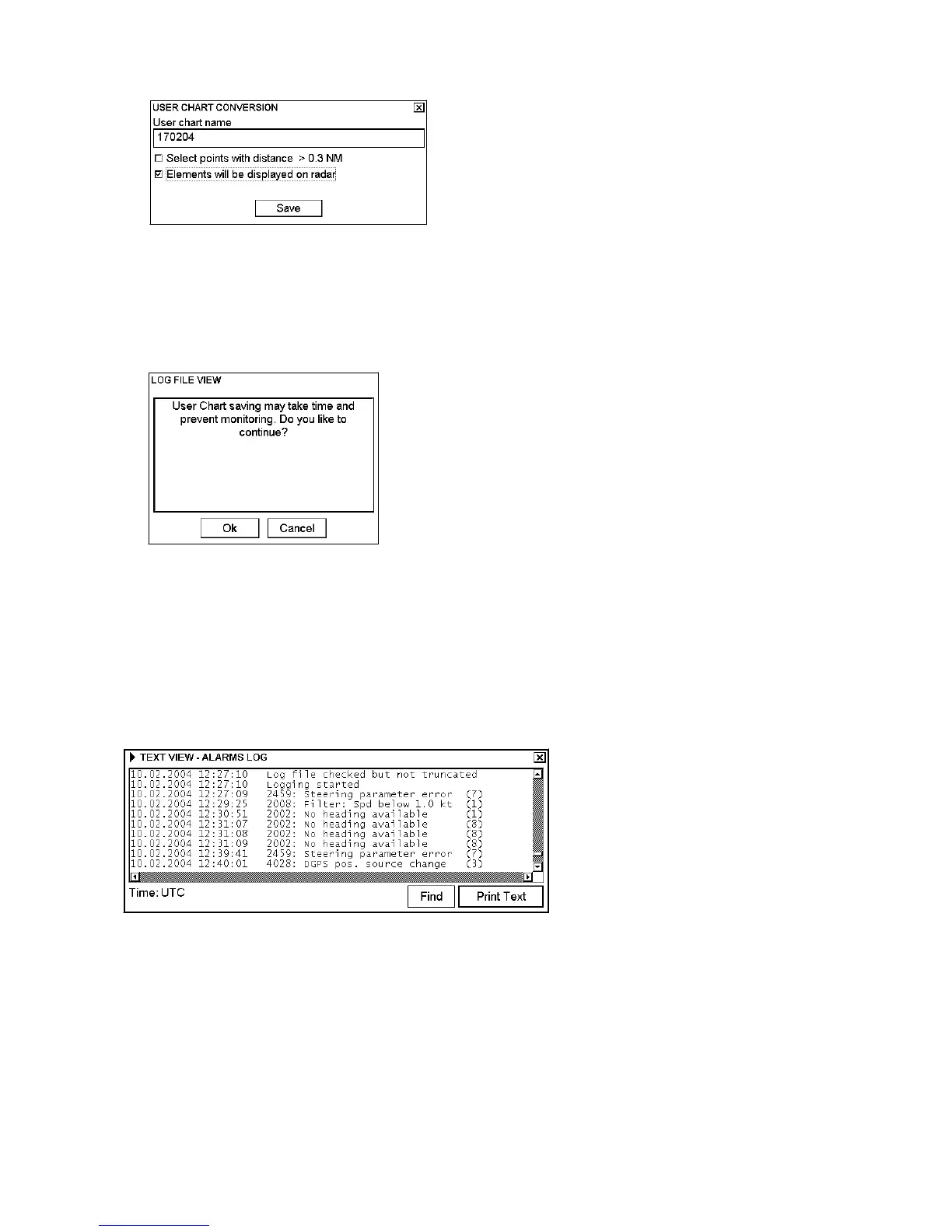
6. The User Chart Conversion dialog box appears.
This dialog box contains the following fields:
User chart name: Enter name for the user chart.
Select points with distance > 0.3 NM: Check to have the system filter the chosen log so that the minimum
distance between points in the user chart is 0.3 nm.
Elements will be displayed on radar: Check to display the chart on the radar screen.
7. Click the Save button.
8. Confirm creating of user chart by clicking the OK button.
Note: If your chosen range for conversion from log to user chart contains periods of invalid your ship's positions,
then the user chart has a gap in the line for these periods.
23.3.9 Alarms log
The alarm log collects and records alarms generated by the system. You may view a list of generated alarms using
the Alarms Log.



 To Next Page