26. Color Calibration
26-3
26.1.3 Gray scale test
Set brilliance and contrast to calibrated positions. Use the gray scale test to visually inspect neutral shades of grey.
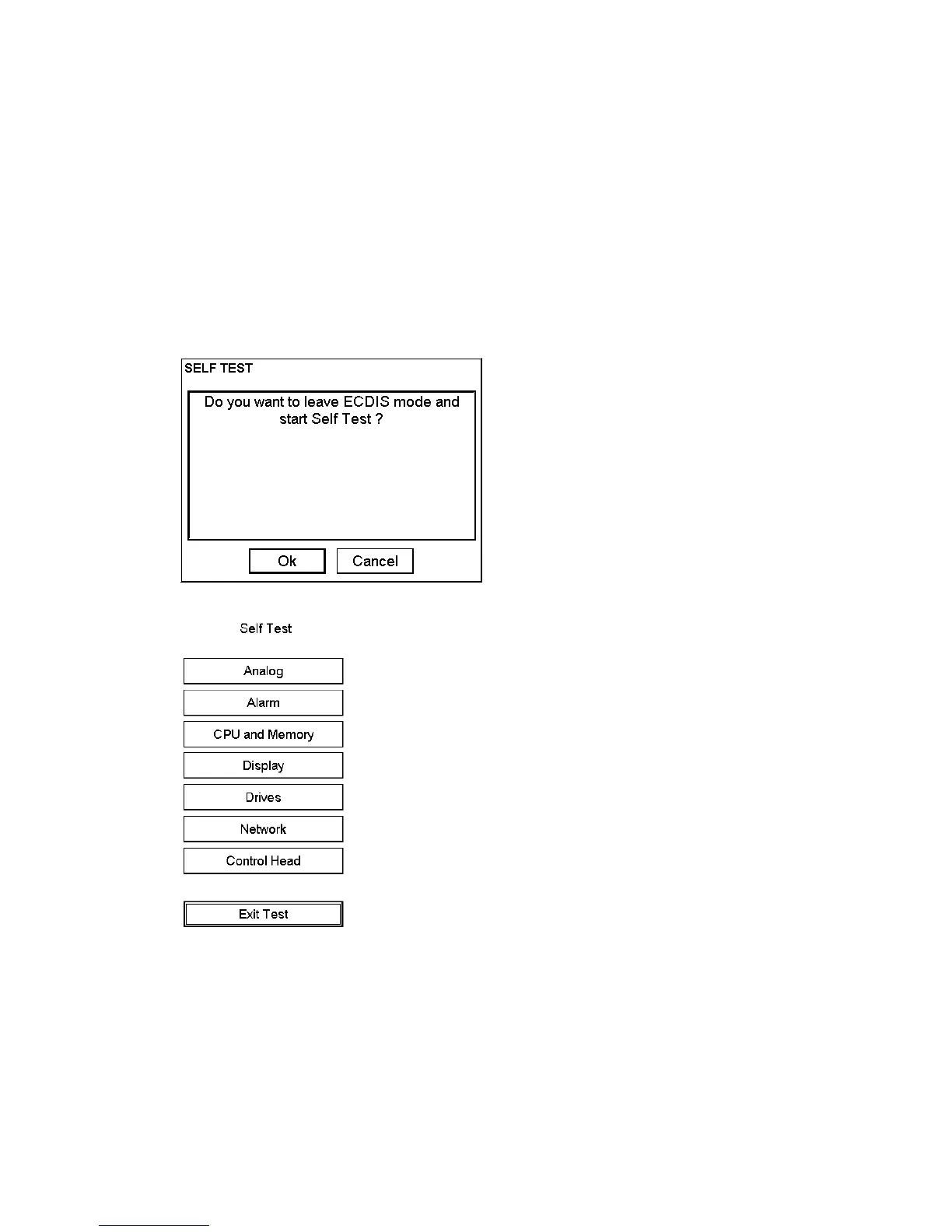
Note: During any self-test, the ECDIS becomes inoperative and this is indicated by sounding the buzzer and
flashing the lamp in the SYSTEM FAILURE key on the keyboard-equipped control unit.
To activate the grey scale test, do the following:
1. Spin the scrollwheel to show Menu/Info/Chart Menu in the mouse functions area then push the left mouse
button.
2. Choose Initial Settings from the menu then push the scrollwheel.
3. Place the cursor on the triangle in the dialog box, choose Selftest from the menu then push the scrollwheel.
4. Click the OK button. The system will end normal operation and start the self-test mode.
5. Choose Display then push the left mouse button.



 To Next Page