Appendix 4: C-MAP CM-93/3 Charts
AP-32
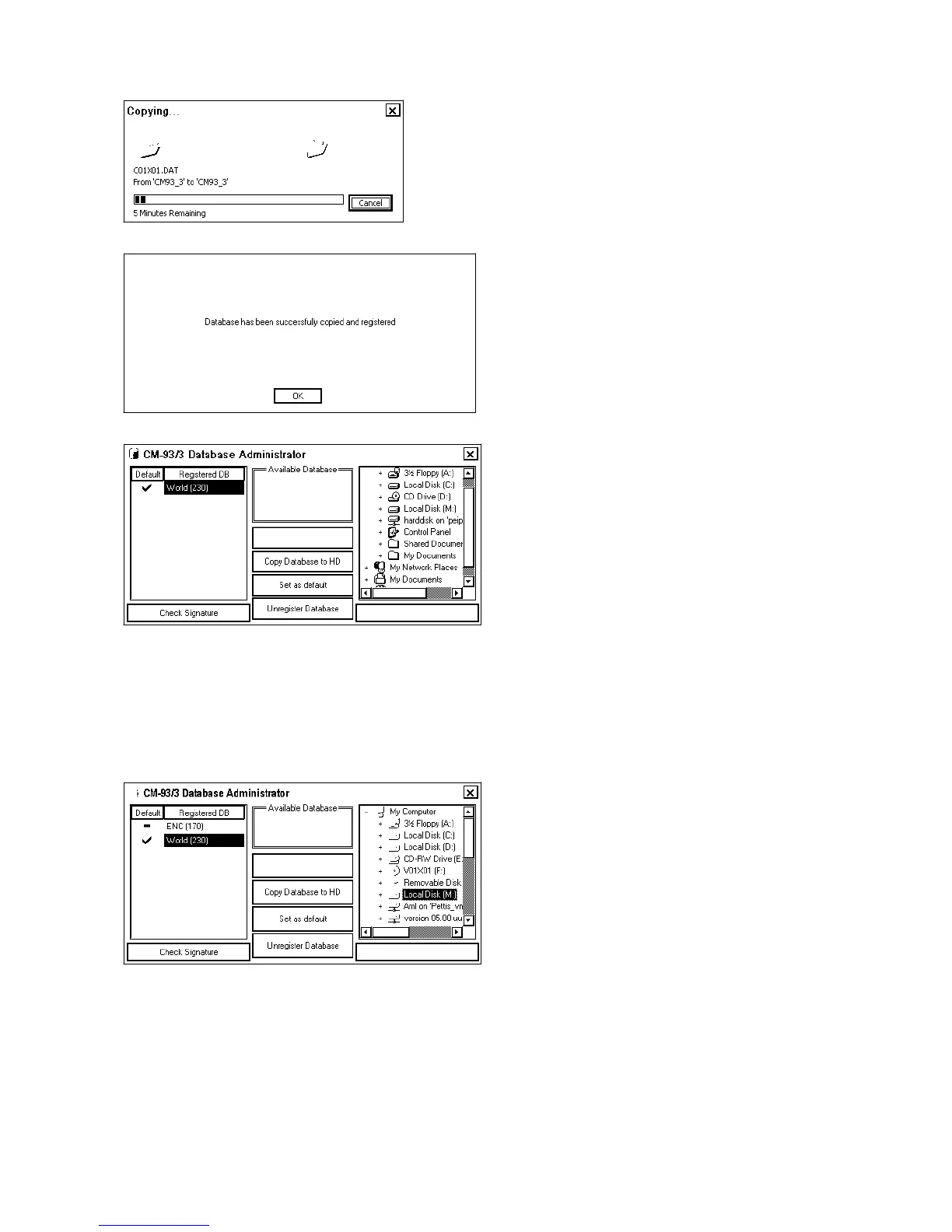
4. Click the Yes button. ECDIS will copy database.
5. After successful loading the following dialog box appears
6. Click the OK button. Close this window by clicking X in upper right corner.
A4.5.2 Use of multiple databases
It is possible to use CM93/3 Professional, CM93/3 Professional + and CM-ENC databases at the same time at the
same workstation. You can load databases to ECDIS, as introduced in "Load of CM93/3 database to ECDIS".
By selecting one of databases as a default, you select one database as lowest priority database to be displayed areas
where no other CM93/3 databases are available.
Above is an example where CM-ENC and CM93/3 Professional databases are loaded into ECDIS.
Note: CM-ENC is not yet available.



 To Next Page