8. Vector Chart Material
8-84
8.13 Symbology Used in Vector Charts
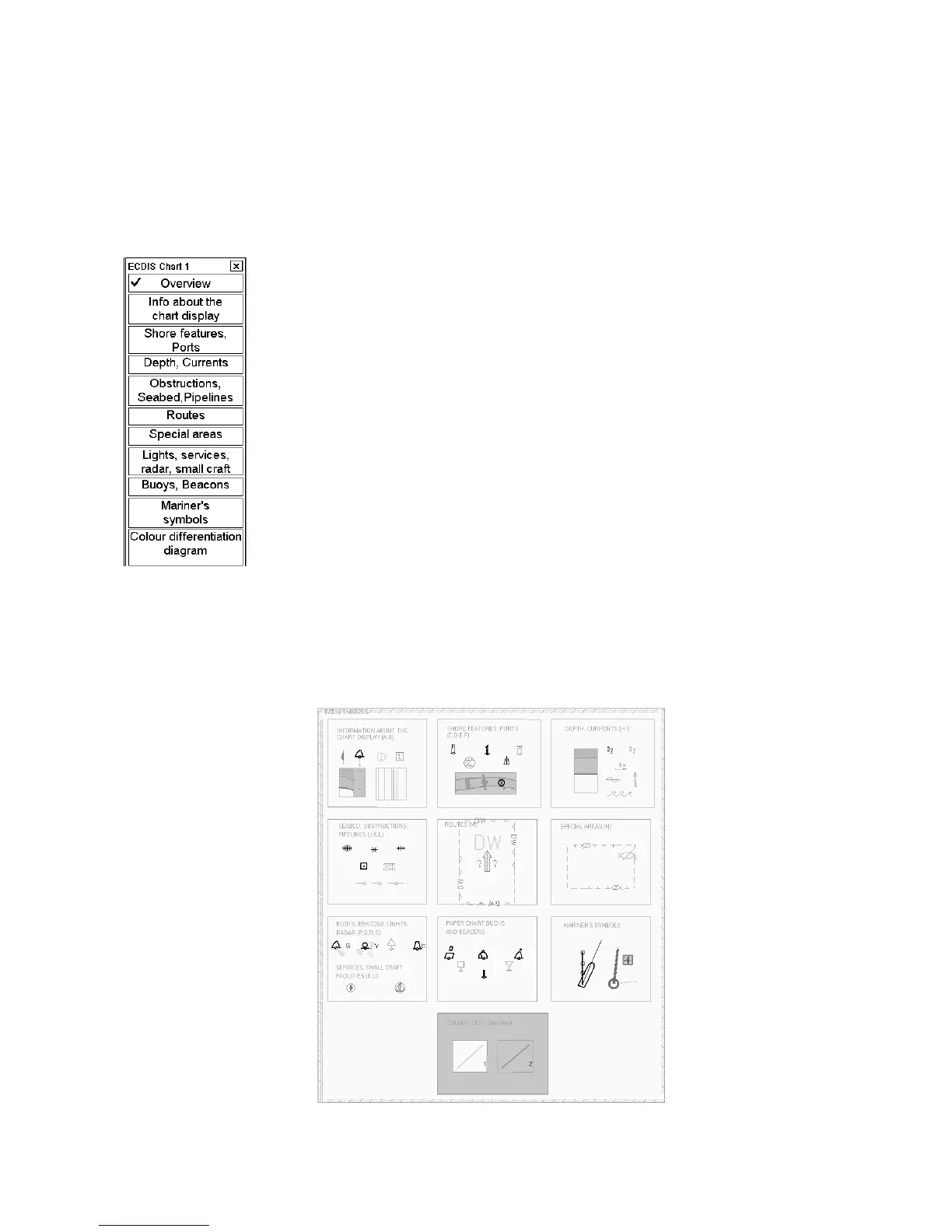
You can familiarize yourself with the symbology used by browsing IHO ECDIS Chart 1, which is included in this
ECDIS. Note that it behaves as any S57 chart and it follows your selections. See section 8.10.4 Controlling visible
chart features.
1. Open the Chart menu.
2. Choose ECDIS Chart 1 from the menu then push the scrollwheel.
3. Choose desired chart symbols from the submenu to show on the ECDIS.
Appendix 2 contains examples of plots with symbols.
The Return dialog window appears when you choose something from the submenu of ECDIS Chart 1. When you
close the Return dialog window, by clicking the X at the upper right corner, ECDIS Chart 1 will be closed and
normal chart presentation is displayed.
An example of Overview chart



 To Next Page