12-1
12. Navigation Tools
12.1 Display Mode and Chart Orientation
There are two display modes to present your ship’s movement on the electronic chart. They are true motion, TM,
and relative motion, RM. In the true motion mode, the ECDIS shows your ship's position and other movable data
such as radar targets moving on the earth-fixed chart background. In the relative motion mode, the ECDIS shows the
chart information and radar targets moving relative to your ship's position fixed on the screen.
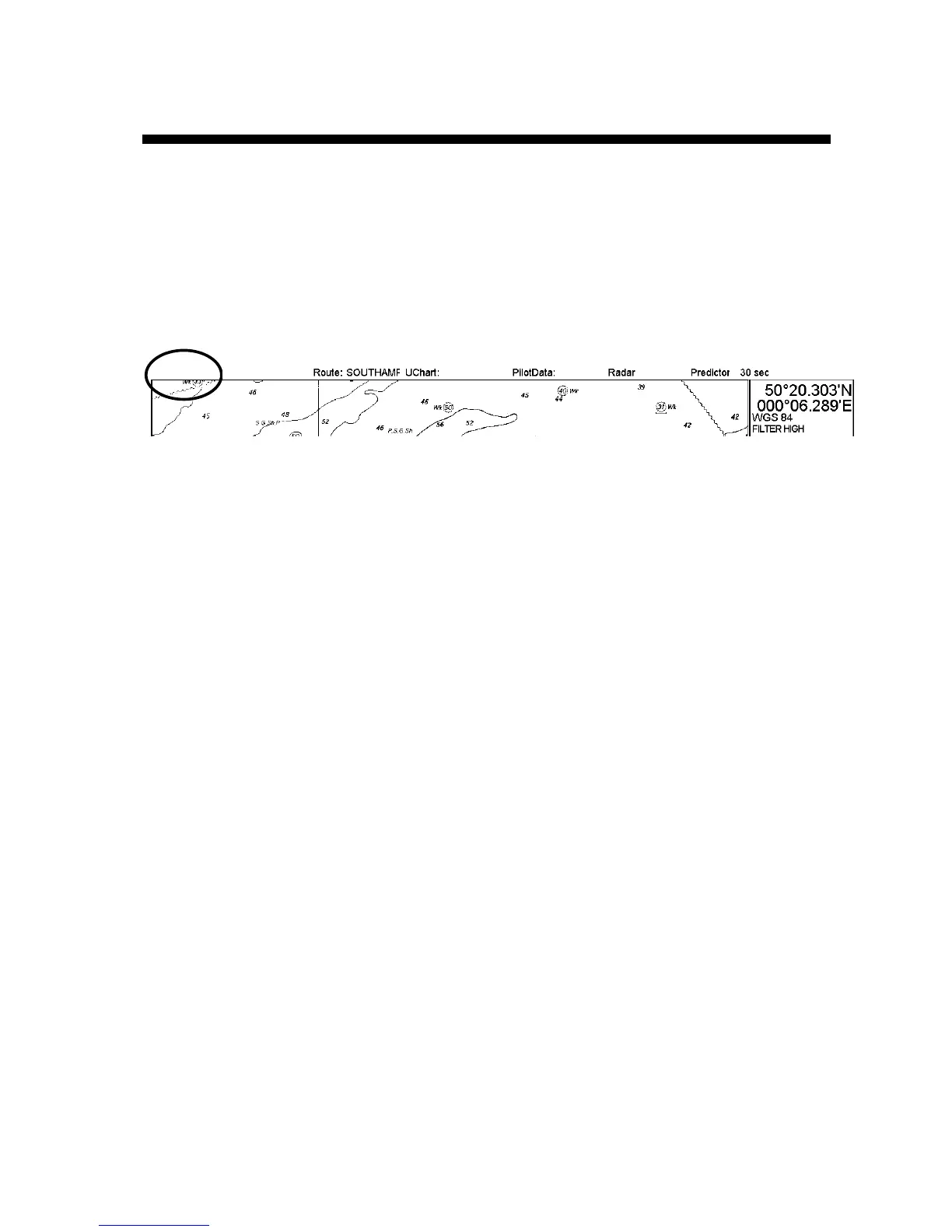
The display mode currently in use is shown at the top left corner on the screen.
North Up TM
ECDIS only
The list below shows the display mode and chart orientation combinations available.
True Motion:
• True Motion North Up
• True Motion Course Up
In the true motion display mode, the orientation of the chart is automatically reset when it reaches the TM reset
boundary, or when you use the TM Reset function, accessed from the mouse functions area or the CU/TM R key on
the keyboard-equipped unit.
Relative Motion:
• Relative Motion North Up
• Relative Motion Course Up
• Relative Motion Route Up
In the relative motion display your ship's position does not change, but the chart display area changes with ship's
movement. The orientation of the chart is reset when you use the TM Reset function, accessed from the mouse
functions area or the CU/TM R key on the keyboard-equipped unit.
Note: When using Route-up RM, the chart is redrawn whenever the chart source is changed.
12.1.1 Choosing desired display mode and chart orientation
Place the cursor on the orientation indication at the top left corner on the screen, spin the scrollwheel to choose
orientation desired then push the scrollwheel.



 To Next Page