14. Route Monitoring
14-4
14.6 Displaying a Route on the Electronic Chart
Screen
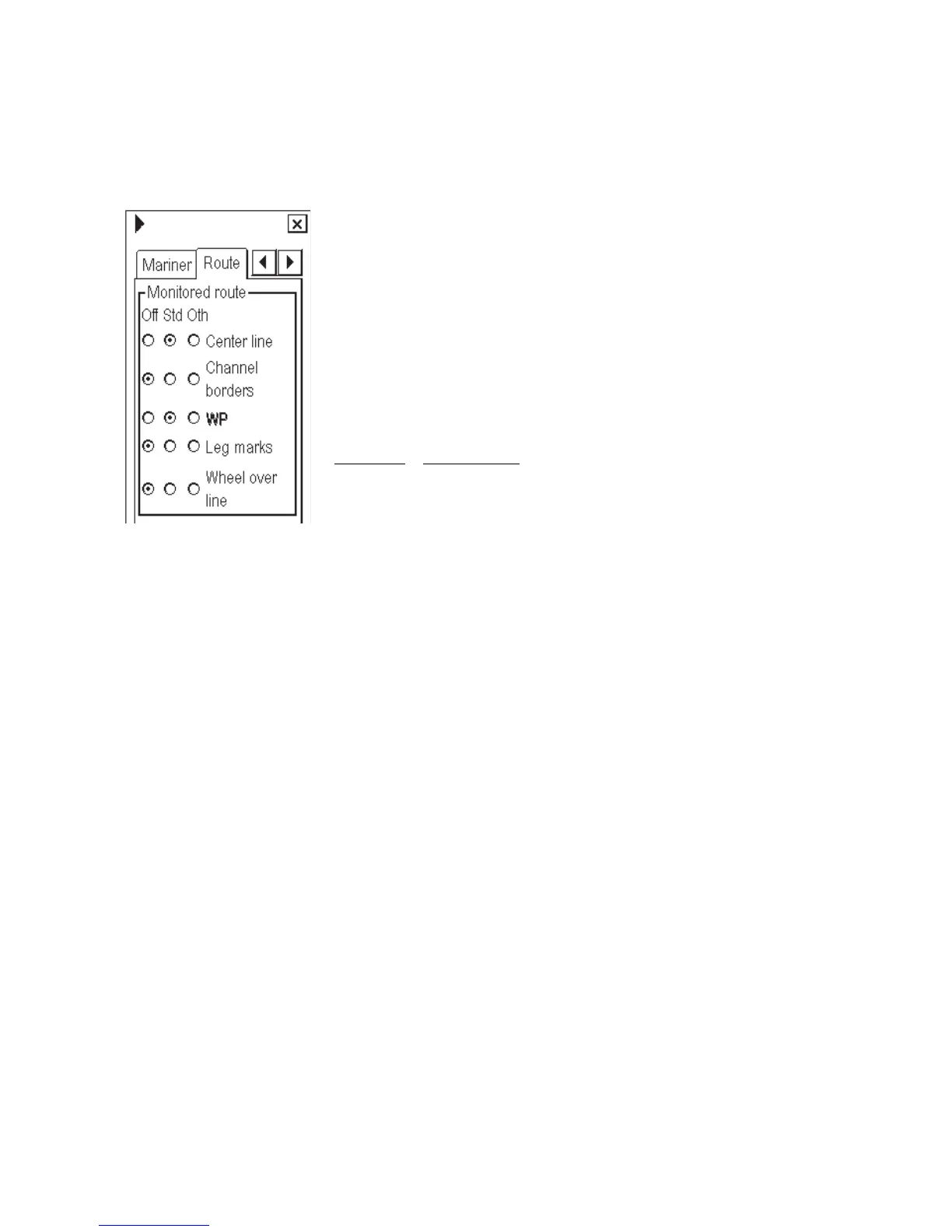
To display a monitored route, make sure that desired options of the monitored route (center line, channel borders,
WP marks, leg marks and wheel over line) are chosen on the Route page of the Chart Display dialog box.
*ALL-ON
To show this display, spin the scrollwheel to show Chart Display/Info/Standard
Display in the mouse functions area, push the left mouse button then click an
arrow tab to display the Route menu.
Setting "WP" to Std or Oth enables display of a waypoint's number in a route.
"Leg marks" enables display of planned speed and planned course to steer in a
route.
"Wheel over line" enables display of a line that denotes turn start line for a
waypoint. This line appears when "WP approach" is coming and disappears
when turning has started.
Do not set the following combinations of Center line and Channel borders:
Center lines
Channel borders
Off Off
Oth Oth
Off Oth
Oth Off



 To Next Page