Appendix 5: C-MAP CM-93/2 Charts
AP-57
A5.2.7 Grouping S57 chart cells
You can define groups of S57 charts. This means you can collect related charts, for example, all cells that cover a
route from Liverpool to New York or all cells available from a National Hydrographic Office.
You can make a group and define charts included to group using either "Chart Catalogue" or "Load or Update
Charts from loaded CD ROM" window.
Using Load or Update Charts from loaded CD ROM window
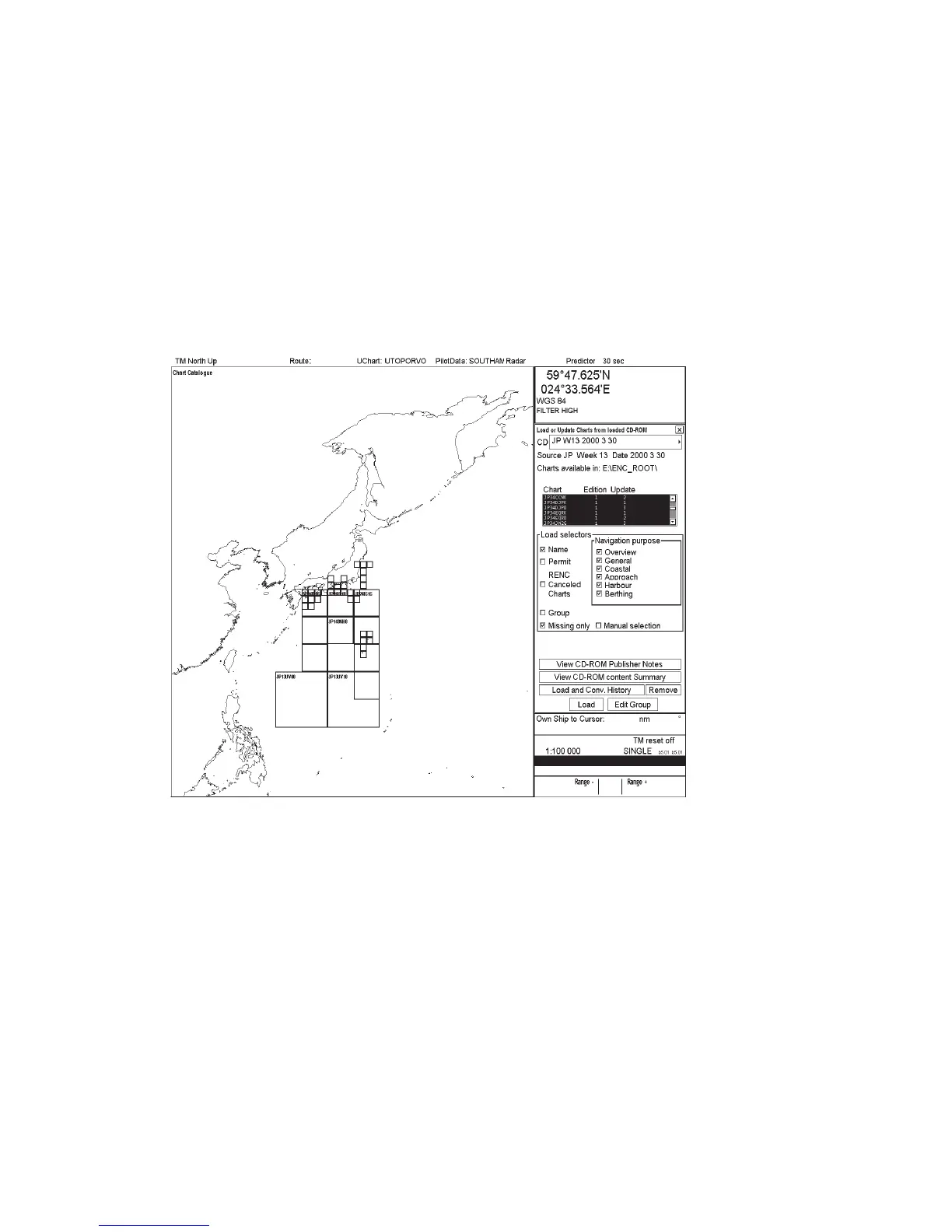
When you load or update S57 charts from CD ROM, you are able to define a group in "Load or Update Charts from
loaded CD ROM" window. To do this, proceed as follows:
1. Select Load or Update charts>From CD ROM in Chart menu. A "Load or Update Charts from loaded CD
ROM" window appears
ECDIS only
HDG 070.0°
SPD
(CALC)
1.8
Kt
SB
(POSN)
1.7
Kt
COG
(POSN)
045.1°
SOG
(POSN)
2.0
Kt
2. Press the Edit Group button.
3. Press the New button.
4. Enter group name.



 To Next Page