23. Recording Functions
23-13
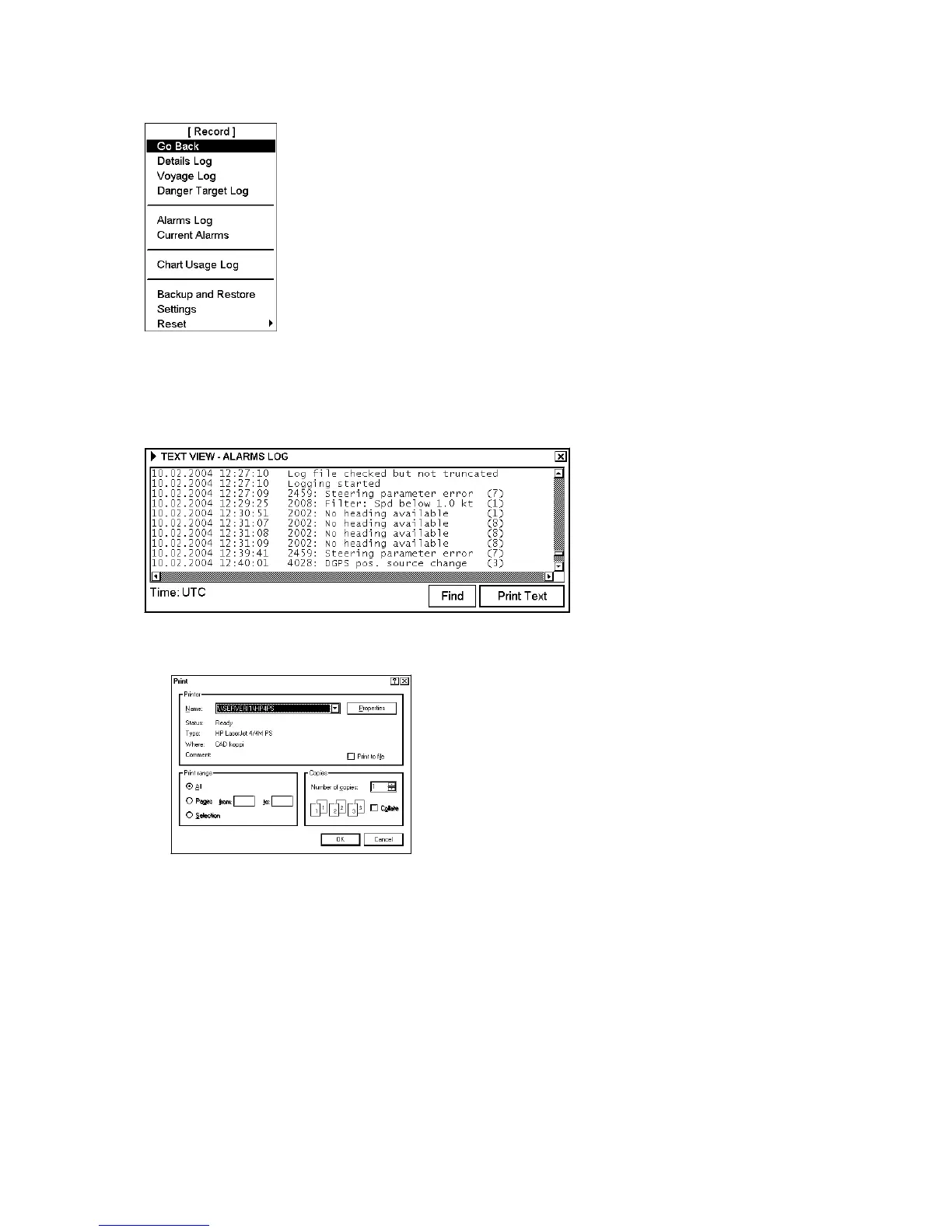
To open the log, proceed as follows:
1. Spin the scrollwheel to show Menu/Info/Chart Menu in the mouse functions
area then push the left mouse button. Choose Record from the menu then
push the scrollwheel.
2. Choose Alarms Log from the menu then push the scrollwheel.
The Alarms Log appears on the display. See below for an example.
Printing latest alarm
1. Open the Record menu following step 1 in the above procedure.
2. Choose Alarms Log from the menu then push the scrollwheel.
1. Click the Print Text button.
2. A Print dialog box appears; click the OK button to print (complete log).



 To Next Page