23. Recording Functions
23-9
Printing specific portion of a log
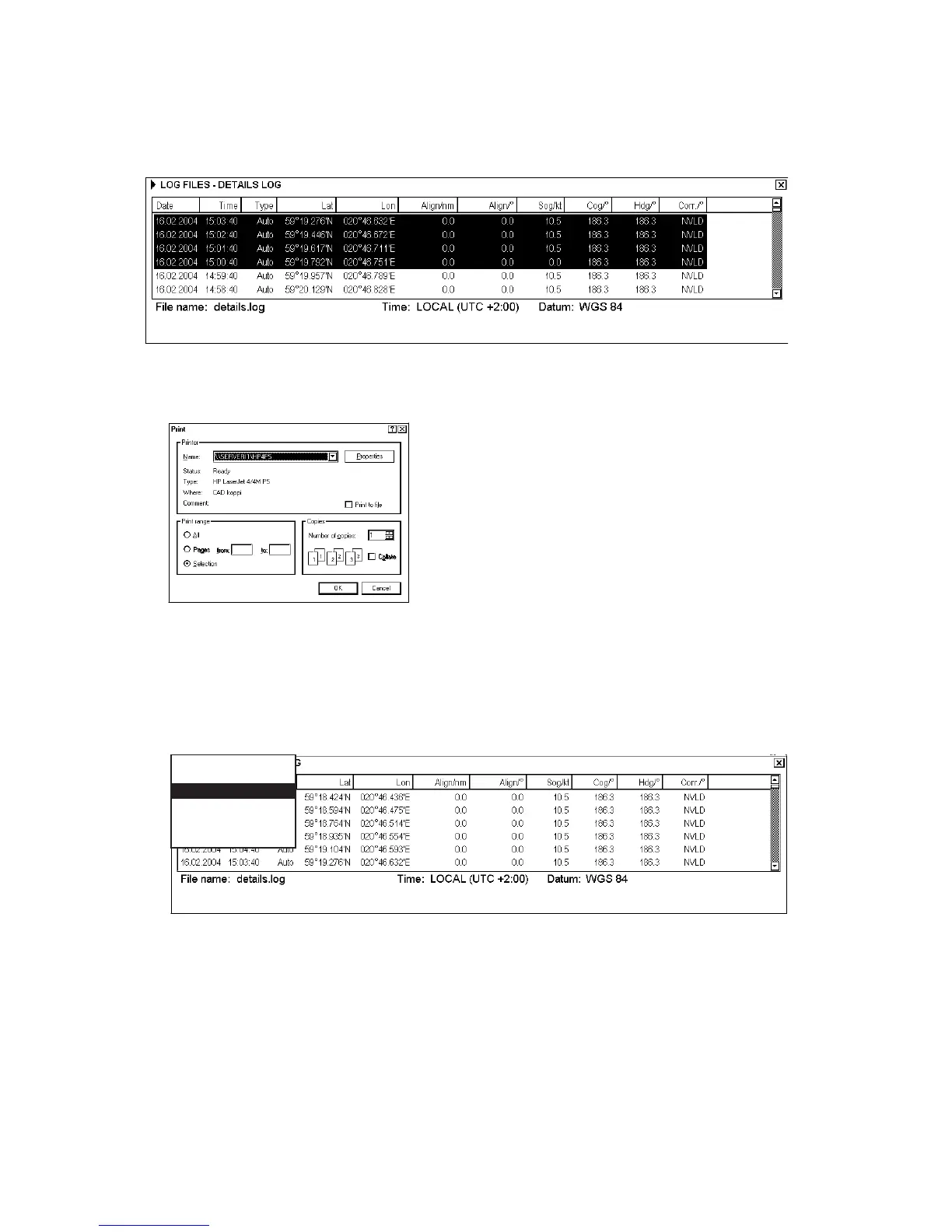
1. Open desired log.
2. Click left mouse button to choose portion of log to print.
First 1000 Prev 1000 Last 449
3. Place the cursor on the triangle and left-click Print Log.
4. Click the OK button to print.
Changing font size for paper copy of logs
In each log (Details, Voyage or Danger Targets log) you can choose font size for printed version. To change font
size, do the following:
1. Open desired log.
2. Place the cursor on the triangle on the upper left corner and select Print Font.
First 1000 Prev 1000 Last XXX
[Print Font]
Go Back
Print Font Size: 8
Print Font Size: 9
Print Font Size: 10
Print Font Size: 11


 To Next Page