9. Raster Chart Material
9-31
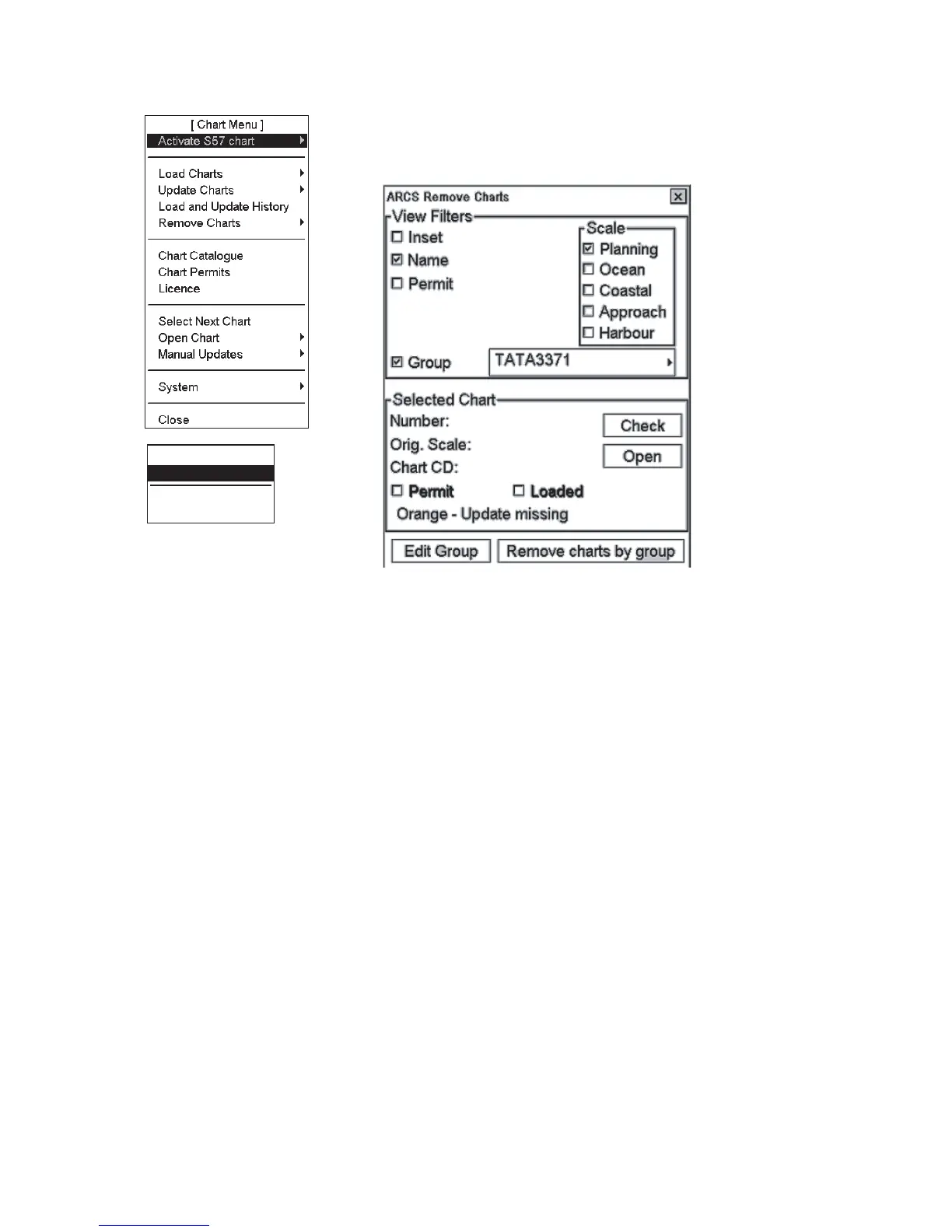
Removing ARCS chart group by "group"
[Remove Charts]
By Group
Manual
Go Back
1. Open the Chart menu.
2. Choose Remove Charts from the menu and By Group from the sub menu to
show the ARCS Remove window.
3. Choose group from Group List then choose the chart you want to remove.
4. Click the Remove charts by group button. The system removes the ARCS
charts from the hard disk that pertain to the active group.
5. Click the OK button.



 To Next Page