13. Route Planning
13-11
Entering latitude and longitude in position field
1. Place the cursor on Route in the status bar, click the Plan button to open the Plan Route dialog box then click
the WP tab.
2. Check Enable changes, then choose desired WP. Place the cursor in the Lat or Lon field as appropriate, spin the
scrollwheel to set co-ordinates then push the scrollwheel to confirm.
Entering distance and direction for next waypoint
Position of WP can be defined using distance and direction between two waypoints.
1. Place the cursor on Route in the status bar, click Plan to open the Plan Route dialog box then click the WP tab.
2. Check Enable changes, then highlight number of WP by cursor then push the left mouse button.
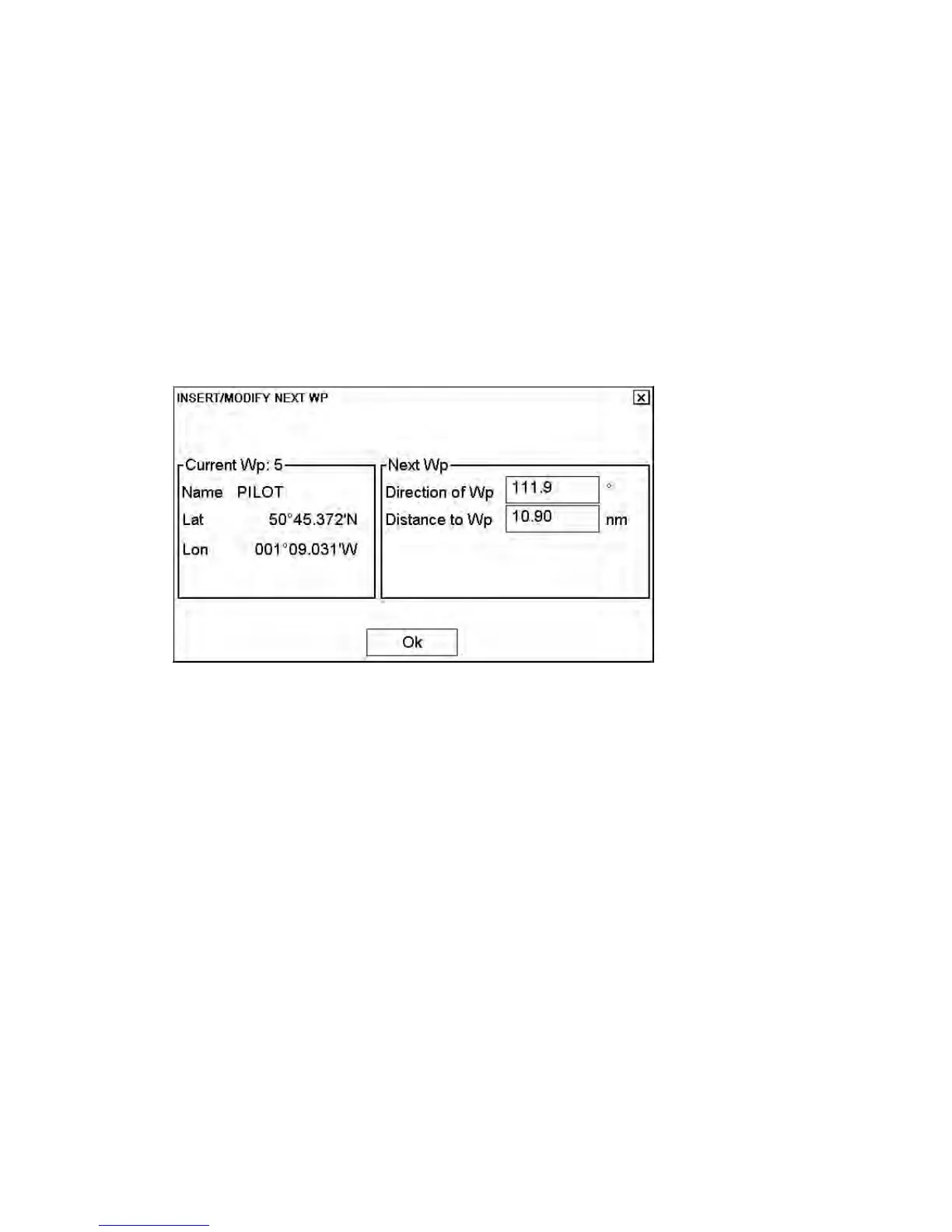
3. Click the Next WP button, and the following dialog box appears.
4. Enter Direction and Distance in respective box in the Next WP field then click the OK button.



 To Next Page