8. Vector Chart Material
8-12
Viewing load history of CD ROM
You can view what is loaded from a CD ROM using Load History, which is in the Load or update Charts from CD
ROM dialog box.
1. Show the Load or Update Charts from loaded CD ROM dialog box. (See page 8-10.)
2. Choose desired CD ROM from the list of CD ROMs.
3. Click the Load and Conv. History button.
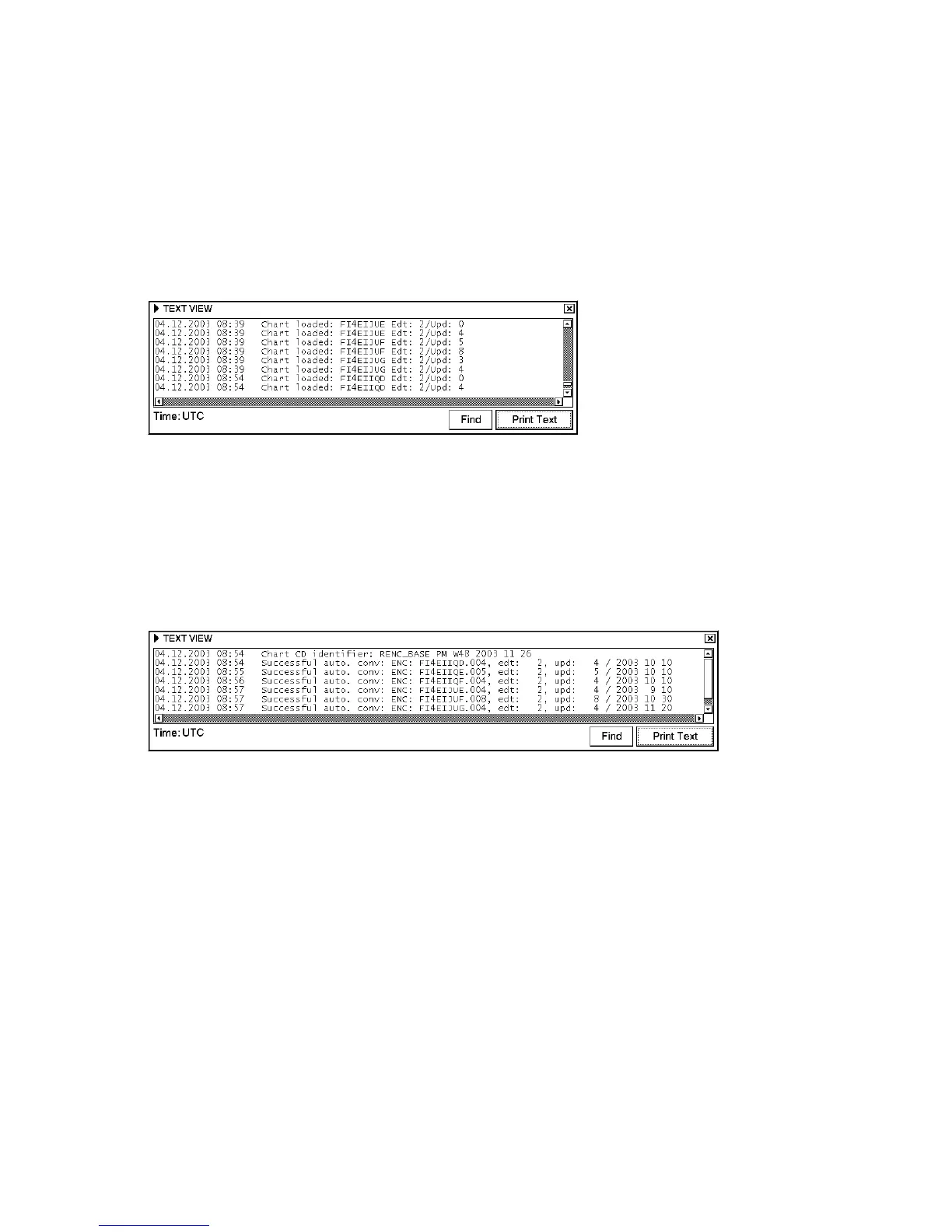
A window that looks something like the one below appears. You can verify which charts are already loaded from the
CD ROM.
Viewing conversion history of CD ROM
1. Show the Load or Update Charts from loaded CD ROM dialog box. (See page 8-10.)
2. Choose desired CD ROM from the list of CD ROMs.
3. Click the Load and Conv. History button.
A window that looks something like the one below appears. You can verify which charts are already converted from
the CD ROM.



 To Next Page