www.izcorp.com • 1.800.776.1356
When importing stereo files RADAR will split the file into two mono files to be placed on
two adjacent RADAR tracks.
The IMPORT dialogue will appear while RADAR processes the files. When the operation is finished the
MAKING WAVES dialogue will appear while RADAR processes the waveform files. When it is finished
the IMPORT COMPLETE dialogue will appear. Press any key to dismiss the dialogue and return to
normal operation. All of the imported files will be placed into the clipboard of the current project.
When importing BWAV(Broadcast WAV) format audio to the clipboard, if all the files are
the same length and time stamp they may paste to the original time using the ORIGINAL
TIME PASTE function. For more detailed information on using this feature see
OPERATION: EDITING: EDITING FUNCTIONS.
After you have finished using a USB drive, make sure you unmount it before unplugging it
from RADAR. You can access the MOUNT/UNMOUNT dialog via the DISK MENU or by
pressing + UNMNT on the Session Controller.
IMPORT OPEN TL PROJECTS
This function enables RADAR to import MX2424 Projects with SDII file formats and TL Project formats on
HFS+ formatted disks.
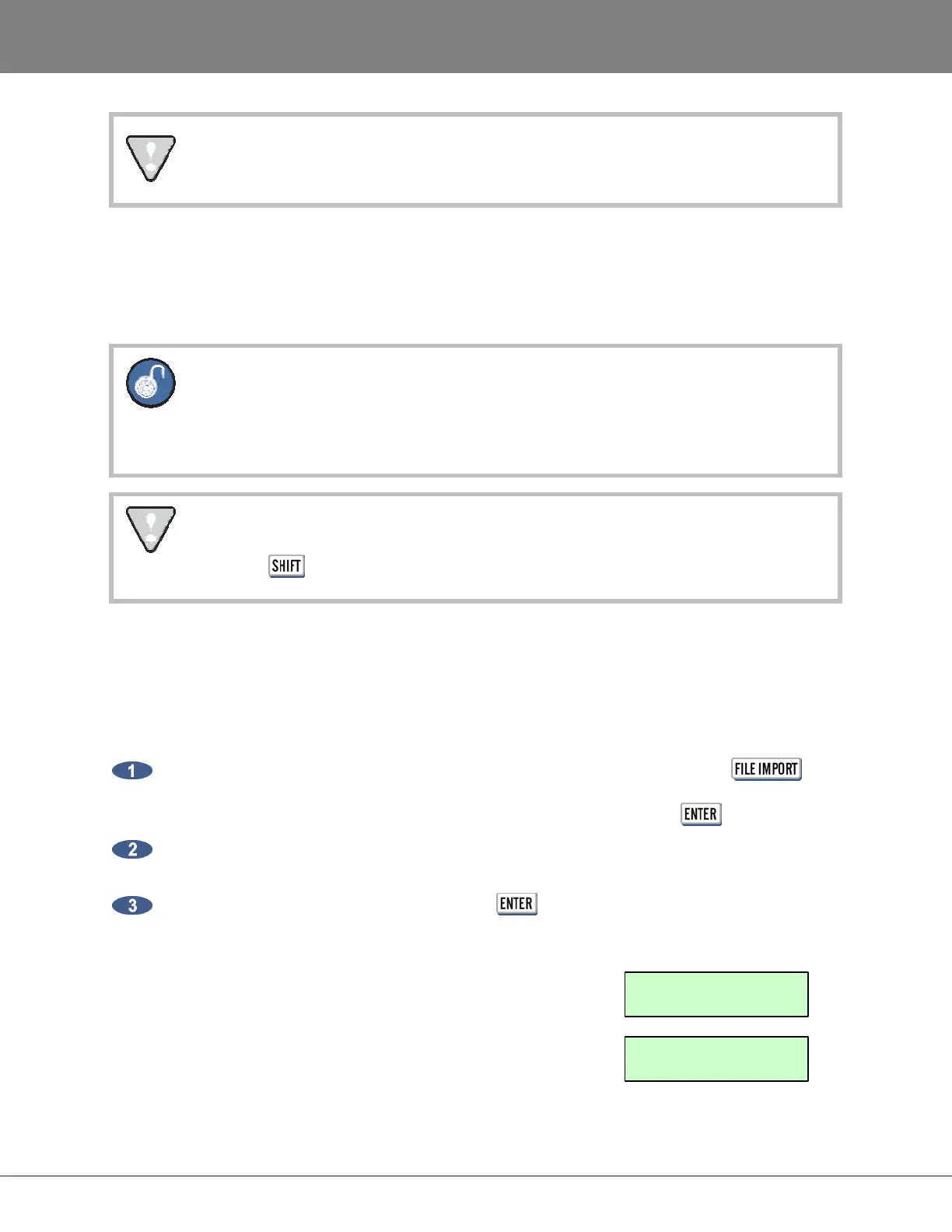
To import an Open TL Project:
With an MX2424 disk inserted into RADAR and a BWAV drive mounted press the
button on the Session Controller, or select the IMPORT menu using the KC24. To import Open
TL Projects navigate to the disk containing the TL project(s) and press the key.
RADAR will scan the volume to determine if TL projects exist, and if so, RADAR will present a
scrollable list of projects by name, showing the .tl extension on the end of the project name.
Scroll through the list of projects, and press the key to select a project for importing.
RADAR will then import, flatten the project and create the equivalent RADAR project including the
project name, track names, sample rate, and bit resolution.
The following will be displayed during the importing of audio:
Once the Audio is imported RADAR will display:
IMPORTING AUDIO
+ MAKE PROJECT +
IMPORTING AUDIO
+ 100% COMPLETE +



 To Next Page