www.izcorp.com • 1.800.776.1356
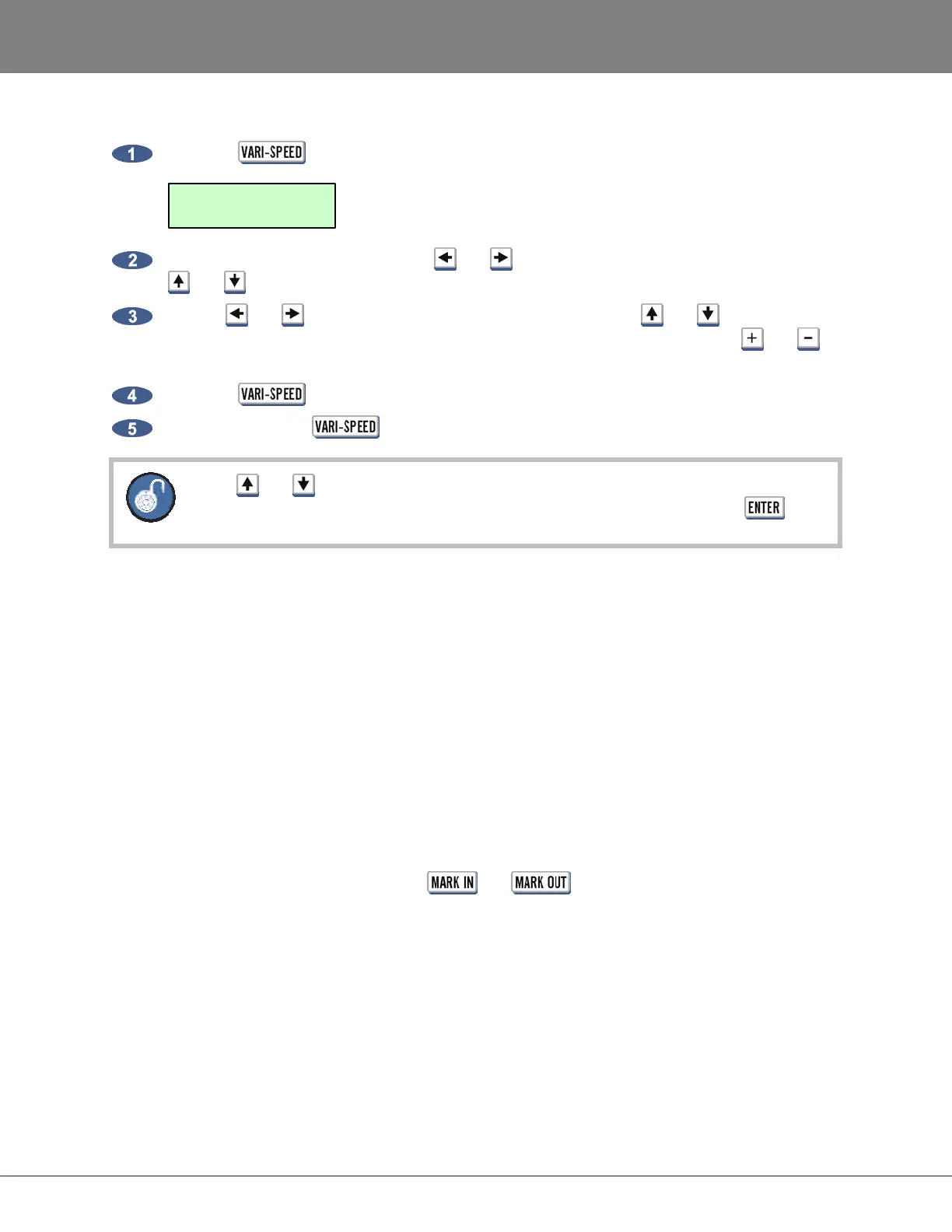
To enter a value for VARI-SPEED:
Press the key on the Session Controller to display the following dialogue:
To change the units displayed use the and keys to move to the UNITS field and use the
and keys to select either PERCENT or CENTS.
Use the and keys to return to the V-SPEED field and use the and keys, the
Jog/Shuttle Wheel or the numeric keypad to enter a VARI-SPEED value. Use the and
keys on the numeric keypad to toggle between positive and negative speed change values.
Press the
key to return to ready mode with VARI-SPEED enabled.
To disable press the
key twice.
The and keys and/or Jog/Shuttle Wheel will provide instant speed change. When
using the numeric keypad the speed change will only occur upon pressing the key.
EDITING
_______________________________________________
RADAR provides a powerful array of non-linear editing tools. The editing functions are designed to allow
editing that is easy to learn and easy to use.
RADAR editing differs from many digital audio workstations as it is based on a professional remote with
dedicated keys and Jog Wheel, instead of a mouse and drop down menus. RADAR allows editing
without the RADARView display. Some users familiar with workstation style editing might find the
approach a little foreign at first, but using RADAR’s editing interface allows editing to be done quickly and
efficiently, even when in the middle of tracking a session.
OVERVIEW
Generally RADAR edits follow a similar pattern:
• Mark a time region for editing using the and keys.
• Select an editing function using one of the editing keys or the EDIT MENU.
• Select the tracks to edited using the Track Arm keys.
• Follow the specialized prompts for each type of edit.
V-SPEED: 00.00%
UNITS: PERCENT



 To Next Page