iZ Technology Corporation
To mark a region for editing:
Locate the IN point for an edit. Use the Jog/Shuttle Wheel or other transport/locate functions to
locate and press the key on the Session Controller or the KC-24.
If required, locate the SYNC point for the edit. Use the Jog/Shuttle Wheel or other transport
/locate functions to locate and press the key on the Session Controller or the KC-24.
Locate the OUT point for the edit. Use the Jog/Shuttle Wheel or other transport/locate functions
to locate and press the key on the Session Controller or the KC-24.
The time region defined can now be edited using RADAR’s powerful editing tools.
EDITING FUNCTIONS
Once a time region has been established, RADAR editing tools can be used to modify a project. The
following editing functions are available:
CUT
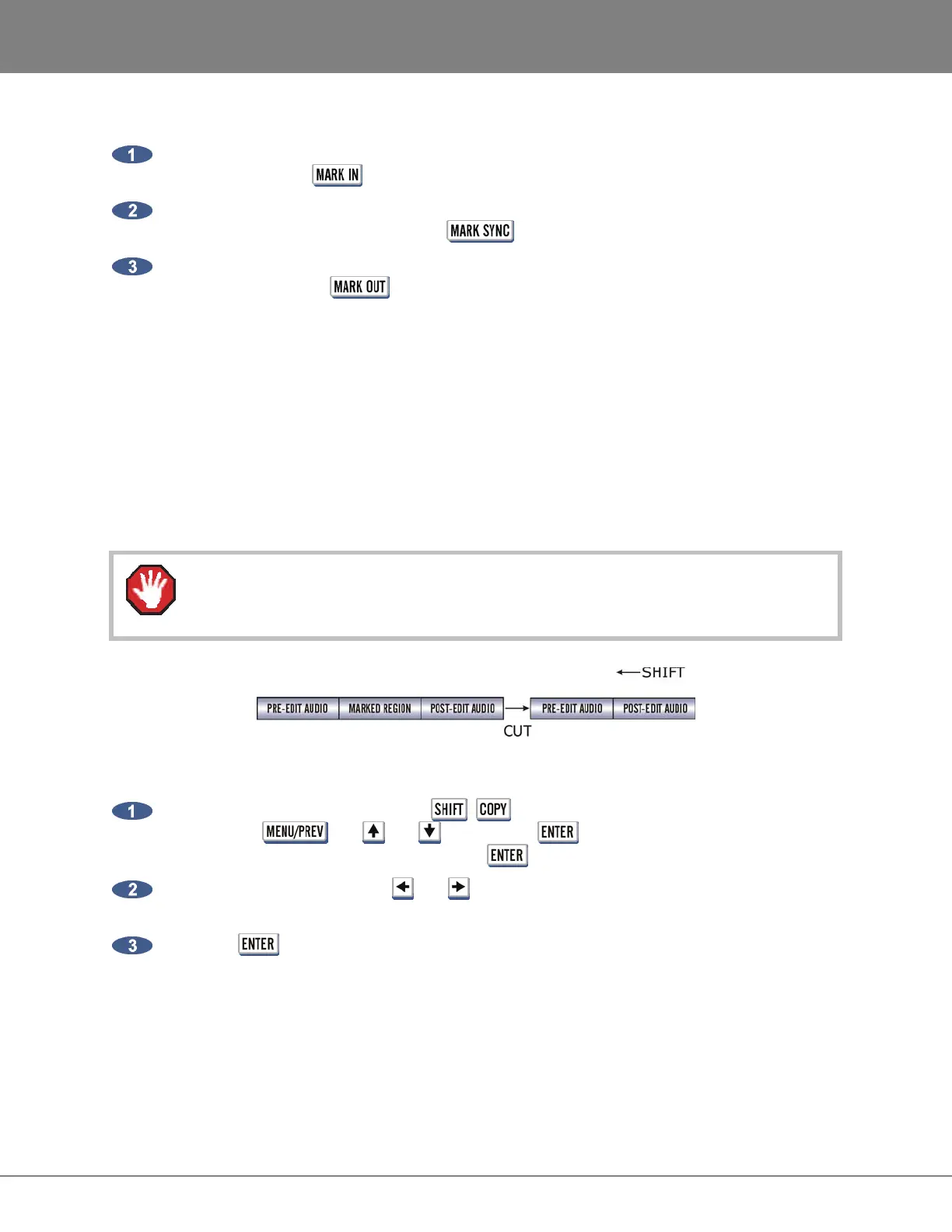
CUT removes the defined time region in the same manner as cutting a section of tape and removing it
completely. Audio following the cut section will be pulled ahead to join the audio that preceded it.
Edits occur on a track-by-track basis so use caution when cuts are done on fewer than 24
tracks.
To cut audio:
After marking a time region, press the + (CUT) key on the Session Controller or the KC-
24 or use the , the and keys and the key to go to the MAIN MENU /
EDIT MENU / CUT menu item and press the key.
Select the tracks to cut. Use the and keys to select either ALL or TRACK ARM. Use the
Track Arm keys to select individual tracks.
Press the key to remove the track-region from the project and place it on the clipboard
where it may be modified or pasted to another location.



 To Next Page