iZ Technology Corporation
Depending on how many projects are on the audio disk, the MAKE PORTABLE DISK may take a
while as this feature involves a conversion of each project to a RADAR software independent
format. During this time, the LCD RADARView will display:
Once complete, the drive will be unmounted and the display will indicate DISK IS NOW
PORTABLE. Press any key to continue.
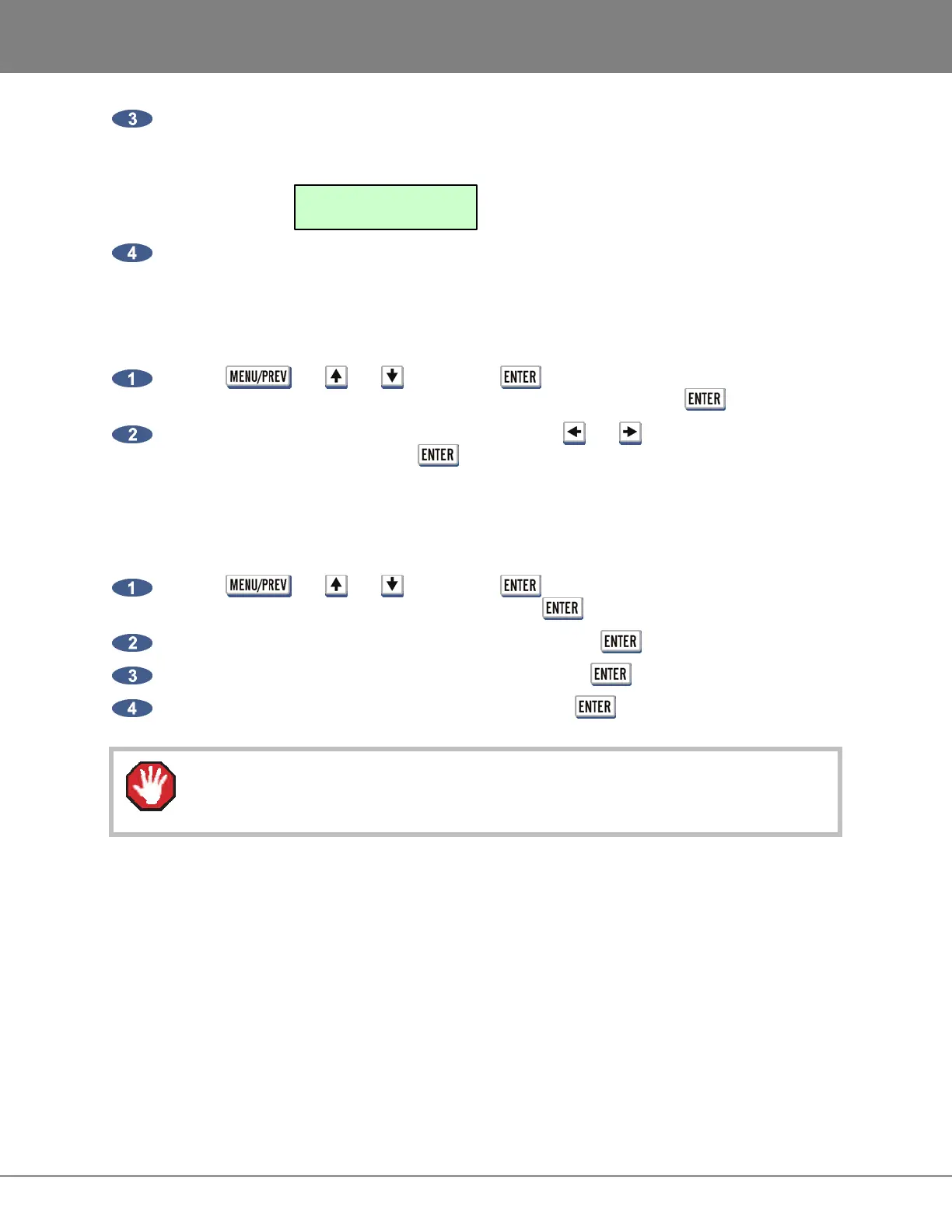
To disable/enable MAKE PORTABLE on UNMOUNT:
Use the , the and keys and the key to go to the MAIN MENU /
PREFERENCES MENU / UNMOUNT PORTABLE dialogue and press the key.
At the UNMOUNT PORTABLE NO ASK prompt, use the
and keys to select the
appropriate response and press the key.
ERASE ALL AUDIO
Use ERASE ALL AUDIO to clear all of the recording drives connected to the system.
To erase all recorded audio:
Use the , the and keys and the key to go to the MAIN MENU / DISK
MENU / ERASE ALL AUDIO dialogue and press the key.
Select YES at the ERASE ALL AUDIO? prompt and press the key.
Select YES at the LOSE ALL AUDIO? prompt and press the key.
Select YES at the ARE YOU SURE? prompt and press the key.
ERASE ALL AUDIO cannot be undone, use with caution.
INITIALIZE DISK
INIT DISK is used to completely erase a recording drive and re-write the file allocation table (FAT).
Since this menu item will erase audio it must be used with extreme caution.
It is possible to export and import WAV and BWAV files to/from drives in FAT32 or Mac HFS Standard
formats connected to the RADAR SCSI bus. For details on how to export/import files please refer to the
OPERATIONS: FILE MANAGEMENT: EXPORT and IMPORT sections.
FILESYSTEM:
+ CONVERT PROJXX +



 To Next Page