iZ Technology Corporation
To change the operation of the transport controls for recording:
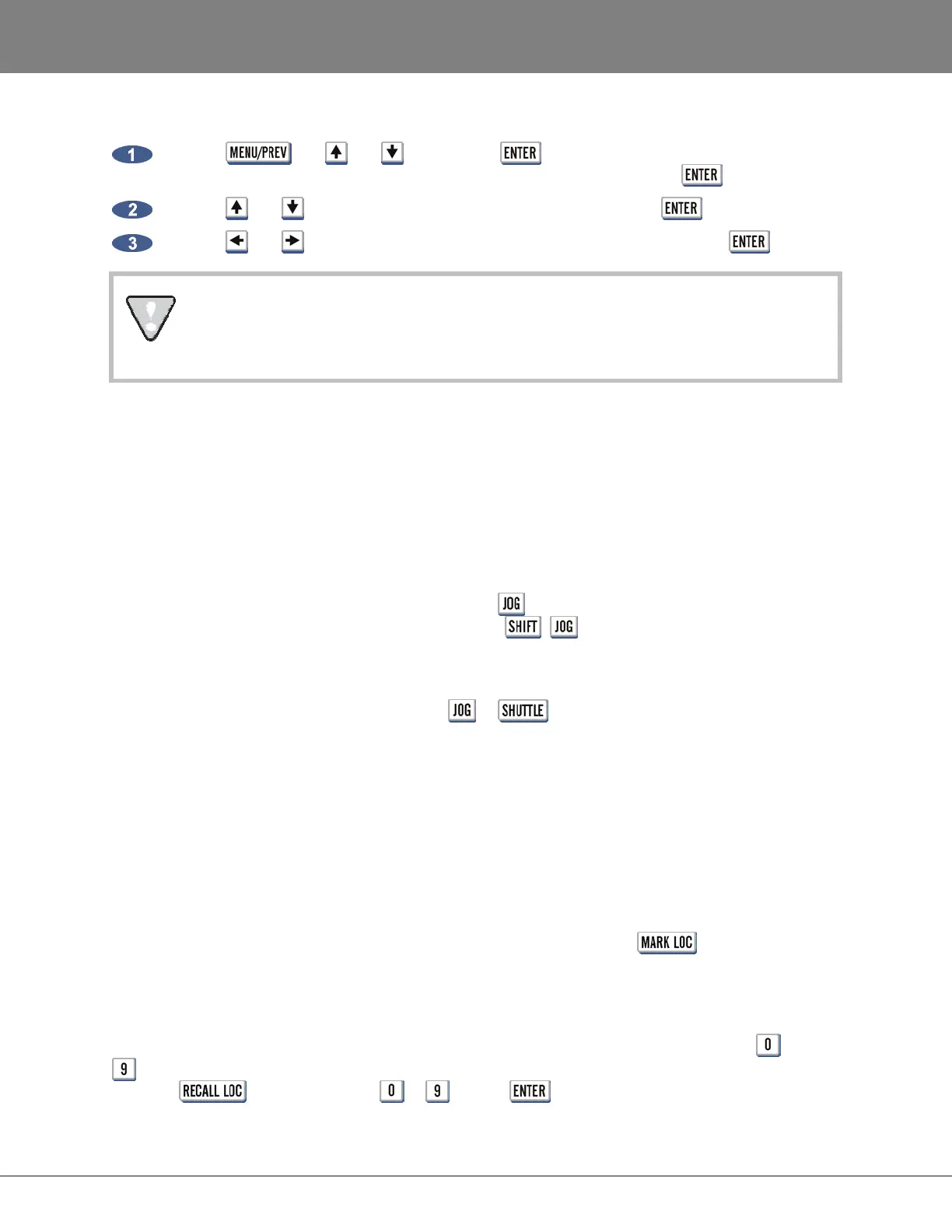
Use the , the and keys and the key to go to the MAIN MENU /
PREFERENCES MENU / RECORD PREFS menu selection and press the key.
Use the and keys to select 1-BUTTON RECORD and press the key.
Use the and keys to select either DISABLED or ENABLED and press the key.
This menu also contains the TRACK ARM ACTION preference setting for the track arming
keys. See the OPERATIONS: RECORDING: RECORD PREFS section of this manual for more
information on this feature.
JOG/ SHUTTLE WHEEL
The RADAR Jog/Shuttle Wheel provides a solid, responsive control suitable for professional audio
editing and also functions as an intuitive data entry device.
Jogging is the equivalent of rocking recorded audiotape back and forth across the playback head of an
analogue tape machine to locate an edit point. Shuttling is similar but once the audio is set “in motion”
with the wheel, playback will continue at its current playback speed and direction indefinitely.
To engage the wheel for jogging audio simply press the (SHUTTLE) key located to the upper left of the
jog wheel. To engage the wheel for shuttling audio press + (SHUTTLE).
MOUSE JOG (KC-24 ONLY)
To jog or shuttle with the mouse press either the or keys located in the numeric keypad
grouping on the KC-24 keyboard.
AUTO LOCATE MARKERS
One of the greatest features of a professional recorder transport is the Auto-Locator. RADAR‘s AUTO-
LOCATOR provides the usual transport controls, a timecode based positional display and a number of
preset locations that can be cued up automatically with a couple of keystrokes.
SETTING AND RECALLING
RADAR provides 99 location markers that can be set or “dropped” using the key on both the
Session Controller and the KC-24. Once set, these location markers can be recalled, allowing the user
to cue instantly to various points in the project. Location markers can be set and recalled regardless of
the transport function. Locates cannot be set or recalled when the RADAR is in MENU MODE.
The first ten locates can be accessed with a single keystroke using the numeric keypad digits through
. Locate 0 is always the project start time. The other ninety, two-digit locate points are addressable by
using the key, numeric keys to and the key.



 To Next Page