iZ Technology Corporation
At the prompt for REPLY EMAIL enter an email address that an iZ Support Agent can reply to.
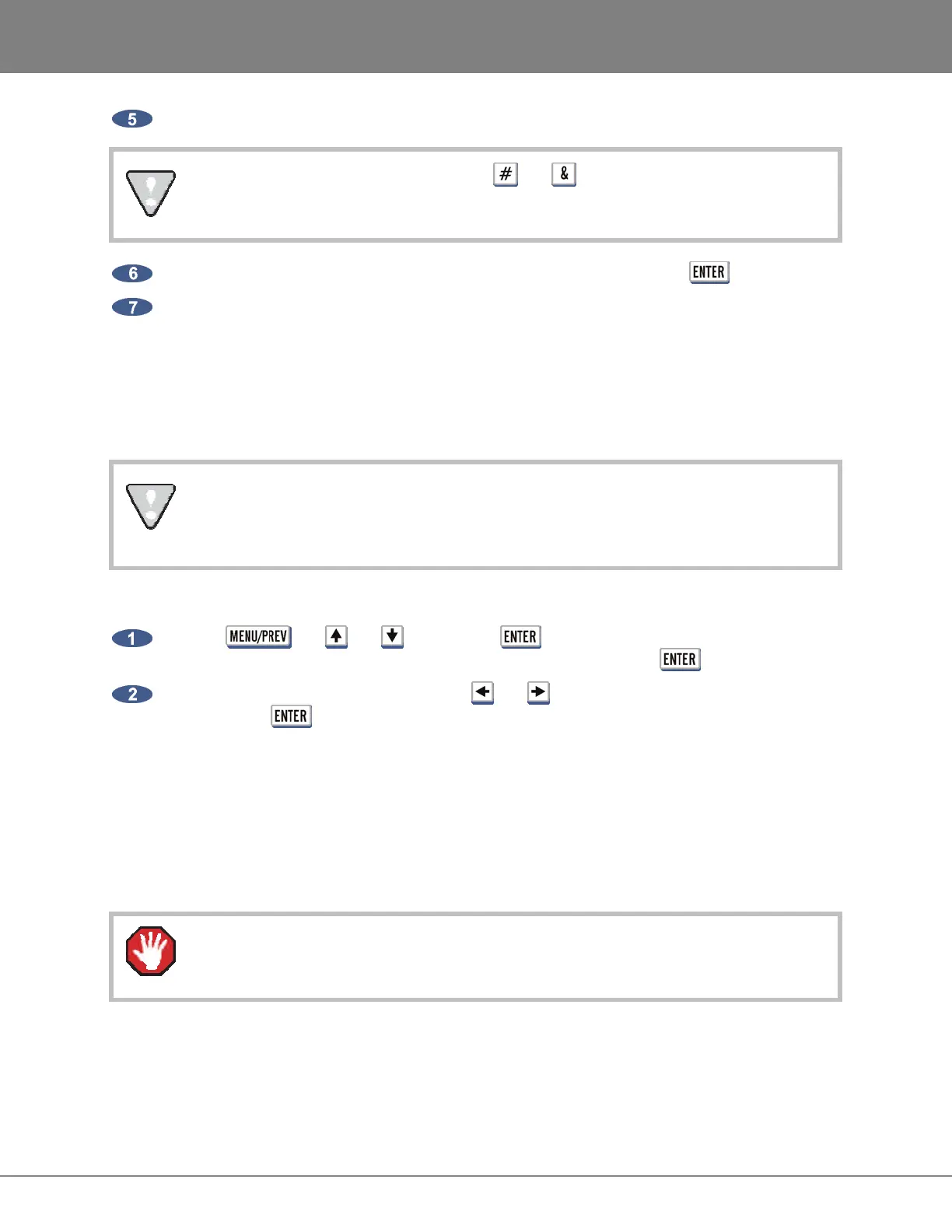
When entering an email address, use the and keys to enter the ‘@’ and ’.’.
At the prompt for SEND EMAIL NO/YES prompt select YES and press the key.
A confirmation email will be sent to the REPLY EMAIL address that the email has been sent.
PROJECT MANAGEMENT
__________________________________
RADAR uses projects as a way to manage audio recordings. RADAR can store up to 999 projects
depending on the available hard disk space. Each project has a 24 hour timeline.
Since the Session Controller only has a 2-digit LED display for the project number, it will
only show the last two digits. The SCROLL PROJ LED can be enabled in the
PREFERENCES menu.
To set the SCROLL PROJ LED preference:
Use the , the and keys and the key to go to the MAIN MENU /
PREFERENCES MENU / SCROLL PROJ LED selection and press the key.
At the SCROLL PROJ LED prompt, use the and keys to select 3X or CONTINUOUS and
then press the key. 3X will scroll a project number, 100 or higher, three times before
remaining fixed on the last two digits and is the factory default.
SET STARTUP PROJ
The DIAGNOSTICS MENU contains a SET STARTUP PROJ setting. This will allow the user specify the
project that will be loaded the next time a RADAR
drive is mounted. This function may be useful in
troubleshooting RADAR when certain projects are causing problems when mounting the drive.
All disks must be unmounted before using this function.



 To Next Page