www.izcorp.com • 1.800.776.1356
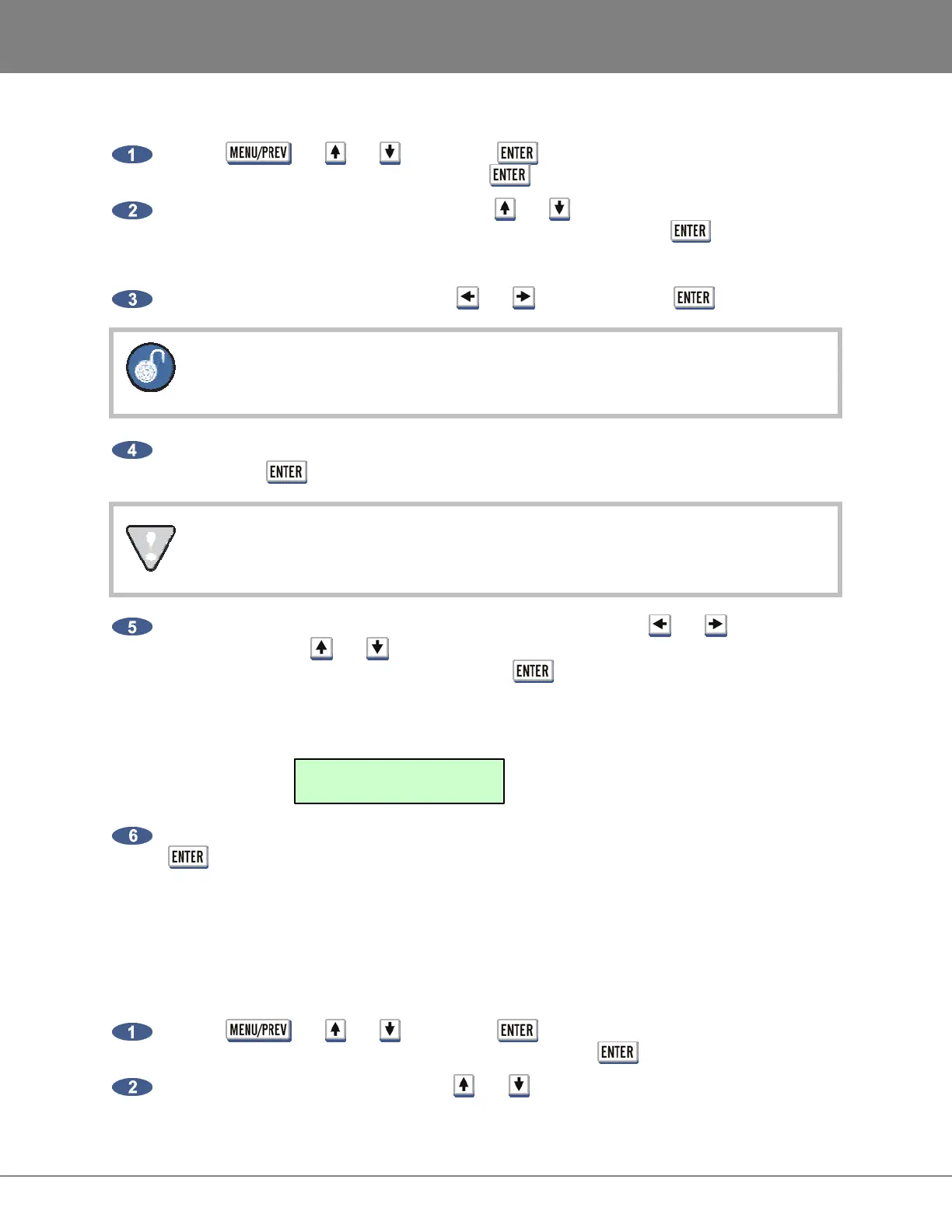
To use disk mode (For DUAL DISK mode setup skip to the next section):
Use the , the and keys and the key to go to the MAIN MENU / DISK
MENU / DISK MODE dialogue and press the key.
At the CONFIGURE DISKS: dialogue, use the and keys to select SINGLE DISK, DUAL
DISK (requires Adrenaline Plus), SPAN ALL or CUSTOM and press the key.
If CUSTOM is selected, proceed to step 3 otherwise skip ahead to step 6.
Choose the desired cluster size using the and keys and press the key.
Smaller cluster sizes result in faster cueing times but may also reduce system
performance.
If additional drives are connected, choose the number of tracks to group together on each disk
and press the key.
This number must equally divide into 24 e.g., 8, 12 etc.
Assign the grouped tracks to an individual disks SCSI ID by using the and keys to select
the SCSI ID and the and keys or the QWERTY keyboard to select the group assignment
letters. Once the selection(s) are made, press the key.
The following example shows three groups of 8 tracks, A, B and C, assigned to disks on SCSI
ID’s 0, 1, and 2. Use the letter X to denote un-assigned drive ID’s.
To confirm the changes select YES in the CHANGE MAY LOSE AUDIO dialogue and press the
key.
DUAL DISK MODE (ADRENALINE PLUS CARD ONLY)
DUAL DISK MODE is only available to RADAR systems with two recording drives and Adrenaline Plus. It
allows audio to be recorded simultaneously to both recording drives.
To enable/disable DUAL DISK MODE:
Use the , the and keys and the key to go to the MAIN MENU / DISK
MENU / DISK MODE / DUAL DISK dialogue and press the key.
At the MASTER DISK: 0 prompt use the and keys to select the disk ID of the master.
SCSI IDS: 0123456
GROUPING: ABCXXXX



 To Next Page