iZ Technology Corporation
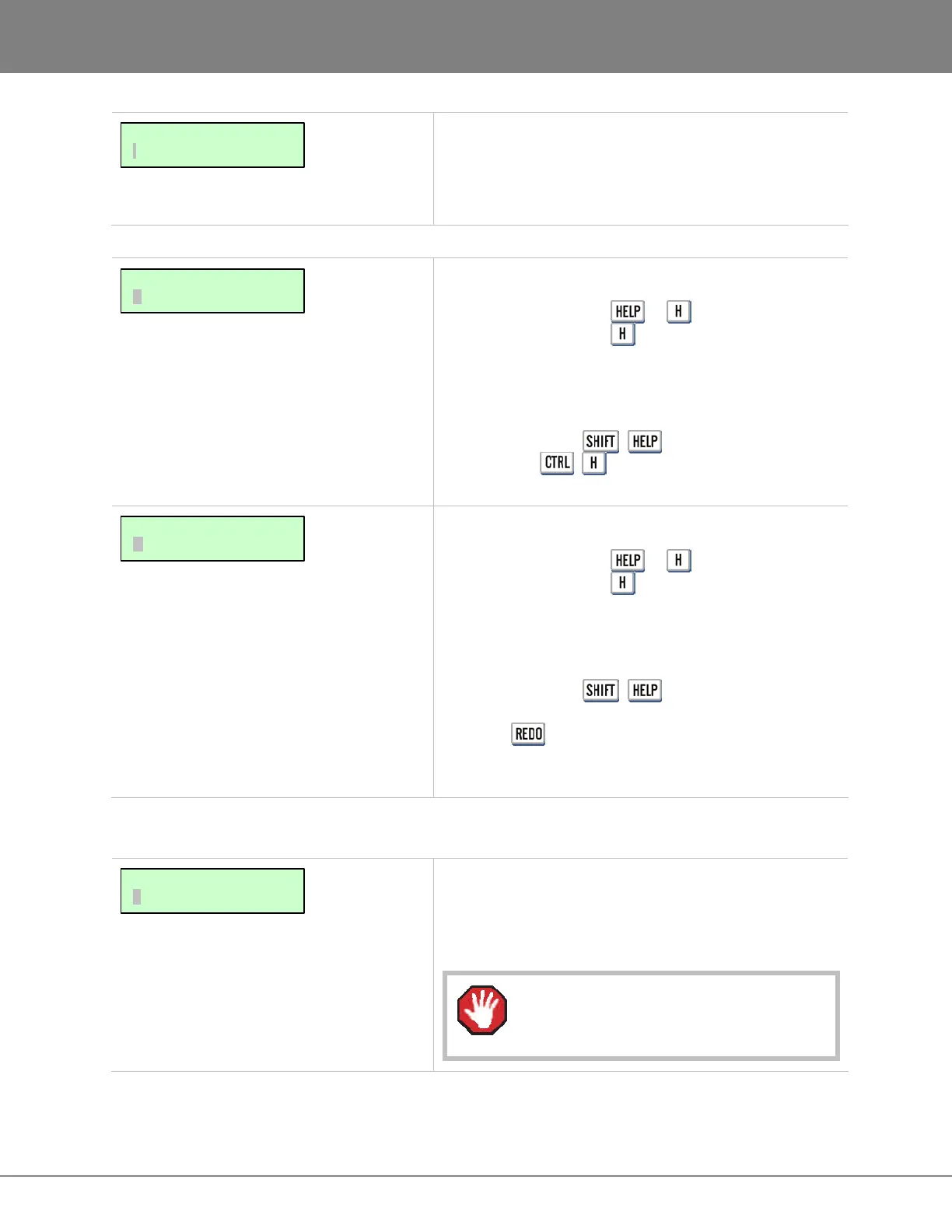
This will option will give a list of all software versions
that have been previously installed, or select OTHER to
install an older version from a CD or through the
network.
HELP MENU
Shortcut keys:
Session Controller or
KC-24
Launches the PDF viewer and displays the current
release notes
To use the FIND function within the on-board manual or
release notes press + (FIND) on the Session
Controller or + on the KC-24 . For complete
details refer to OPERATIONS: DISPLAY: ON SCREEN HELP.
Shortcut keys:
Session Controller or
KC-24
Launches the PDF viewer and displays the current
manual
To use the FIND function within the on-board manual or
release notes press + (FIND) on the Session
Controller or, once the manual is launched, continually
press the key on the KC-24 until the search field is
selected. For complete details refer to OPERATIONS:
DISPLAY: ON SCREEN HELP.
MAIN MENU/SHUTDOWN
Performs a final SAVE STATE, which saves the current
project and system information to the disk and displays a
prompt in the display confirming that it is safe to power
down the unit.
This function is required every time the
RADAR is powered off.
MAIN MENU:
SHUTDOWN RADAR
MAIN/HELP MENU:
MANUAL
MAIN/HELP MENU:
RELEASE NOTES
MAIN/DIAG MENU:
INSTALL PREV VER



 To Next Page