iZ Technology Corporation
FILE MENU
Shortcut keys:
Session Controller
KC-24
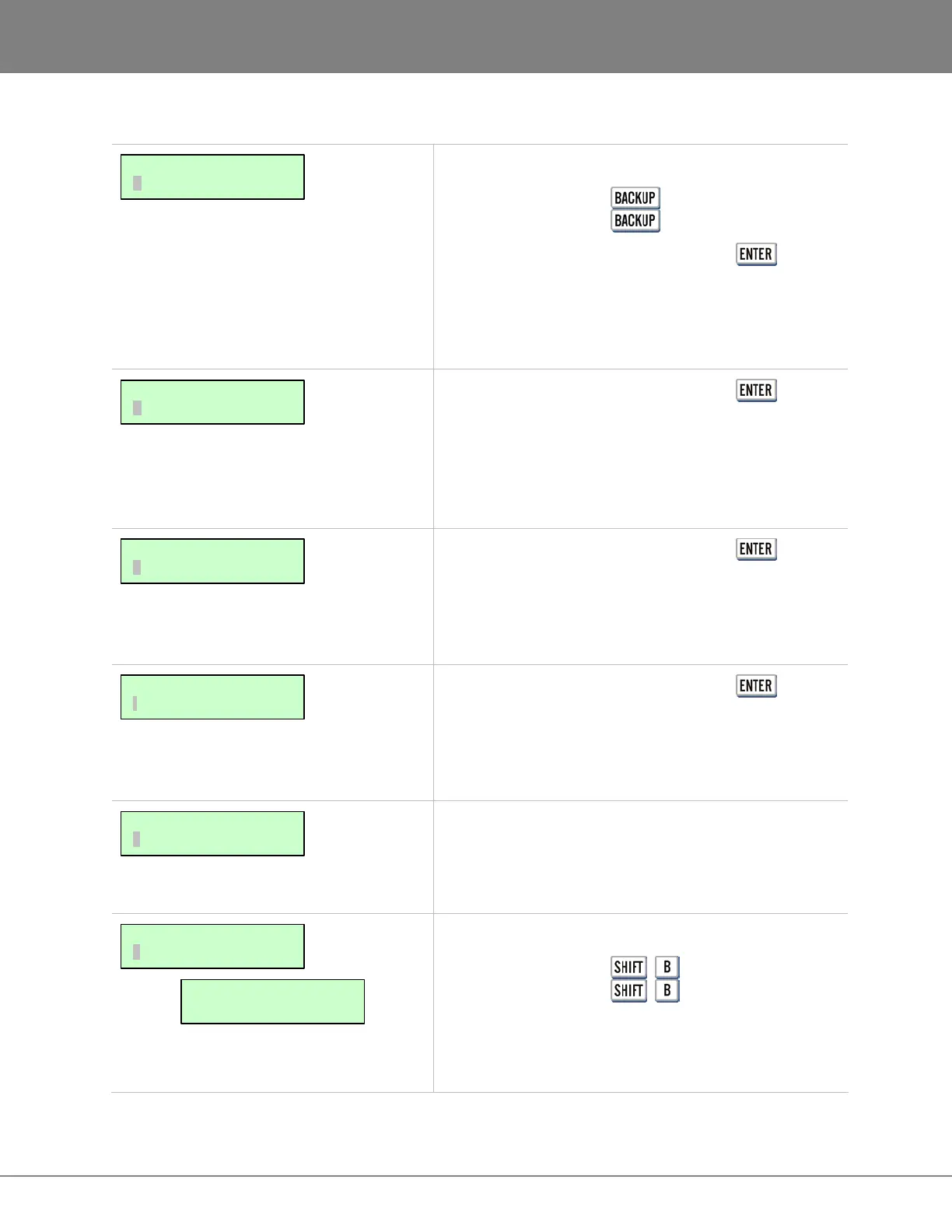
Selecting this menu item and pressing the key
scans for all attached devices. When the scan is
complete all valid drives will be listed in the BACKUP TO:
dialogue. For more information on backing up projects
refer to OPERATIONS: FILE MANAGEMENT: BACKUP.
Selecting this menu item and pressing the key
scans for all attached devices. When the scan is
complete all valid drives will be listed in the RESTORE
FROM: dialogue. For more information on restoring
projects refer to OPERATIONS: FILE MANAGEMENT:
RESTORE.
Selecting this menu item and pressing the key
scans for all attached devices. When the scan is
complete all valid drives will be listed in the EXPORT TO:
dialogue. For further information on exporting projects
refer to OPERATIONS: FILE MANAGEMENT: EXPORT.
Selecting this menu item and pressing the key
scans for all attached devices. When the scan is
complete all valid drives will be listed in the IMPORT
FROM: dialogue. For further information on importing
audio refer to OPERATIONS: FILE MANAGEMENT: IMPORT.
This feature allows projects to be “flattened” and mounted
on a PC or Mac system. For more information on
restoring projects refer to OPERATIONS: FILE
MANAGEMENT: FLATTEN PROJECT.
Shortcut keys:
Session Controller +
KC-24 +
The FILE MANAGEMENT section of the FILE MENU
has been created to allow extensive control over files on
all drives connected to RADAR.
MAIN/FILE MENU:
FLATTEN PROJECTS
BROWSE: #=MB
D:ARCHIVE
MAIN/FILE MENU:
FILE MANAGEMENT
MAIN/FILE MENU:
IMPORT
MAIN/FILE MENU:
EXPORT
MAIN/FILE MENU:
RESTORE
MAIN/FILE MENU:
BACKUP



 To Next Page