www.izcorp.com • 1.800.776.1356
DISK DIAGNOSTICS
_____________________________________
RADAR has a variety of diagnostic tools to help the user with trouble-shooting and configuration. If
experiencing problems with the record drive, the first and best course of action is to call iZ Support at 1-
800-776-1356 or email us at support@izcorp.com.
Repairing or altering a disk directory structure in any way may result in the loss of audio
data. Many of the following functions should only be used under the guidance of iZ
Support. Exercise extreme caution when using them.
SCAN SCSI BUS
The SCAN SCSI BUS menu item displays all connected and recognized devices on the SCSI bus and
will not alter the disk or data in any way.
To scan the SCSI bus:
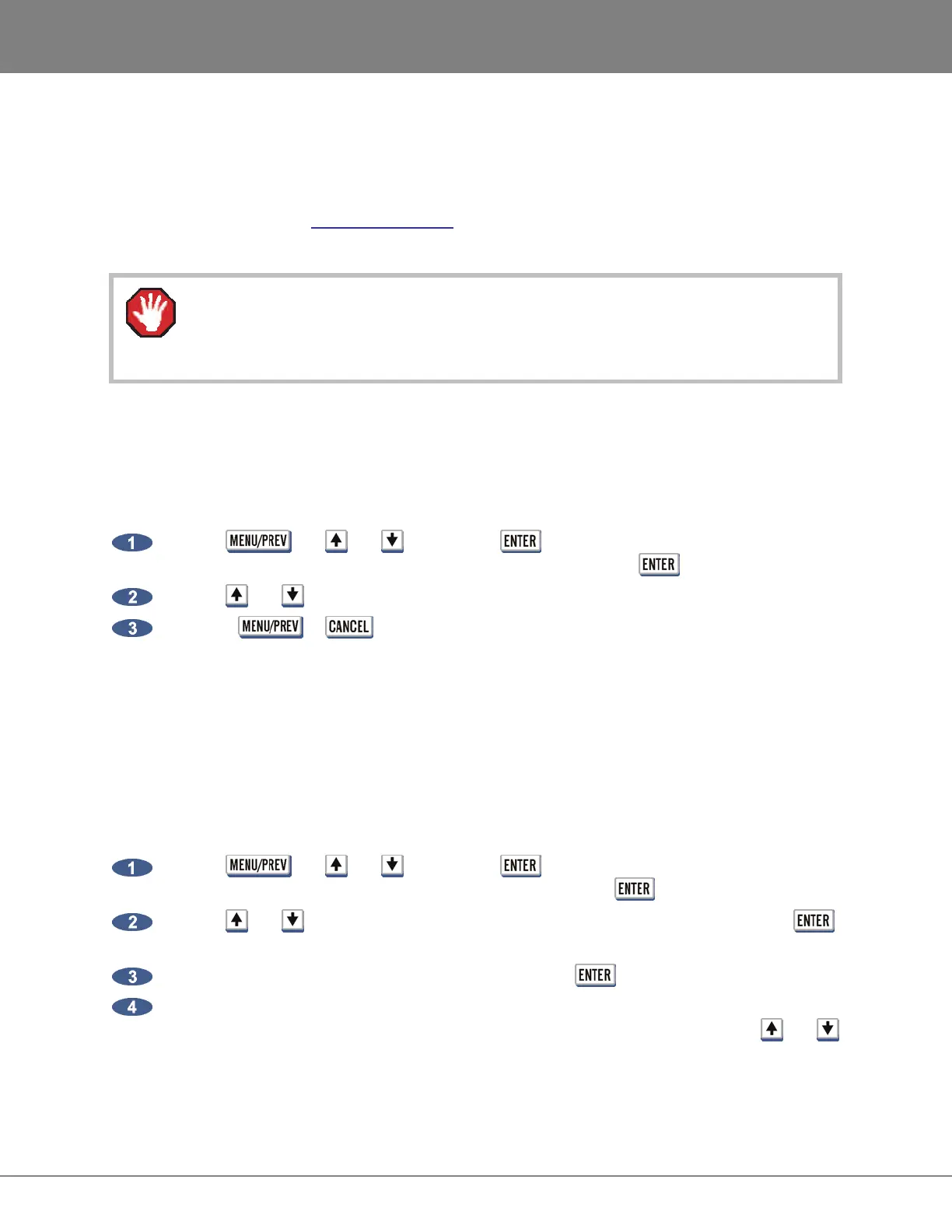
Use the , the and keys and the key to go to the MAIN MENU /
DIAGNOSTICS MENU / SCAN SCSI BUS dialogue and press the key.
Use the and keys to view the list of detected devices.
Press the or keys to return to normal operation.
CHECK DISK
The CHECK DISK routine performs a check of the selected SCSI ID drive and reports any errors found in
the file system including the FAT and directory structure of the disk. This function is safe and will not alter
the data on the selected disk at all. The resulting report can be viewed in either the Session Controller
or RADARView displays and can also be output to a text file as a part of the debug file. See
OPERATIONS: DISK DIAGNOSTICS: RADAR DEBUG for more details.
To check a disk on a SCSI ID:
Use the , the and keys and the key to go to the MAIN MENU /
DIAGNOSTICS MENU / CHECK DISK dialogue and press the key.
Use the and keys to select the SCSI ID that corresponds to the drive and press the
key.
Select YES to the CHECK DISK X? prompt, and press the key.
The check will proceed. The disk will be un-mounted and re-mounted and a report will be
generated and displayed in the DISK ERRORS: dialogue. To view the details use the and
keys to scroll through the list. This information will be stored in the debug file that can be saved
and sent to iZ Support if required. See OPERATIONS: DISK DIAGNOSTICS: RADAR DEBUG for
more details.



 To Next Page