iZ Technology Corporation
SOFTWARE VERSIONS
All units in a RADARLink configuration should be running identical versions of software. It is always
recommended to use the latest version of RADAR software. The latest software releases can be
downloaded from the SUPPORT section of our website at www.izcorp.com.
ID NUMBERS
All units connected using the RADARLink protocol must have an ID number. The unit that initiates
RADARLink communication is automatically designated the master machine and assigned M as its
RADARLink ID. Each slave must be manually assigned a unique ID.
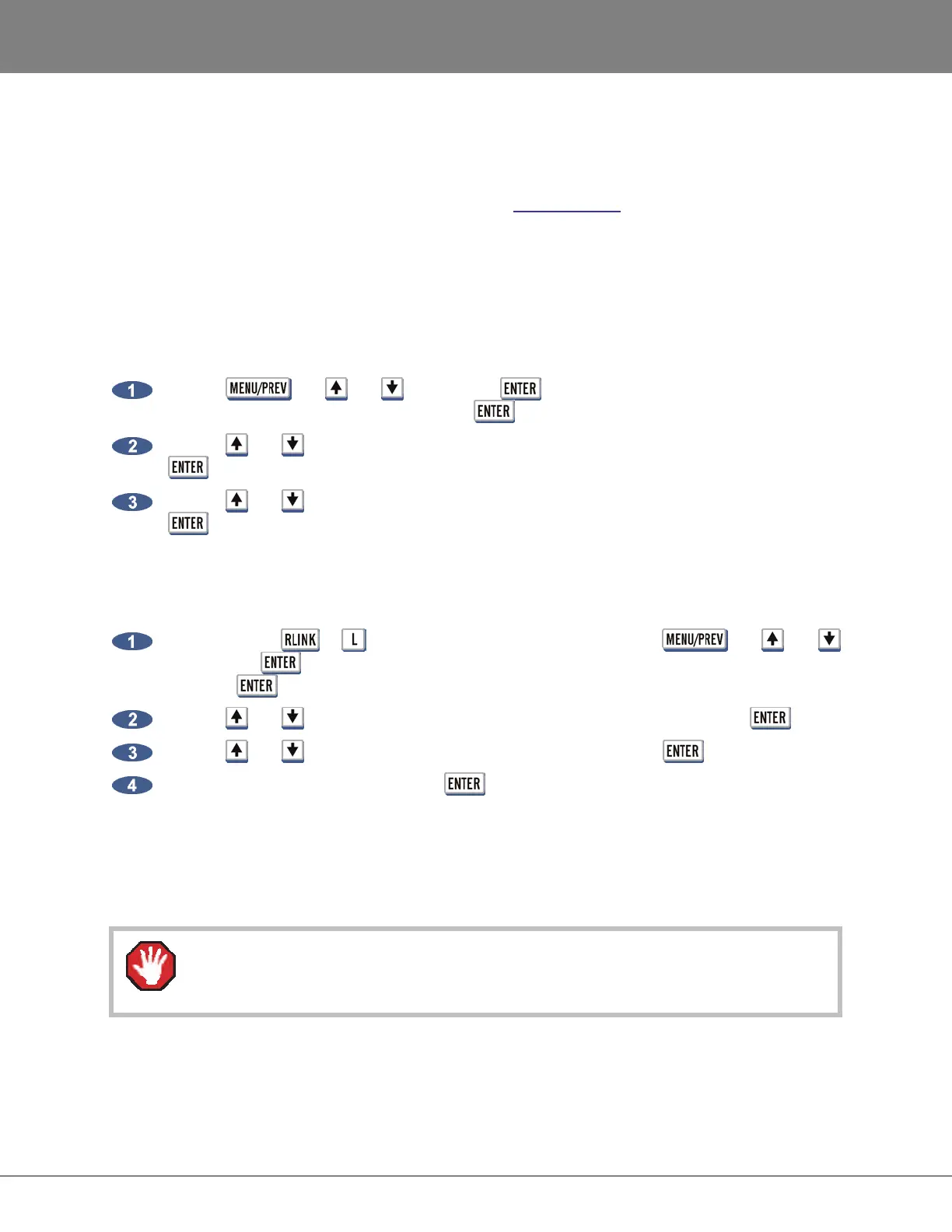
To assign a RADARLink ID number to a slave machine:
Use the , the and keys and the key to go to the MAIN MENU / SYNC
MENU / RADARLINK menu and press the key.
Use the and keys to select the RADARLINK ID dialogue from the menu and press the
key.
Use the and keys to select a unique RADARLink ID between 1 and 7 and press the
key.
RADARLINK ENABLE/DISABLE
To enable or disable RADARLink:
Press either the or key on the Session Controller or use the , the and
keys and the key to go to the MAIN MENU / SYNC MENU / RADARLINK menu and
press the key.
Use the and keys to locate the ENABLE / DISABLE dialogue and press the key.
Use the and keys to select ENABLE or DISABLE and press the key.
Select YES at the prompt and press the key.
The system will respond by automatically assigning an ID of M to the master unit and scanning for the ID
numbers of any connected slave units. The RADAR will notify of any ID conflicts between slave units. ID
conflicts must be resolved by changing slave ID numbers on each unit. See OPERATIONS: RADARLINK:
ID NUMBERS for more information.
When RADARLink is disabled then re-enabled all undo levels are cleared. Ensure all
edits, punch-ins are correct before Re-linking.



 To Next Page