www.izcorp.com • 1.800.776.1356
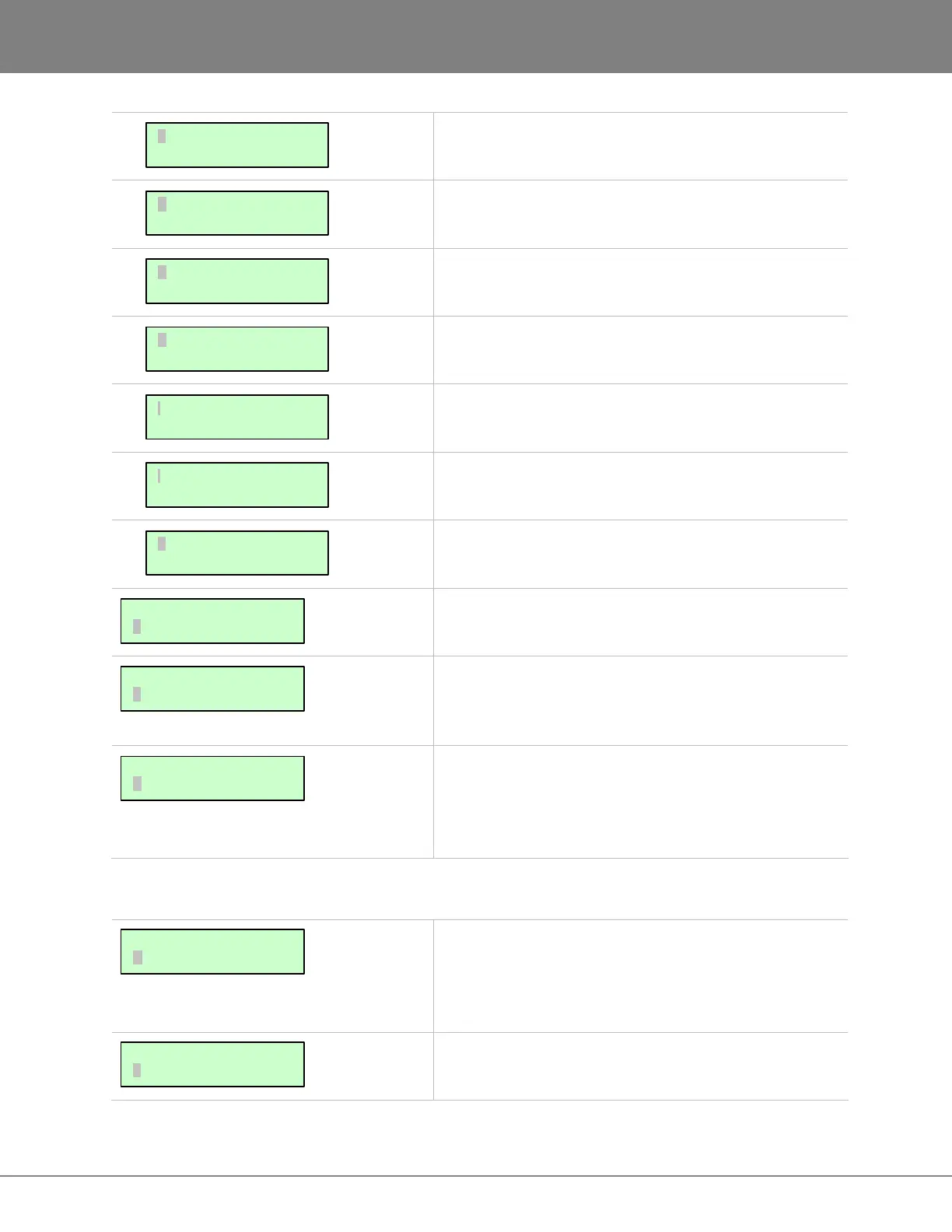
Displays RADAR’s installed Analogue card(s)
Displays RADAR’s installed optional Digital I/O.
Display RADAR’s installed second optional Digital I/O
card.
Displays RADAR’s optional MADI card installed. If a
MADI card is not installed, this will display NONE.
Displays RADAR’s system drive, volume name(s), and
size(s) on the IDE 0 bus.
Displays RADAR’s multi-drive backup device model
number.
Displays RADAR’s SCSI drive model number(s) for each
SCSI ID.
Allows the user to specify local time and date. The time
should be set to local time upon receiving the RADAR.
Allows the user to set the serial number designated on
the back of the RADAR. This is only necessary if
installing new software onto a version prior to 3.36.
Allows the user to update RADAR software from any
media attached to RADAR (CD, Network or the Web).
Follow the prompts to verify a proper installation disk
before rebooting RADAR.
DISK MENU
Allows mounting and unmounting of record drives, e.g.,
exchanging carriers containing recording drives, or
switching the current recording drive to a different drive
on the SCSI bus.
Displays the remaining recording time left on the currently
mounted recording drives in hours, minutes and seconds.
MAIN/DISK MENU:
SHOW DISK SPACE
MAIN/DISK MENU:
MOUNT/UNMOUNT
DIGITAL I/O 3:
MADI
MAIN/SYS MENU:
UPDATE SOFTWARE
MAIN/SYS MENU:
SET SERIAL NUM
MAIN/SYS MENU:
SET TIME & DATE
SCSI ID 0:
XXXXXXXXX
IDE 1 MASTER:
DVD-RAM XX-XXXX
IDE 0 MASTER:
Radar 24 Be 5GB
DIGITAL I/O 2:
AES
DIGITAL I/O 1:
ADAT (TYPE II)
ANALOG I/O:
S-NYQUIST



 To Next Page