www.izcorp.com • 1.800.776.1356
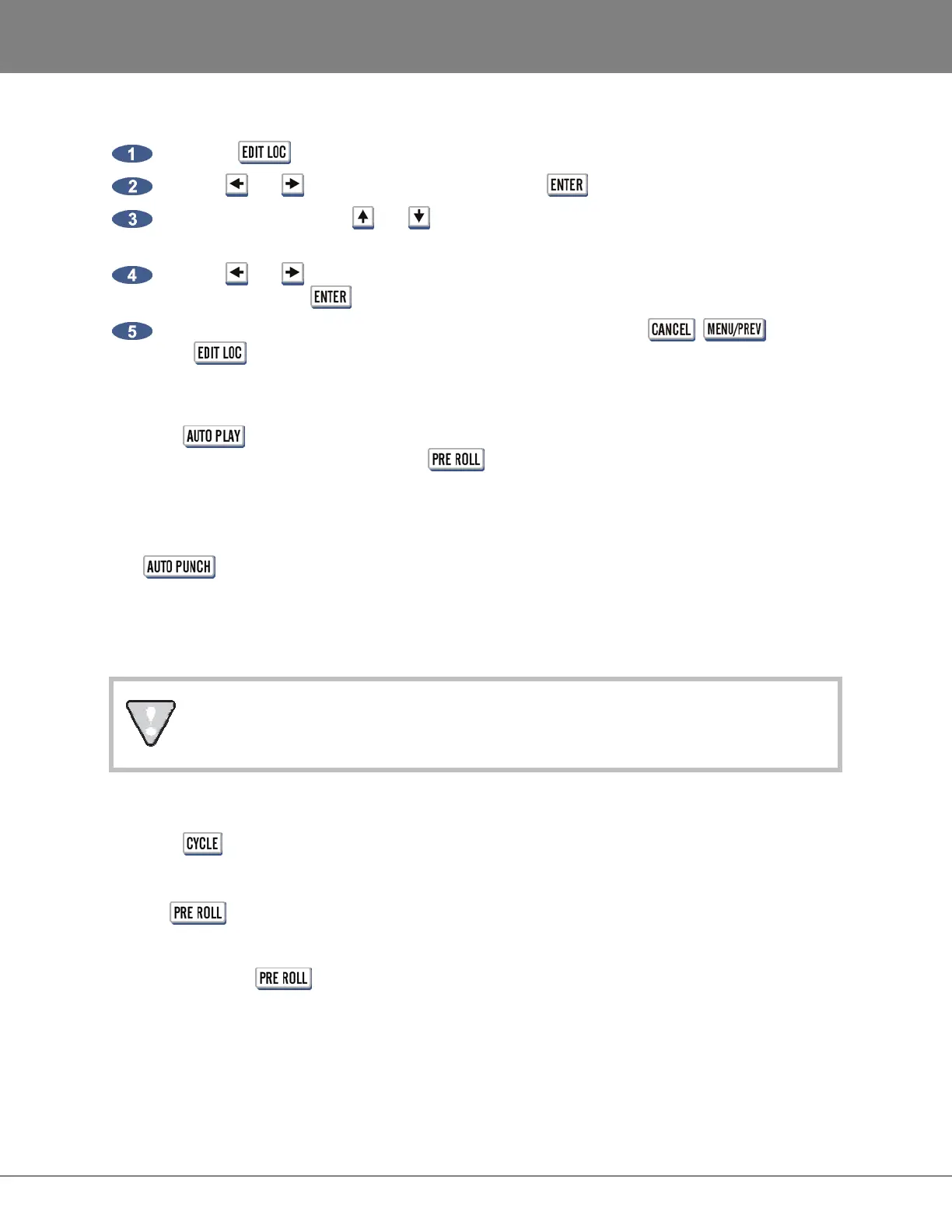
To create a new location marker:
Press the key on the Session Controller or KC-24.
Use the and keys to select NEW and press the key.
Use the numeric keys, the and keys or the Jog/Shuttle Wheel to enter a time for the new
location marker.
Use the and keys to move the cursor to the blank name field and type in a name using the
keyboard. Press the key.
The display will return to the main EDIT LOC dialogue. To exit, press , or press
the key again.
AUTO PLAY
When the key is pressed RADAR automatically goes into play after a locate marker is recalled.
Auto play can be used in conjunction with the key for automatic playback with the additional
amount of pre and post roll specified.
AUTO PUNCH
The key is used to enable automatic recording between the MARK IN and MARK OUT
location markers. In this operational mode recording will only occur once the MARK IN location has been
reached. When the MARK OUT point is reached recording is automatically terminated. For more detailed
information on using this feature see OPERATIONS: RECORDING: AUTO PUNCH.
When AUTO PUNCH is enabled manual recording is not possible.
CYCLE
When the key is enabled, RADAR automatically locates to the MARK IN location marker and goes
into play until the MARK OUT location marker is reached. After a small pause this cycle will be repeated
indefinitely until cancelled by pressing one of the other transport keys. Cycle can be used in conjunction
with the key for automatic playback with the amount of pre and post roll specified.
PRE ROLL
The operation of the
key is somewhat unique because it must be pressed twice to engage its
function. The first key press prompts the user to enter the pre and post roll values desired. Once
modified, or if no change is required, a second key press will enable both pre and post roll. These
functions can be used in conjunction with the AUTO PLAY, AUTO PUNCH and CYCLE functions.



 To Next Page