iZ Technology Corporation
To solo RADARLink slave:
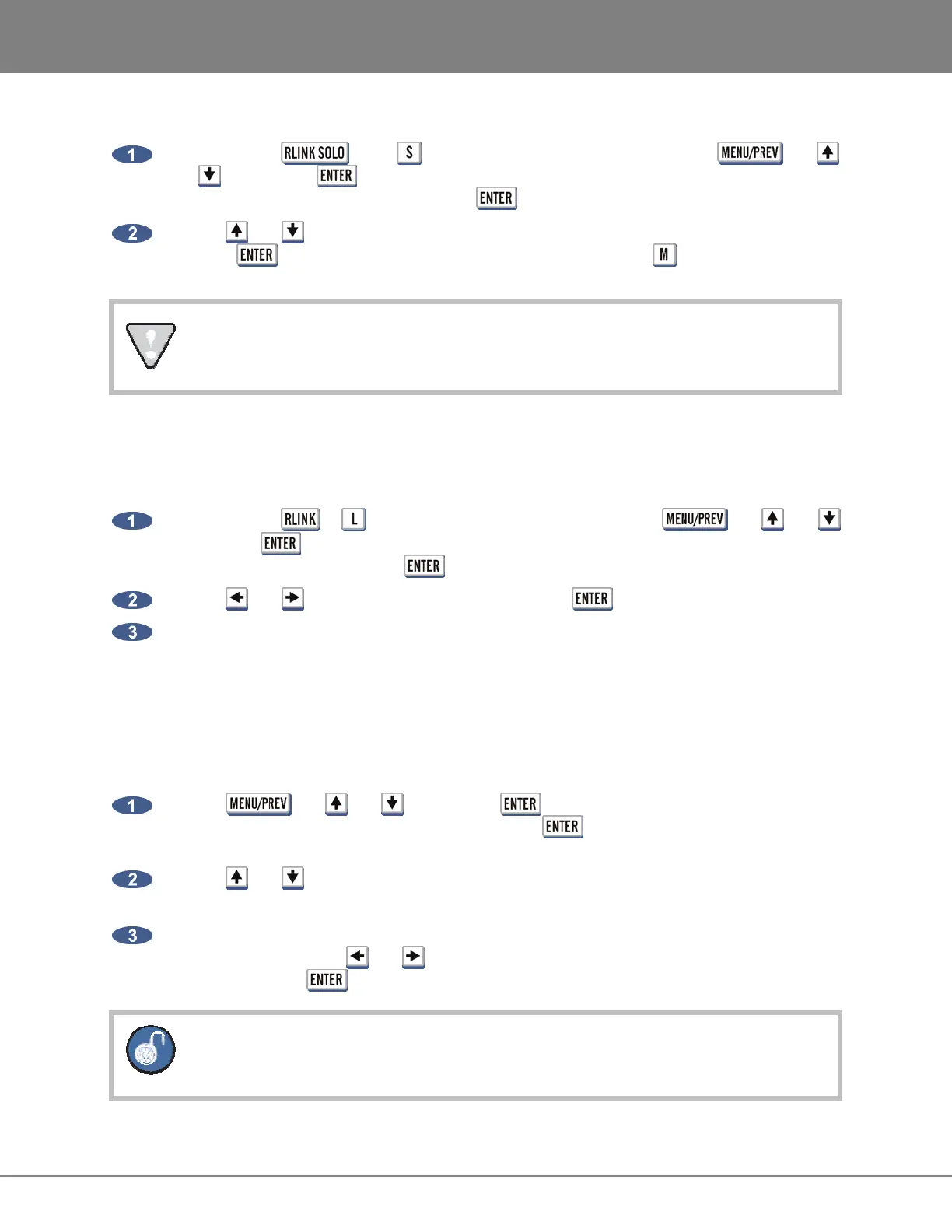
Press either the or the key on the Session Controller or use the , the
and keys and the key to go to the MAIN MENU / SYNC MENU / RADARLINK /
RADARLINK SOLO dialogue and press the key.
Use the and keys or the numeric keys to select the desired RADARLINK ID number and
press the key. The master can also be selected by pressing the key on the QWERTY
keyboard.
The display will indicate if any machines are offline.
During RADARLink solo operation the ID number of the soloed unit flashes in the upper right hand
corner of the display.
To exit SOLO MODE:
Press either the or key on the Session Controller or use the , the and
keys and the key to go to the MAIN MENU / SYNC MENU / RADARLINK / ENABLE
DISABLE dialogue and press the key.
Use the and keys to select ENABLE and press the key.
Select YES at the prompt.
PROJECT NUMBERS MUST MATCH
In LINK MODE all units must be set to the same PROJECT NUMBER at all times. Because of this it may
be necessary to manually renumber projects on the slave machines to match the master.
To renumber a project on a slave unit:
Use the , the and keys and the key to go to the MAIN MENU / PROJ
MENU / RENUMBER PROJECT menu and press the key.
Use the and keys to select a project number that matches the current project number of
the master RADAR.
If the new project number is already assigned to an existing project it will prompt to swap to
project numbers. Use the and keys to select YES to confirm and swap the project
numbers. Press the key.
Renumber a project on a slave RADAR by entering solo mode if RADARLink is already
enabled.



 To Next Page