EasyManua.ls Logo

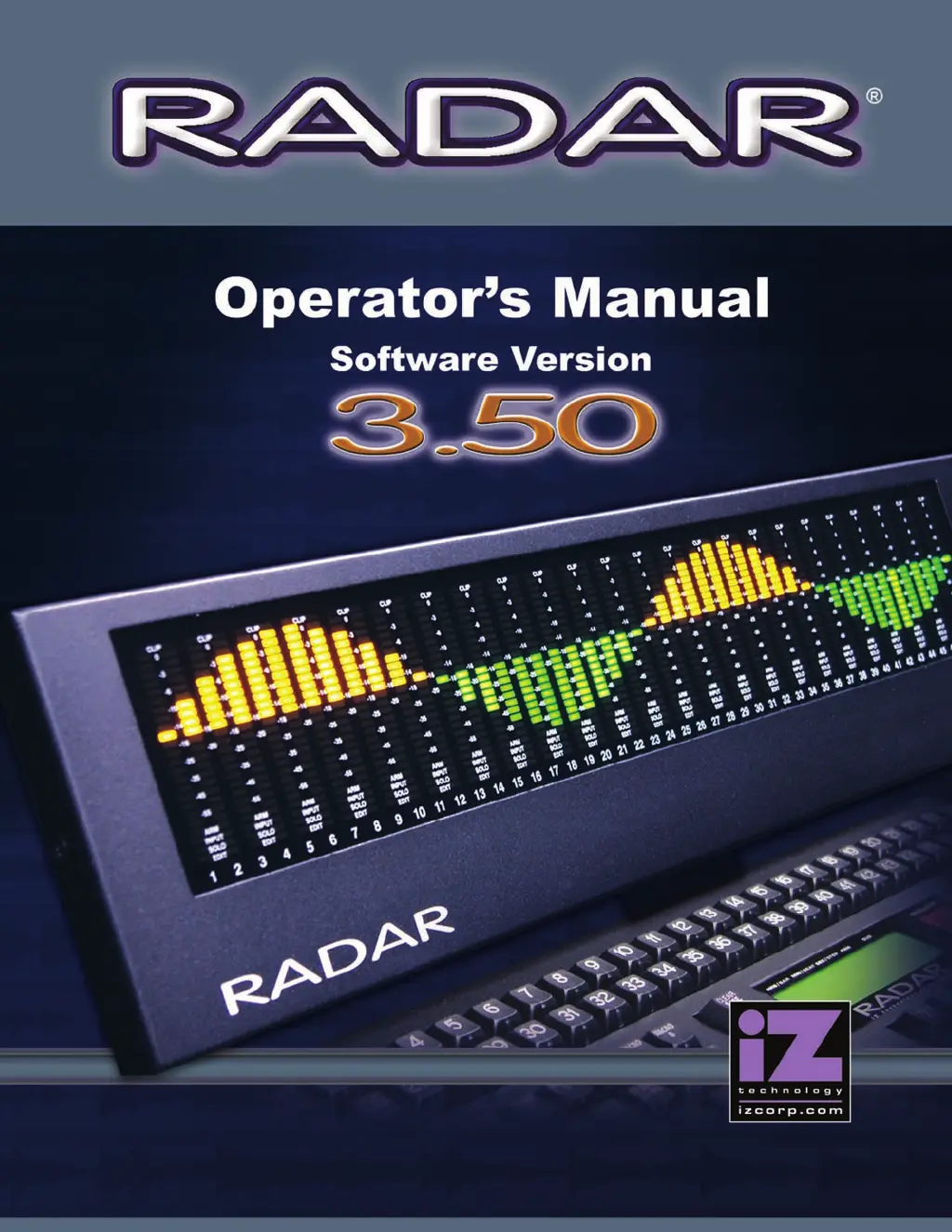
iZ Technology RADAR - User Manual

Default Icon
257 pages
Print Icon
To Next Page IconTo Next Page
Loading...

Table of Contents

Other manuals for iZ Technology RADAR

Questions and Answers

  • N
    Nicholas CantuAug 18, 2025
    How to troubleshoot if iZ Technology Recording Equipment RADAR does not power on?
    • B
      Bailey HunterAug 18, 2025
      If your iZ Technology Recording Equipment RADAR doesn't power on, check the AC cable to ensure it's properly connected to both the unit and a working outlet. Also, verify that the power switch is turned on.
  • M
    msmithAug 20, 2025
    What to do if there are pops and clicks on Ins/Outs of iZ Technology RADAR?
    • A
      awellsAug 20, 2025
      If you're experiencing pops and clicks on the inputs/outputs of your iZ Technology Recording Equipment, it could be due to the RADAR sync being unlocked or faulty, or insufficient ventilation. To resolve this, check the sync source or set RADAR as the master if the sync light is flashing. Ensure adequate airflow and cooling around the RADAR unit.
  • E
    Elizabeth SimsAug 23, 2025
    What to do if the Session Controller does not display but is powered on iZ Technology Recording Equipment?
    • J
      James JonesAug 23, 2025
      If the Session Controller for your iZ Technology Recording Equipment does not display anything but is powered, ensure that the Session Controller cable is correctly plugged into the port on the RADAR labeled SERIAL PORT.
  • C
    Christy HerreraAug 26, 2025
    How to fix no display on Video Monitor for iZ Technology RADAR?
    • C
      Christina WilliamsAug 26, 2025
      If there's no display on the video monitor connected to your iZ Technology Recording Equipment, try connecting a different monitor and cable to rule out any issues with the original ones. Ensure that you're plugging the video monitor into the VGA input and not the S-Video or Composite inputs. If the session controller is working, it is likely a monitor problem.
  • A
    abbotttanyaAug 28, 2025
    What does flashing red timecode or ERR mean on iZ Technology Recording Equipment Session Controller Display?
    • R
      rosssharonAug 28, 2025
      If you see a flashing red timecode or 'ERR' on the Session Controller display of your iZ Technology Recording Equipment, it might be because the recording drive isn't rated for the high sample rate, an external SCSI device is faulty, or the drive is failing. Verify that you are using an iZ Technology recording drive suitable for the project sample rate. Try removing all other SCSI devices except the current recording drive. If the issue persists, consider replacing the drive.
  • B
    Bradley DiazAug 30, 2025
    Why can't I mount a Recording Drive on my iZ Technology Recording Equipment?
    • J
      Jeanne BanksAug 30, 2025
      If you're unable to mount a recording drive on your iZ Technology Recording Equipment, first ensure the drive is properly inserted and locked, checking that the LED beside the drive is a solid 0 or 1, and lock the key. Verify that the MODE display ID # on RADARView matches the drive's ID #. You can also check if the hard drive is detected on the correct ID# by going to MAIN MENU/DIAGNOSTICS/SCAN SCSI BUS.
  • S
    Susan WilsonSep 2, 2025
    What does XXX kHz Illegal Message mean on iZ Technology RADAR?
    • J
      Jeffrey LeeSep 2, 2025
      If you are getting an XXX kHz Illegal Message on your iZ Technology Recording Equipment, the incoming AES source might not be indicating the sample rate. To remove this error message, enable the IGNORE AES FLAGS option in the MAIN MENU / PREFS MENU.
  • B
    benjamingordonSep 4, 2025
    What to do if there is no signal on Analogue Input of iZ Technology RADAR?
    • Z
      Zachary SullivanSep 4, 2025
      If you're not getting any signal on the analogue input of your iZ Technology Recording Equipment, it could be due to a faulty cable or incorrect pin out, the tracks not being armed, RADAR Sync not being locked, the input format not being set, or RADAR being configured in Dual/Quad wire mode. Consult the Wiring Diagrams on www.izcorp.com. If the Sync light is flashing, check the sync source or set RADAR as master. Press and select format NONE. Ensure that MAIN MENU/IO MENU/DIG IO SDQ is set to SINGLE.
  • A
    Alicia SchroederSep 7, 2025
    What to do if there is no signal on Digital Input of iZ Technology RADAR?
    • B
      Brittney HendersonSep 7, 2025
      If you're not getting any signal on the digital input of your iZ Technology Recording Equipment, it could be due to a faulty cable or incorrect pin out, the tracks not being armed, RADAR Sync not being locked, the input format not being set, or RADAR being configured in Dual/Quad wire mode. Consult the Wiring Diagrams on www.izcorp.com. If the Sync light is flashing, check the sync source or set RADAR as master. Press and select format NONE. Ensure that MAIN MENU/IO MENU/DIG IO SDQ is set to SINGLE.
  • M
    mark67Sep 9, 2025
    What to do if there is no signal on Analogue Output of iZ Technology RADAR Recording Equipment?
    • C
      Courtney DiazSep 9, 2025
      If you're not getting any signal on the analogue output of your iZ Technology Recording Equipment, it could be due to a faulty cable or incorrect pin out, or RADAR Sync not being locked. Refer to the Wiring Diagrams on www.izcorp.com. If the Sync light is flashing, check the sync source or set RADAR as master.

iZ Technology RADAR Specifications

General IconGeneral
A/D Resolution24-bit
Sample Rate44.1 kHz, 48 kHz, 88.2 kHz, 96 kHz
InputsVaries by configuration
OutputsVaries by configuration
Phantom PowerYes
USB InterfaceYes

Related product manuals