iZ Technology Corporation
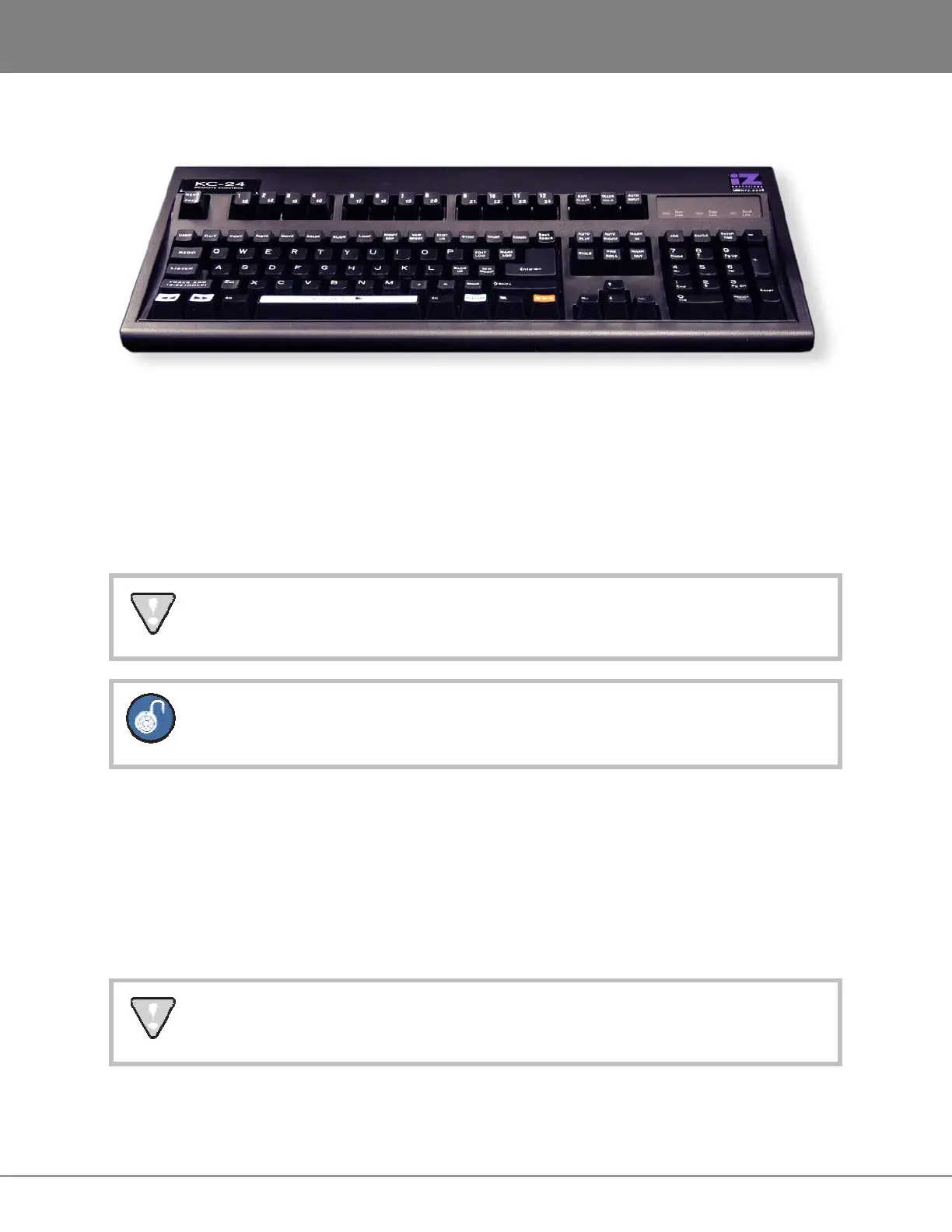
KC-24
The KC-24 attaches to the RADAR using the keyboard’s USB connector cable. The keyboard USB port is
located on the left side of the RADAR back panel, labeled USB.
MONITOR (OPTIONAL)
Any standard SVGA monitor capable of either 800x600 or 1024x768 resolution can be attached directly to
the RADAR. The monitor connection is a 15-pin D-sub connector located on the far left of the card cage
section on the back panel.
The default resolution is 1024x768. Anytime the default resolution is switched, the RADAR
must be rebooted for the change to take effect.
Only the VGA DB-15 and the DVI outputs are active. The s-video output is not active.
RADARLINK
RADARLink allows multiple RADAR units to be synchronized so that they can be operated together as a
single machine. The 9-pin D-sub RLINK IN and RLINK OUT connectors used for RADARLink are
located on the far right hand side of the card cage section at the rear of the unit. Connection between two
units can be made using the cable supplied with a multiple unit purchase or by using any 9-pin D-sub
cable that is wired pin-to-pin. These can be purchased from iZ Technology or from an electronics or
computer retailer.
Make sure that the cable is wired fully populated and pin-to-pin. Some 9-pin cables have
modified pin-outs and will not work for this application.



 To Next Page