www.izcorp.com • 1.800.776.1356
TDIF
Audio: The optional RADAR TDIF I/O uses the TASCAM wiring scheme – the same scheme used by
other modular digital multi-track recorders. Both ends of each TDIF cable are terminated with a 25-pin D-
sub connector. Each cable carries eight channels of input and eight channels of output. Altogether three
cables are required for 24 channels of digital I/O at sample rates up to 48 kHz. 96 kHz is also available in
dual-wire mode for up to 12 tracks of transferable digital audio.
Sync: In addition to the TDIF audio cabling requirements there is a TDIF WORD SYNC connection that
may be necessary for interfacing under certain circumstances. This connection can be made using a 75-
Ohm, BNC terminated cable.
MADI
The optional MADI (Multi-channel Audio Digital Interface) I/O Card has the ability to transfer 24 channels
of digital audio at sample rates up to 96 kHz. Audio and clock information is transferable through either
BNC or optical connectors. The Coaxial I/O uses a 75-Ohm, BNC terminated cable which has a maximum
length of 200m. The Optical I/O uses a MADI Optical cable which has a maximum length of 2000m.
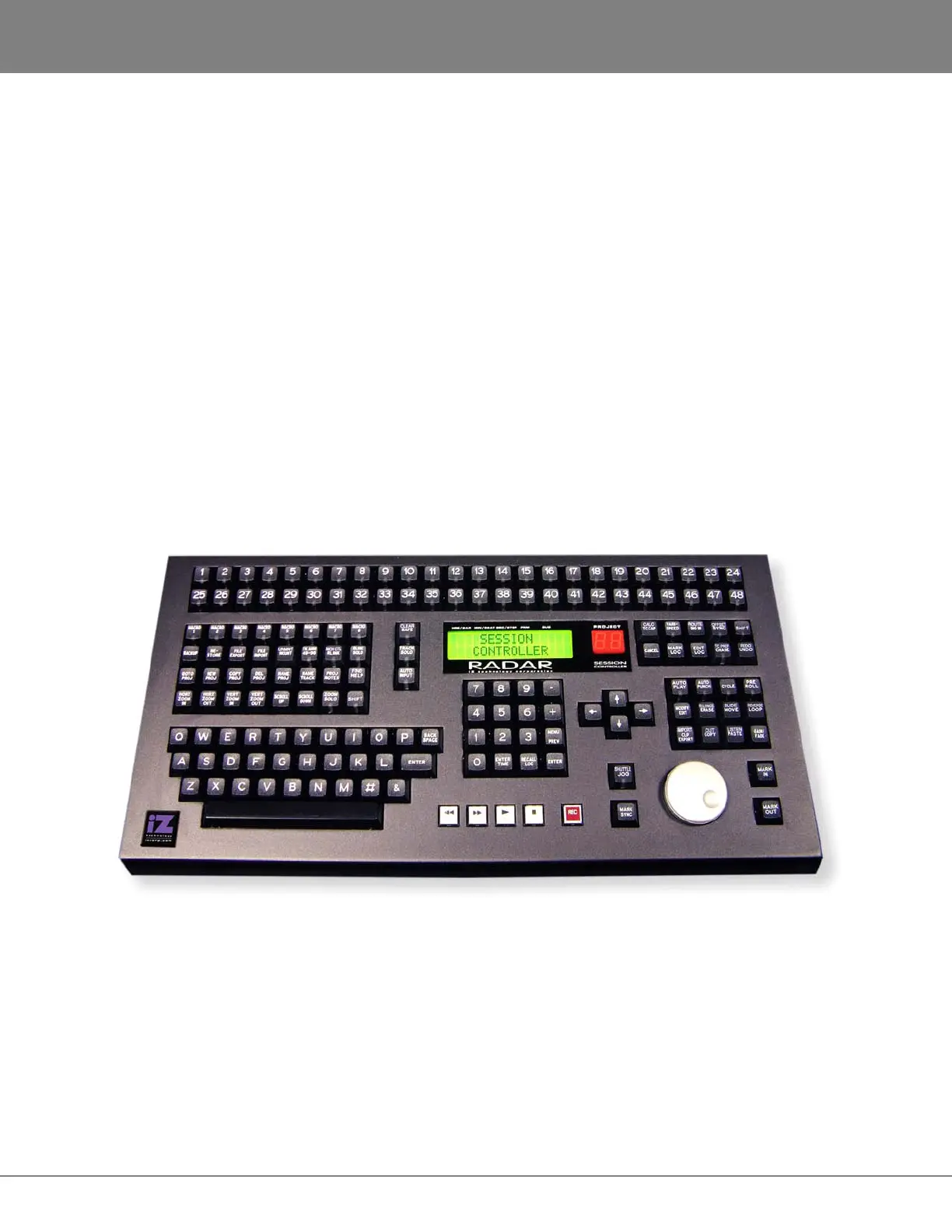
SESSION CONTROLLER
The Session Controller Professional Remote attaches to the RADAR
back panel via two connectors:
Power: Insert the barrel plug of the Session Controller cable into the power receptacle labeled REMOTE
POWER on the rear of the unit.
Data: Attach the 9-pin D-sub connector of the Session Controller cable to the 9-pin receptacle labeled
SERIAL PORT on the Motherboard I/O.



 To Next Page