iZ Technology Corporation
AUTO PUNCH
The
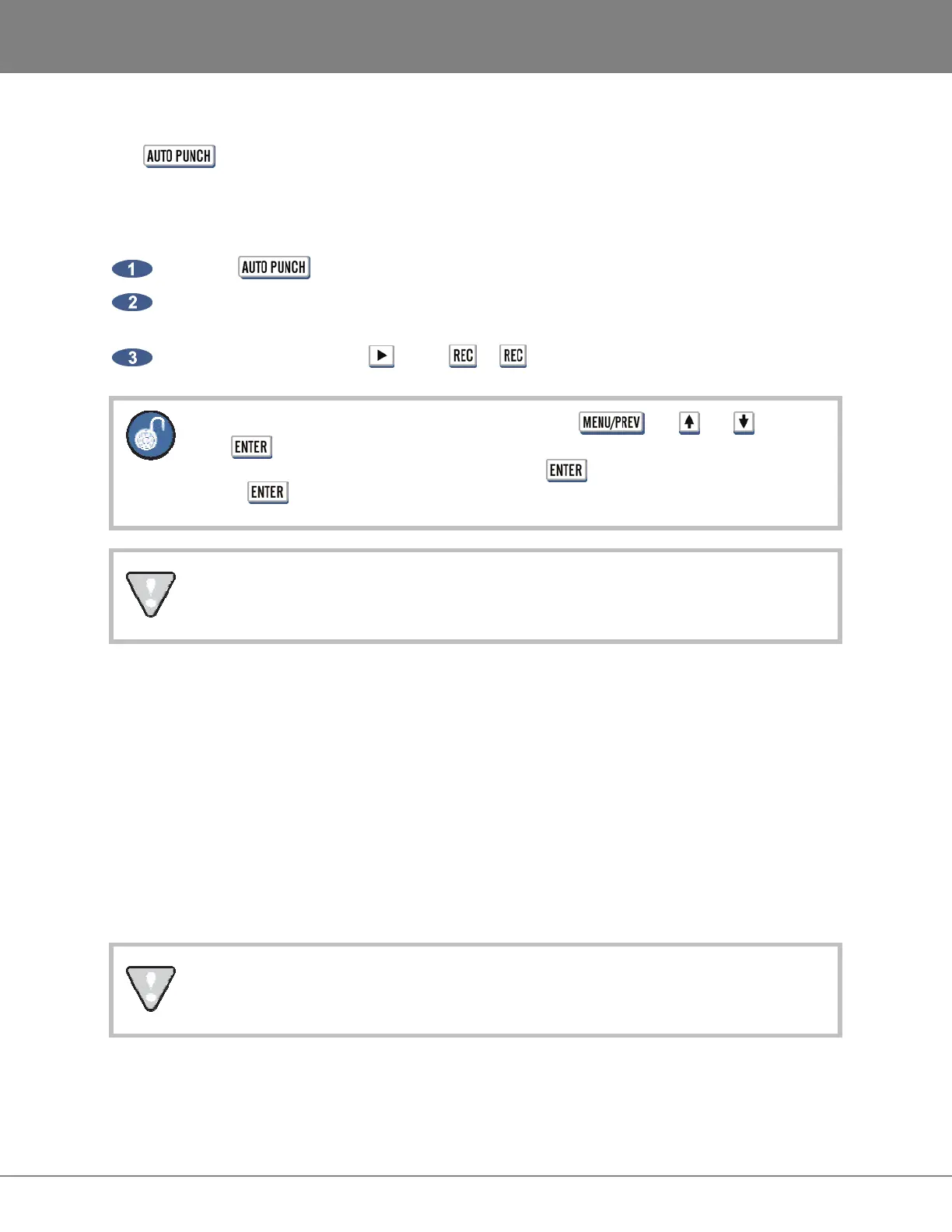
key is used to enable automatic recording between the MARK IN and MARK OUT
location markers. In this operational mode recording will only occur once the MARK IN location has been
reached. When the MARK OUT point is reached recording is automatically terminated.
To use AUTO PUNCH mode:
Press the
key on the Session Controller or KC-24.
Use any locate or transport function to move to a position in the project prior to the current MARK
IN point.
Enter record mode using the (Play)+ or keys.
To enable the 1-BUTTON RECORD function, use the , the and keys and
the key to go to the MAIN MENU / PREFERENCES MENU / RECORD PREFS
dialogue, select 1-BUTTON RECORD and press and then select ENABLED and
press .
When AUTO PUNCH is enabled manual recording is not possible.
UNDO/REDO
The UNDO and REDO functions are a good example of the features that non-linear digital recorders such
as RADAR have to offer. The undo level value set in the PROJECT MENU determines how many levels
of undo are available in a project. This value may be set anywhere from 0 (no undo levels at all) to 99.
A small indicator window on the right hand side of the RADARView display gives a view of the current
UNDO/REDO level. Beware of high values for the undo level settings. This could cause previously
deleted audio to be saved and backed up with a project. This will cause backup files to be larger than
necessary and may add significantly to archiving time. Temporarily setting this value to 0 will erase all of
the undo information. In certain instances this can save significant time when archiving a project. See
OPERATIONS: FILE MANAGEMENT: BACKUP for more information.
The redo levels are lost when switching to another project or creating a new one. This
does not affect the undo levels, which are stored with the project.



 To Next Page