iZ Technology Corporation
PROJECT MENU
Shortcut keys:
Session Controller
KC-24
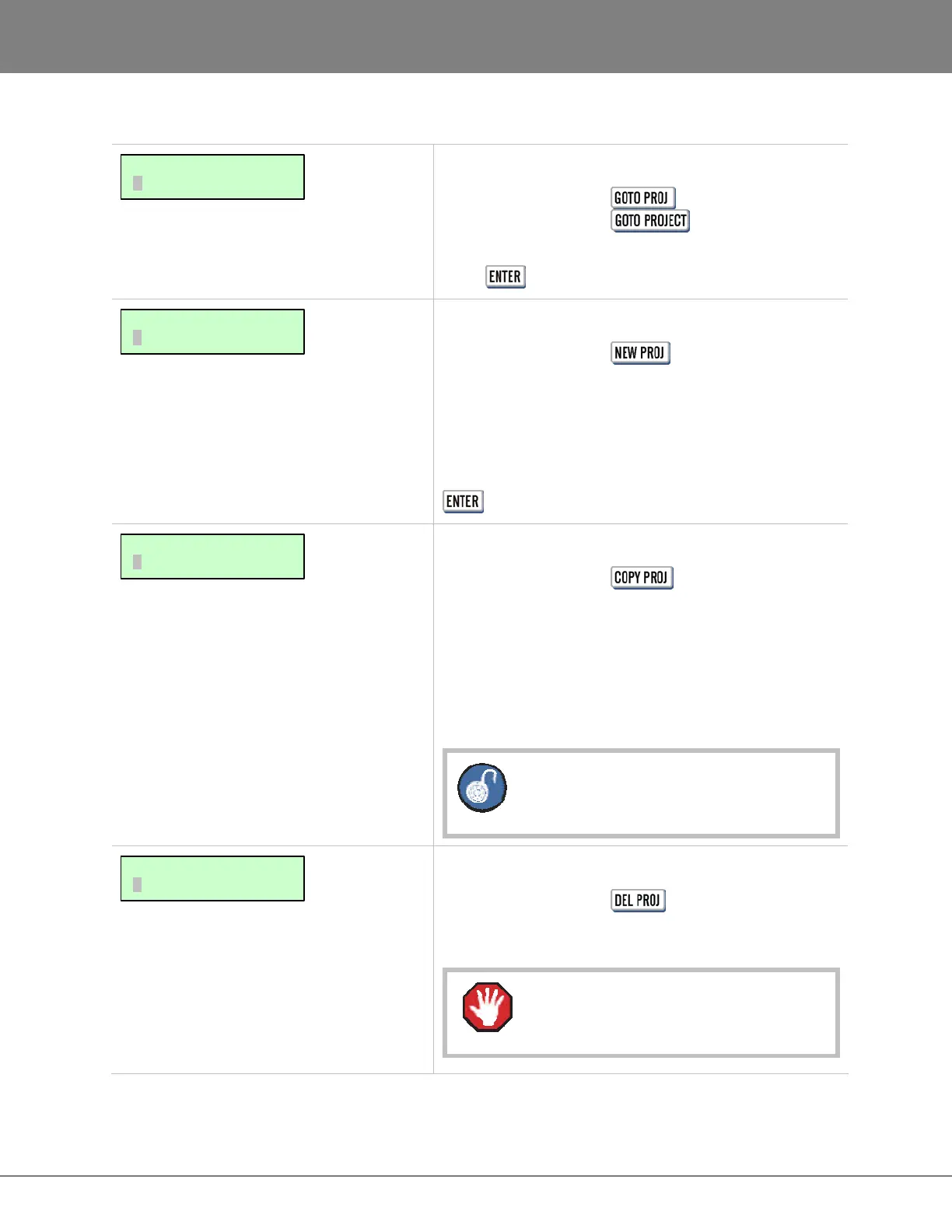
Allows quick switching of projects. Select a project and
press .
Shortcut keys:
Session Controller
KC-24 N/A
Allows for creation of a new project. When selecting
NEW PROJECT a new project is created and is assigned
the next available unused project number. Type a name
for the project on the QWERTY keyboard and press the
key.
Shortcut keys:
Session Controller
KC-24 N/A
To keep the original project intact, COPY PROJECT
allows duplications of the current project to be made. The
copied project will be assigned the next available unused
project number and be named automatically using the
original project’s name and an appended version number.
COPY PROJECT does not use more disk
space.
Shortcut keys:
Session Controller
KC-24 N/A
Use this option to delete selected projects.
A project cannot be recovered once it has
been deleted.
MAIN/PROJ MENU:
DELETE PROJECT
MAIN/PROJ MENU:
COPY PROJECT
MAIN/PROJ MENU:
NEW PROJECT
MAIN/PROJ MENU:
GOTO PROJECT



 To Next Page