www.izcorp.com • 1.800.776.1356
To set the input and output operating levels:
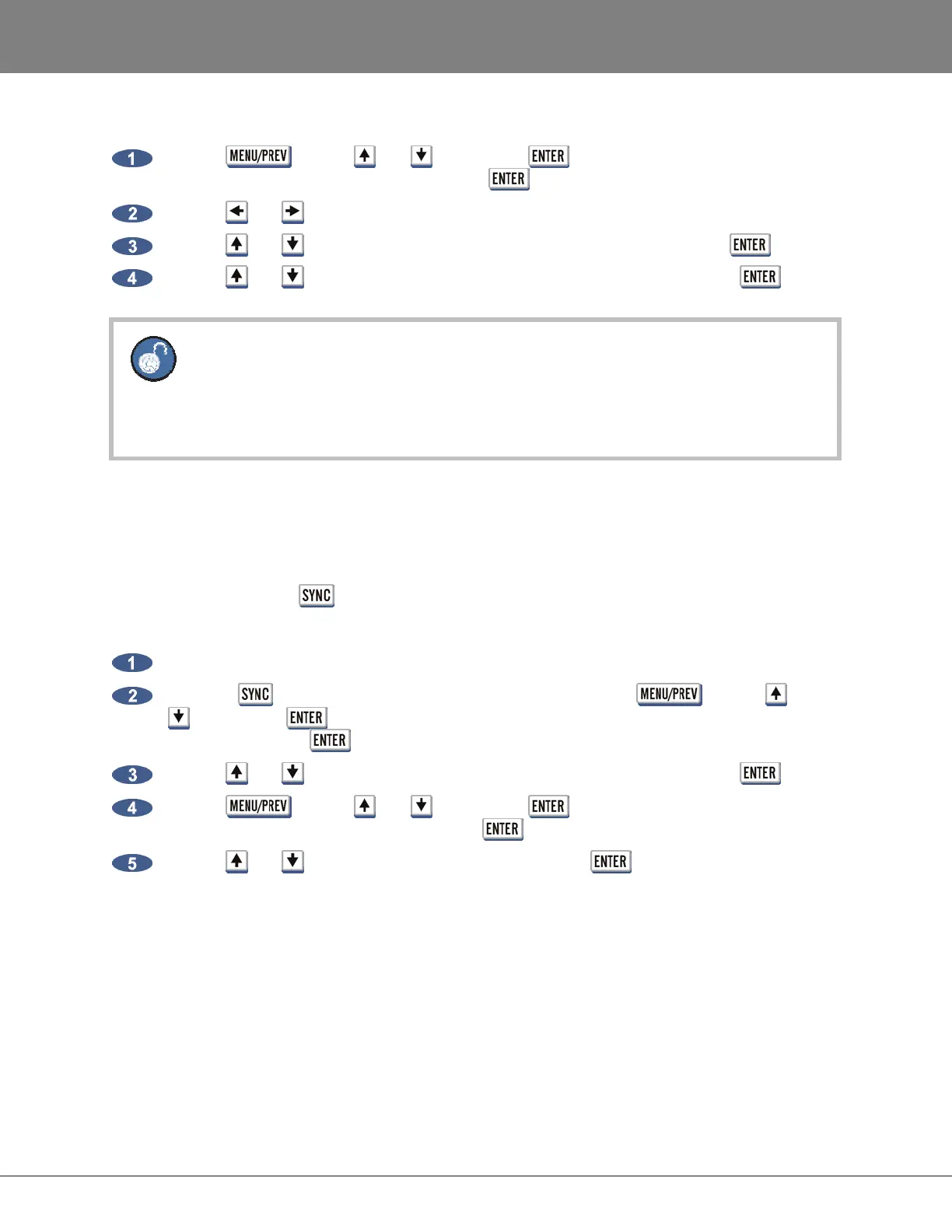
Use the key, the and keys and the key to go to the MAIN MENU / I/O
MENU / ANALOG I/O LEVEL and press the key.
Use the and keys to reference either 0 DBFS or +4 DBU.
Use the and keys to select the desired input operating level and press the key.
Use the and keys to select the desired output operating level and press the key.
If a reference of 0 DBFS is selected, the prompt will ask to set the full scale input and
output levels as a dBu value between +18 and +24 dBu.
If a reference of +4 DBU is selected, the prompt will ask to set the value between -14 and
-20 dBFS. This value is commonly referred to as headroom.
SYNC REFERENCE
_______________________________________
The sync reference setting will vary widely depending on the application and the configuration of a
system. It will also depend on whether or not RADAR is the master or slave in a particular setup. Access
the sync settings using the key on the Session Controller and the KC-24.
To configure RADAR as the digital audio sync master using the wordclock output:
Ensure that a wordclock cable is connected to the WORDCLOCK/VIDEO OUT/THRU connector.
Press the key on the Session Controller or KC-24 or use the key, the and
keys and the key to go to the MAIN MENU / SYNC MENU / SYNC REFERENCE
menu and press the key.
Use the and keys to select SYNC REFERENCE: INTERNAL and press the key.
Use the key, the and keys and the key to go to the MAIN MENU / SYNC
MENU / SYNC REF OUTPUT and press the key.
Use the and keys to select WORDCLK and press the key.
A reliable clock source is necessary for digital audio transfers to a digital mixer or other digital audio
device. Without proper data synchronization digital audio will exhibit pops, clicks and other undesirable
artifacts.
In a film or video post-production environment video sync is usually distributed to all the video, audio and
clock devices in the studio to ensure that everything is synchronous with the video signal right down to
the sample level.



 To Next Page