www.izcorp.com • 1.800.776.1356
To slave RADAR to external TDIF Word Sync:
Connect the TDIF word sync source to the TDIF WORD SYNC IN connector using a 75-ohm,
BNC terminated cable.
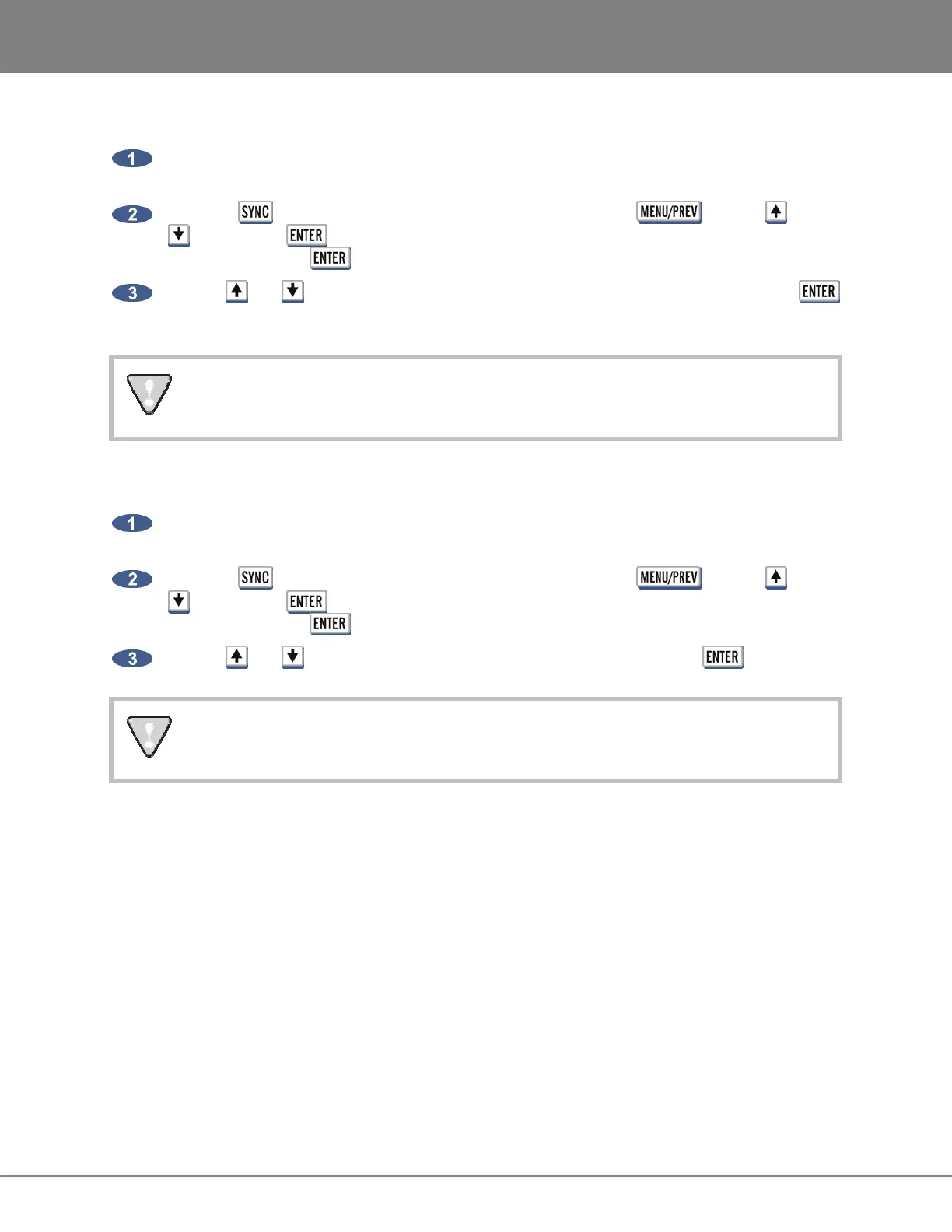
Press the key on the Session Controller or KC-24 or use the key, the and
keys and the key to go to the MAIN MENU / SYNC MENU / SYNC REFERENCE
menu and press the key.
Use the and keys to select SYNC REFERENCE: TDIF WORD SYNC and press the
key.
If TDIF cards are not installed, a dialogue will display NO TDIF CARD INSTALLED.
To slave RADAR to an external MADI clock source:
Connect the MADI source to either BNC or OPTICAL CABLE connector using the appropriate
digital audio cable.
Press the key on the Session Controller or KC-24 or use the key, the and
keys and the key to go to the MAIN MENU / SYNC MENU / SYNC REFERENCE
menu and press the key.
Use the and keys to select SYNC REFERENCE: MADI and press the key.
If MADI cards are not installed, a dialogue will display NO MADI CARD INSTALLED.
DIGITAL I/O
__________________________________________
The digital I/O formats that are available will depend on the type and number of digital interface options
installed in the RADAR. All units ship with built in AES/EBU and S/PDIF 2-channel interfaces. The 24
channel digital I/O options available include: AES/EBU, ADAT, TDIF and MADI.
It is important to note that once a digital format is selected, an appropriate clock source must be selected
as well. Many times they are one and the same thing, but not always. For instance, an AES transfer may
be required but the sync reference for all digital devices in the studio may be a wordclock generator
referenced to video sync. The RADAR may also act as clock master and all other digital equipment will
clock to the RADAR in which case SYNC REFERENCE would be set to internal.



 To Next Page