iZ Technology Corporation
To slave RADAR to an external AES/EBU multi-channel clock source:
Connect the AES/EBU multi-channel source to the desired 25-pin D-sub AES/EBU IN connector
using the appropriate digital audio cable.
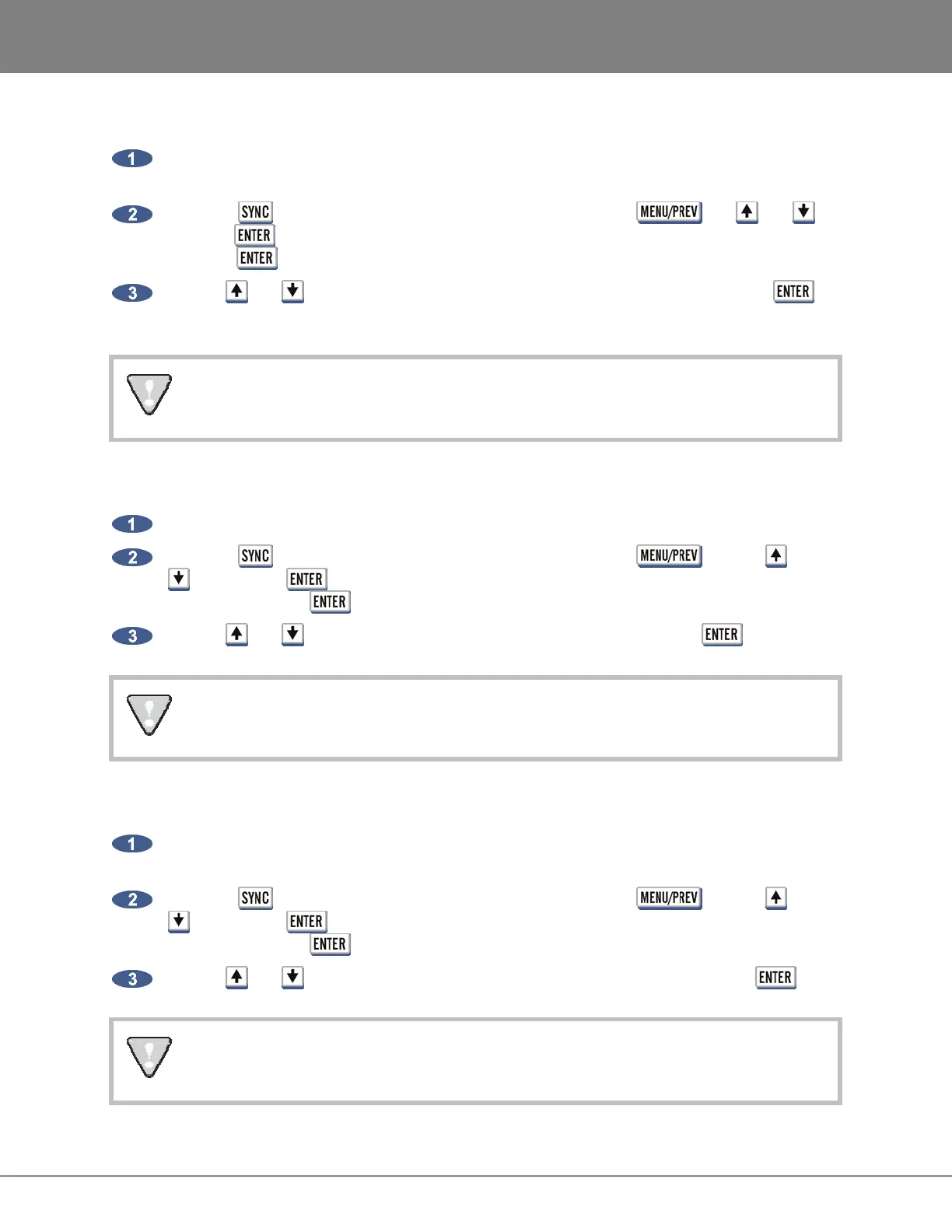
Press the key on the Session Controller or KC-24 or use the , the and
keys and key to go to the MAIN MENU / SYNC MENU / SYNC REFERENCE menu and
press the key.
Use the and keys to select SYNC REFERENCE: AES MULTI-CH and press the
key.
If AES/EBU cards are not installed, a dialogue will display NO AES MULTI-CH CARD
INSTALLED.
To slave RADAR to an external ADAT clock source:
Connect the ADAT source to the desired optical ADAT IN connector using a light pipe cable.
Press the key on the Session Controller or KC-24 or use the key, the and
keys and the key to go to the MAIN MENU / SYNC MENU / SYNC REFERENCE
menu and press the key.
Use the and keys to select SYNC REFERENCE: ADAT and press the key.
If ADAT cards are not installed, a dialogue will display NO ADAT CARD INSTALLED.
To slave RADAR to an external TDIF L/R clock source:
Connect the TDIF source to the desired 25-pin D-sub TDIF connector using the appropriate
digital audio cable.
Press the key on the Session Controller or KC-24 or use the key, the and
keys and the key to go to the MAIN MENU / SYNC MENU / SYNC REFERENCE
menu and press the key.
Use the and keys to select SYNC REFERENCE: TDIF L/R IN and press the key.
If TDIF cards are not installed, a dialogue will display NO TDIF CARD INSTALLED. Use
purpose built TDIF cables - pin-to-pin cables will not work.



 To Next Page