www.izcorp.com • 1.800.776.1356
Use this option to export a project template to a specified
destination.
Use this option to delete project templates.
EDIT MENU
Shortcut keys:
Session Controller
KC-24
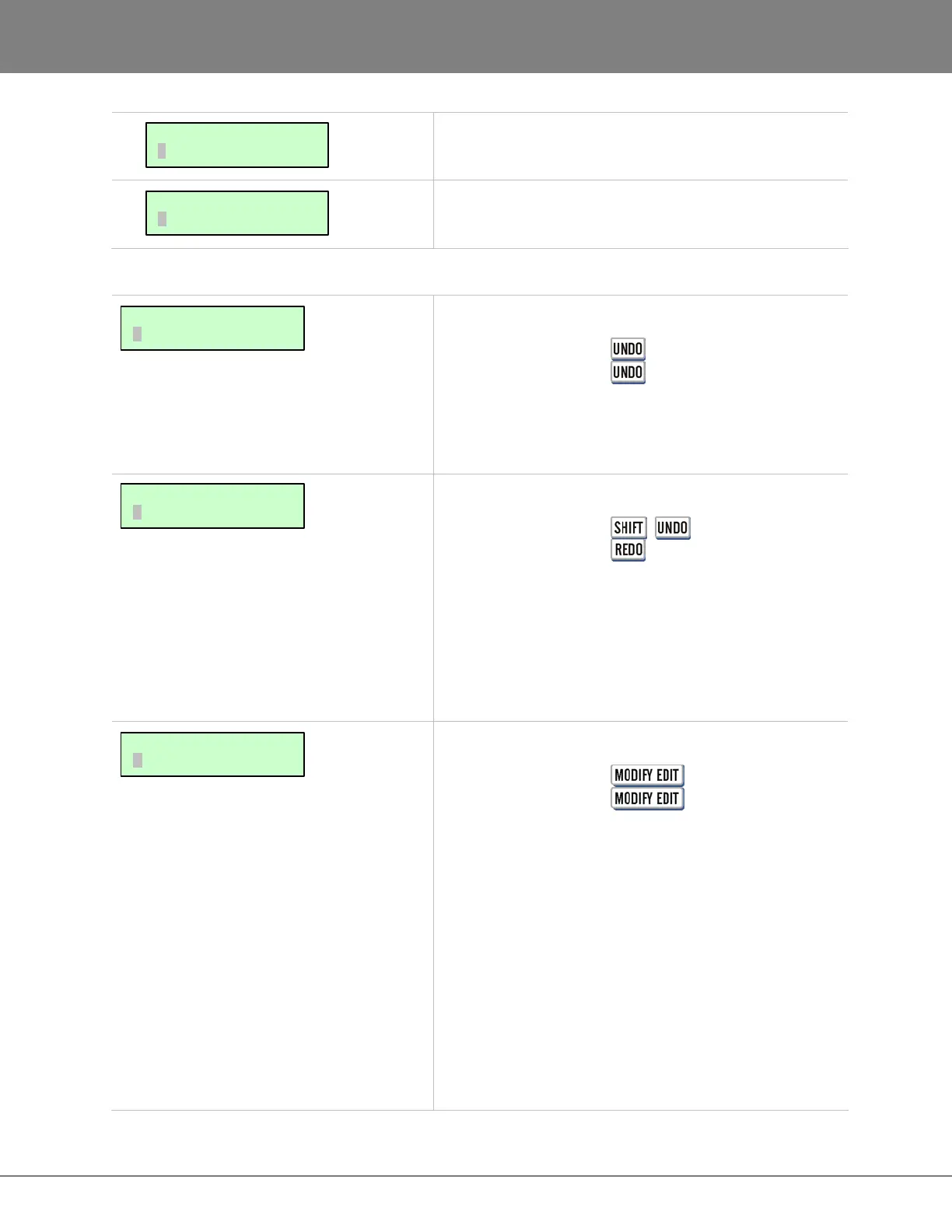
Undo an edit or record. Undo levels can be set anywhere
from 0 to 99. For more information see OPERATIONS:
RECORDING: UNDO/REDO
Shortcut keys:
Session Controller + (REDO)
KC-24
Redo an edit or record that was undone using the REDO
function. REDO can be done as many times as the undo
function was performed. The ability to REDO will be lost
upon performing new edits, entering record or switching
to another project. For more information refer to
OPERATIONS: RECORDING: UNDO/REDO.
Shortcut keys:
Session Controller
KC-24
This function allows modification of any or all of the
parameters of the previous edit. Parameters available for
modification include:
• MARK IN
• MARK OUT
• CROSSFADE TIME
• ORIGINAL TRACK (S)
• DESTINATION TRACK (S)
• INSERT OR OVERWRITE
• SLIDE TIME
• LOOP COUNT
For more information see OPERATIONS: EDITING:
EDITING FUNCTIONS.
TEMPLATE MENU:
DELETE TEMPLATE
TEMPLATE MENU:
EXPORT TEMPLATE
MAIN/EDIT MENU:
MODIFY EDIT
MAIN/EDIT MENU:
REDO EDIT
MAIN/EDIT MENU:
UNDO EDIT



 To Next Page