iZ Technology Corporation
Shortcut keys:
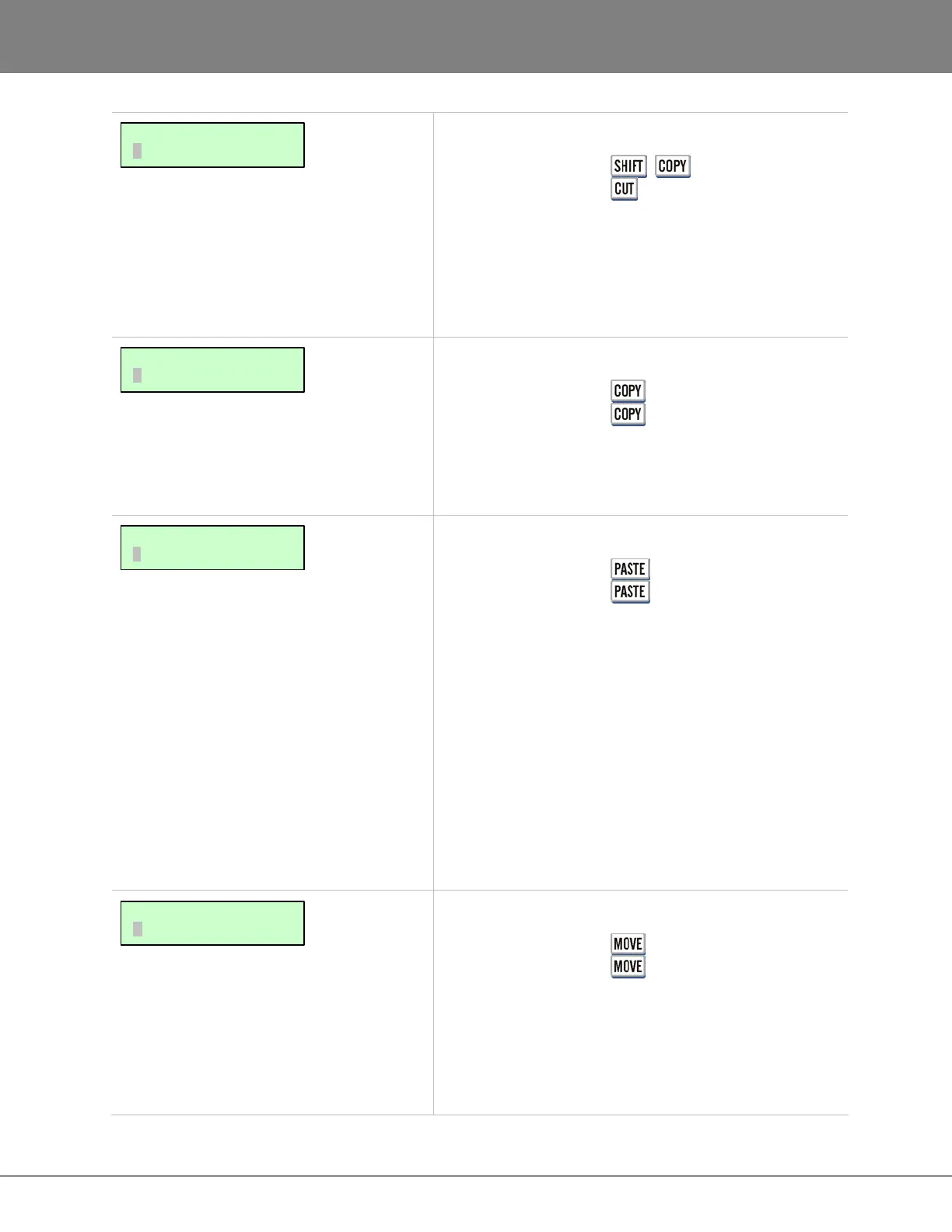
Session Controller + (CUT)
KC-24
Cuts the defined track-region to the clipboard and
removes it from the project. Audio after the edit point on
affected tracks will be slid backwards in the timeline to fill
the space left by the cut function. For more information
refer to OPERATIONS: EDITING: EDITING FUNCTIONS.
Shortcut keys:
Session Controller
KC-24
Copies the defined track-region to the clipboard. Project
audio is not affected in any way. For more information
refer to OPERATIONS: EDITING: EDITING FUNCTIONS.
Shortcut keys:
Session Controller
KC-24
Pastes the defined track-region into the project from the
clipboard. The PASTE function has many variables that
will affect project audio in several different ways,
including:
• PASTE TO SAME OR DIFFERENT TRACKS
• INSERT OR OVERWRITE
• MULTIPLE PASTE POINTS
• PASTE TO ORIGINAL TIME
• BACK TIME PASTING
• SYNC MARKER PASTING
For detailed information on pasting audio see
OPERATIONS: EDITING: EDITING FUNCTIONS.
Shortcut keys:
Session Controller
KC-24
Moves the defined track-region to another location
without using the clipboard. Project audio will either
INSERT or OVERWRITE at the MOVE TO: point. For
more information refer to OPERATIONS: EDITING: EDITING
FUNCTIONS.
MAIN/EDIT MENU:
MOVE
MAIN/EDIT MENU:
PASTE
MAIN/EDIT MENU:
COPY
MAIN/EDIT MENU:
CUT



 To Next Page