www.izcorp.com • 1.800.776.1356
Shortcut keys:
Session Controller
KC-24
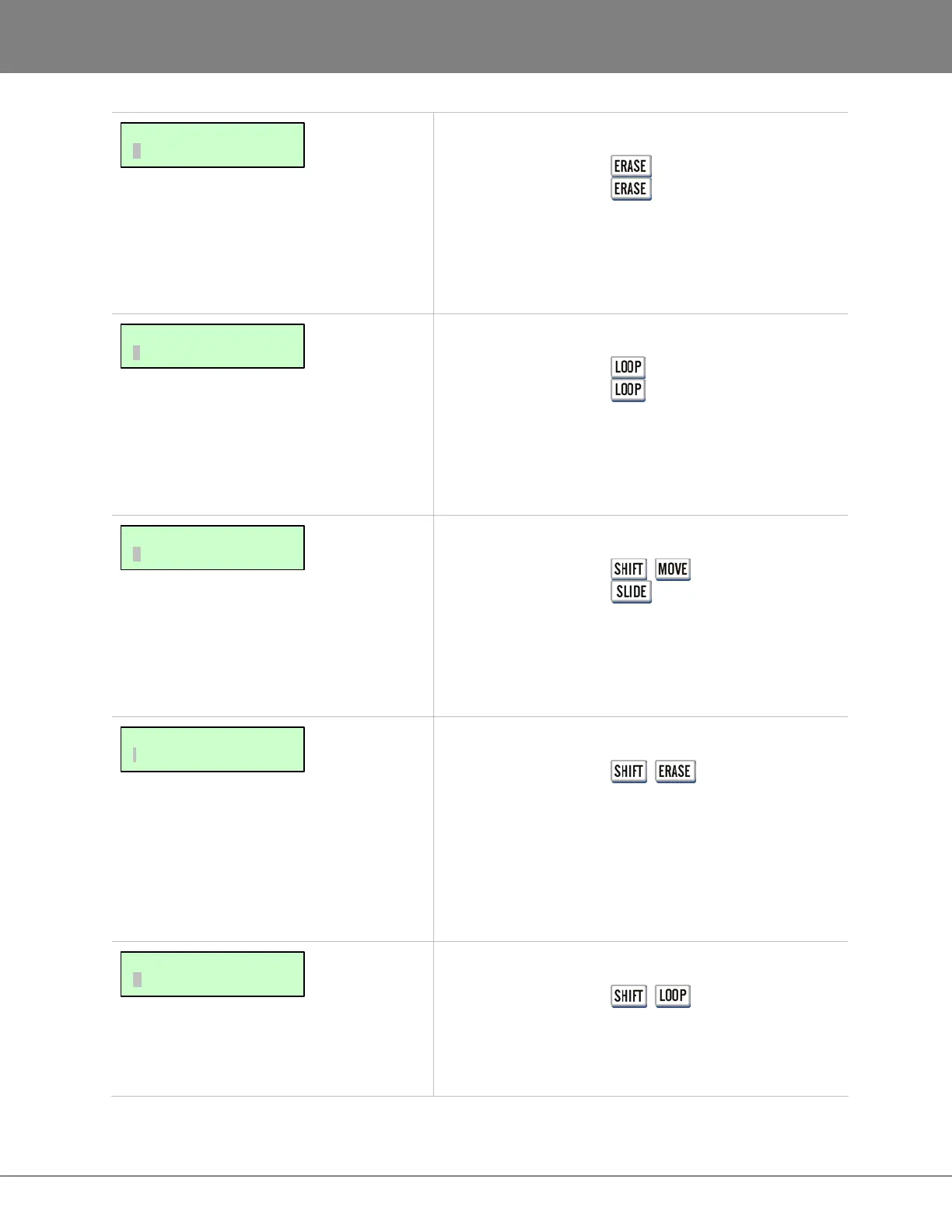
Erases the defined track-region from the project. Post-
edit point audio is not affected in any way. For more
information refer to OPERATIONS: EDITING: EDITING
FUNCTIONS.
Shortcut keys:
Session Controller
KC-24
Creates consecutive loops of the defined track-region
starting from the track-regions MARK OUT point. Loops
may set to INSERT or OVERWRITE. For details refer to
OPERATIONS: EDITING: EDITING FUNCTIONS.
Shortcut keys:
Session Controller + (SLIDE)
KC-24
Slides the defined track-region in frames or milliseconds.
Sliding leaves behind empty space and will overwrite
post-edit project audio. For details refer to OPERATIONS:
EDITING: EDITING FUNCTIONS.
Shortcut keys:
Session Controller + (SILENCE)
KC-24 N/A
Inserts a user-definable amount of silence into the project
at the current MARK IN point. Silence is an INSERT
type of edit and post-edit project audio on affected tracks
will be moved later in time. For more information see
OPERATIONS: EDITING: EDITING FUNCTIONS.
Shortcut keys:
Session Controller + (REVERSE)
KC-24 N/A
Reverses the audio on the clipboard. For details see
OPERATIONS: EDITING: EDITING FUNCTIONS.
MAIN/EDIT MENU:
REVERSE
MAIN/EDIT MENU:
INSERT SILENCE
MAIN/EDIT MENU:
SLIDE
MAIN/EDIT MENU:
LOOP
MAIN/EDIT MENU:
ERASE



 To Next Page