iZ Technology Corporation
Shortcut keys:
Session Controller
KC-24 N/A
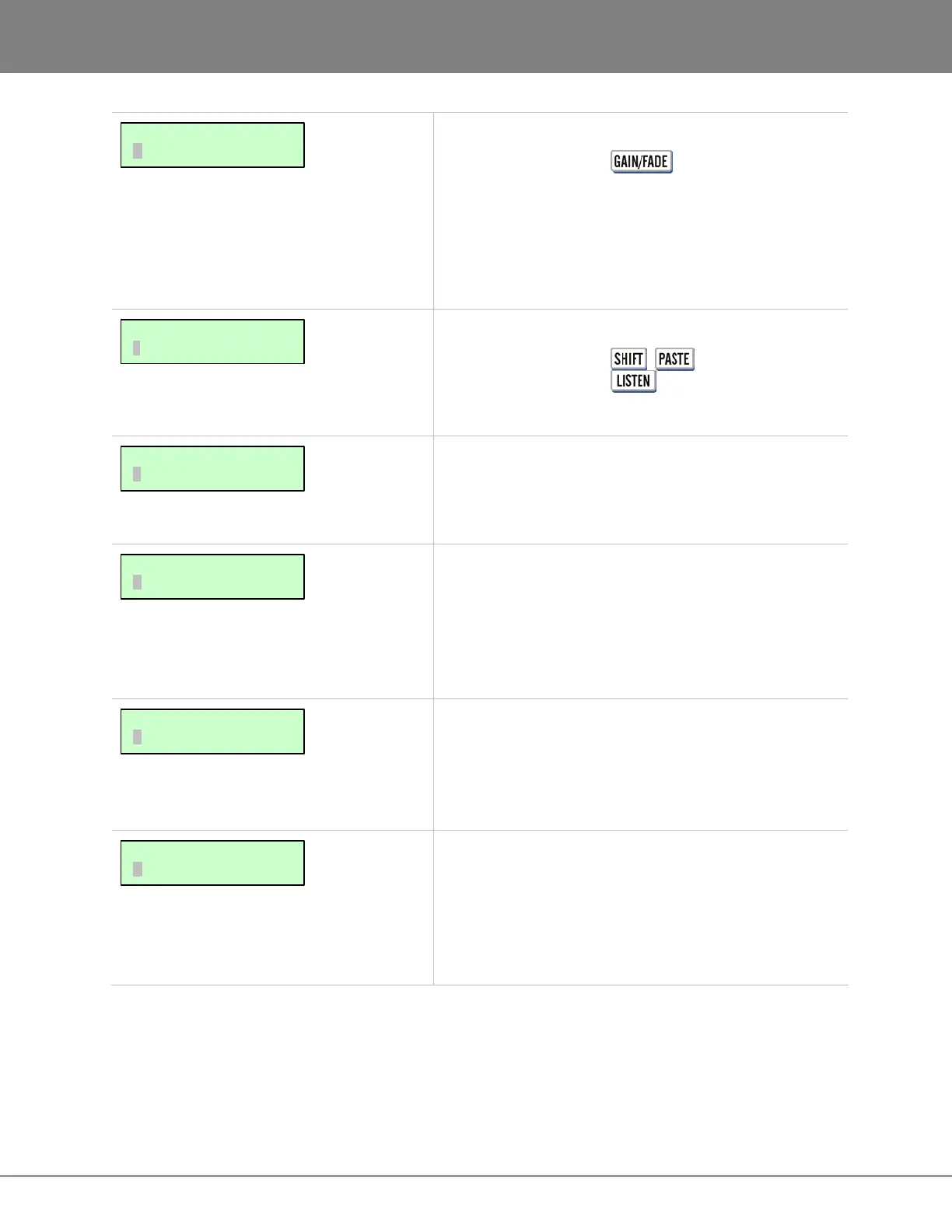
Changes the gain of the current track-region. Start and
End gain settings are independent so fade ins and fade
outs can be made. For details refer to OPERATIONS:
EDITING: EDITING FUNCTIONS.
Shortcut keys:
Session Controller + (LISTEN)
KC-24
Auditions the audio on the clipboard.
Sets the crossfade time for edits. Possible values range
from 1 millisecond to 9 seconds 999 milliseconds. The
factory default is 5 milliseconds. For details see
OPERATIONS: EDITING: EDITING CROSSFADES.
Sets the recording crossfade time. Recording crossfades
occur whenever recording mode is entered or exited,
including punch-ins and punch-outs. Possible values
range from 1 millisecond to 9 seconds 999 milliseconds.
The factory default is 5 milliseconds. For details see
OPERATIONS: EDITING: EDITING CROSSFADES.
Sets the crossfade type for the MOVE, SLIDE and
ERASE edits. The possible crossfade types are PRE,
MID and POST. The factory default is MID. For more
information refer to OPERATIONS: EDITING: EDITING
CROSSFADES.
This is a legacy feature that was used to disabled unused
tracks to free up disk bandwidth in the days of slower
hard disks. The selections are NONE and TRACK ARM.
The default is NONE. Mute tracks by selecting TRACK
ARM and using the Track Arm keys to temporarily
disable selected tracks.
MAIN/EDIT MENU:
MUTE TRACKS
MAIN/EDIT MENU:
CROSSFADE TYPE
MAIN/EDIT MENU:
REC XFADE TIME
MAIN/EDIT MENU:
EDIT XFADE TIME
MAIN/EDIT MENU:
LISTEN
MAIN/EDIT MENU:
GAIN/FADE



 To Next Page