iZ Technology Corporation
I/O MENU
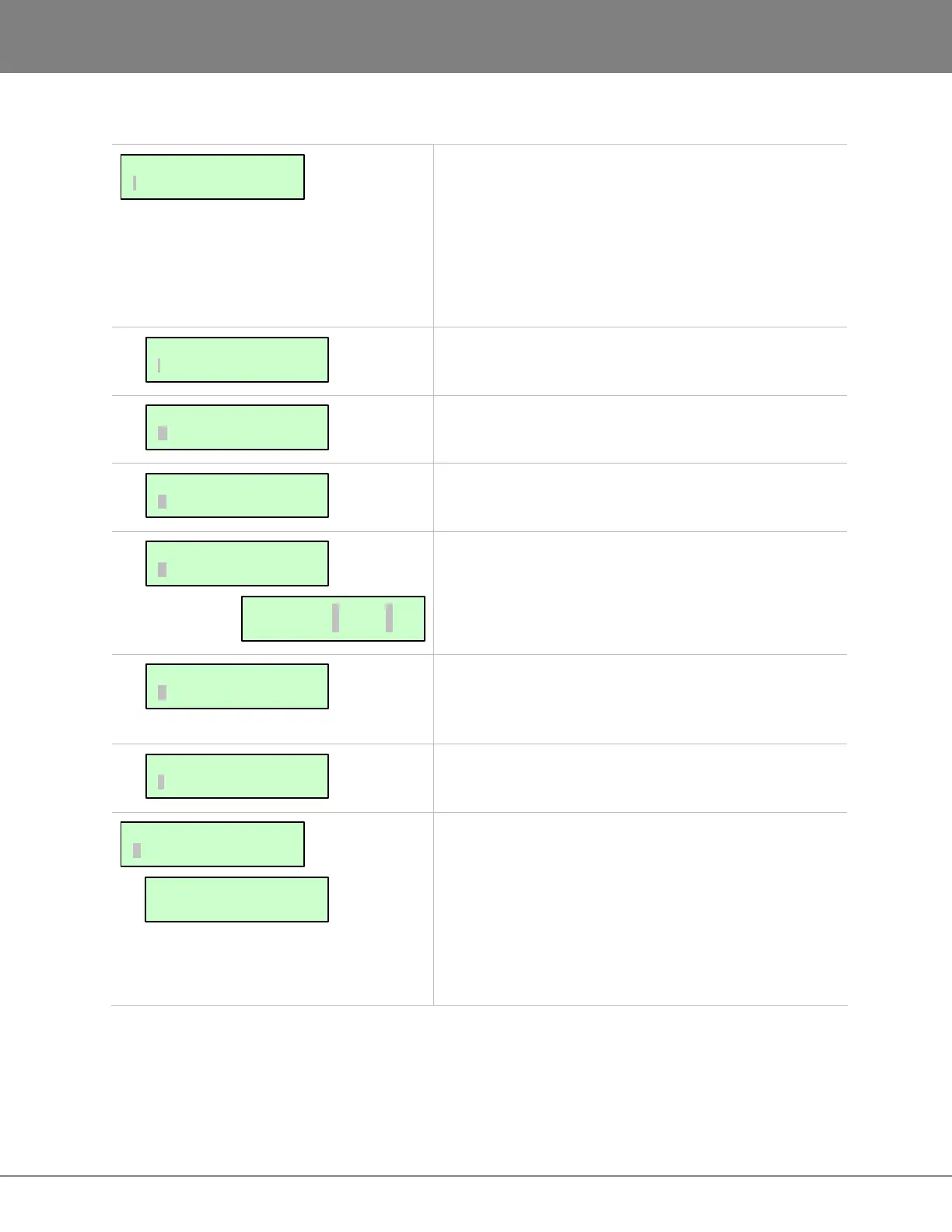
This allows the user to define the analogue and digital
input-track-output routing assignment. Aside from the
default routing of one to one, it is possible to route an
input to a different track or multiple tracks, as well as
route a specific track to a different output or multiple
outputs. The inputs can also be set to all analogue or
digital or a combination of both.
Select which track(s) to route the current input to
Select which output to route the current track to
Resets input, output or both configurations to the
standard default of 1:1
This dialogue allows the ins and outs of the 2-channel
digital I/O to be assigned on tracks 1 through 24. The
inputs do not have to be the same as the outputs.
This dialogue allows the ability to select which tracks will
be fed by the multi-channel digital I/O card defined in the
DIG IN FORMAT menu.
Disables inputs 9-24 and mirrors inputs 1-8 to tracks 9-16
and 17-24 while overriding the input routing option.
This setting determines the ANALOG I/O LEVEL
relative to the reference of 0 DBFS or +4DBU. Below
are the level settings available depending on reference
selection.
0 dBFS = +24 dBu +4 DBU = –20 dBFS
+22 dBu –18 dBFS
+20 dBu –16 dBFS
+18 dBu –14 dBFS
REFERENCE TO:
0 DBFS +4 DBU
DIG IN L: 01 R:02
OUT L: 03 R:04
MAIN/I/O MENU:
ANALOG I/O LEVEL
I/O ROUTING:
8-BUS MODE
I/O ROUTING:
DIGITAL INPUTS
I/O ROUTING:
DIG 2-CH ROUTING
I/O ROUTING:
RESET ROUTING
I/O ROUTING:
OUTPUT ROUTING
I/O ROUTING:
INPUT ROUTING
MAIN/I/O MENU:
I/O ROUTING



 To Next Page