www.izcorp.com • 1.800.776.1356
Shortcut keys:
Session Controller
KC-24
This dialogue determines if RADAR will use digital or
analogue audio inputs and also allows selection of the
digital I/O format. The currently selected digital I/O format
is displayed above the track numbers in the RADARView
display. The selections in this dialogue are:
• NONE (ANALOG)
• AES/EBU 2-CH
• S/PDIF 2-CH
• AES MULTI-CH
• ADAT
• TDIF
• MADI
SDQ is an acronym for Single, Dual, and Quad wire. It
refers to the way RADAR handles high sample rate digital
audio going to and from external sources via the digital
multi-channel I/O. The choices in this menu will vary
depending on the sample rate of the current project. At a
sample rate of 192 kHz the selections will be:
• SINGLE
• DUAL
• QUAD
It is important to select the appropriate SDQ setting so
that RADAR will display and reproduce the recorded
audio correctly.
Selecting DUAL or QUAD disables the
RADAR’s analogue I/O. Once the audio is
recorded, however, the project can be
played back using the analogue outputs
by selecting an SDQ setting of SINGLE.
This only applies when recording from
external dual or quad wire sources at 96
or 192 kHz.
RADAR supports both the AES/EBU and S/PDIF
2-channel I/O formats. Use this dialogue to switch
between the two formats.
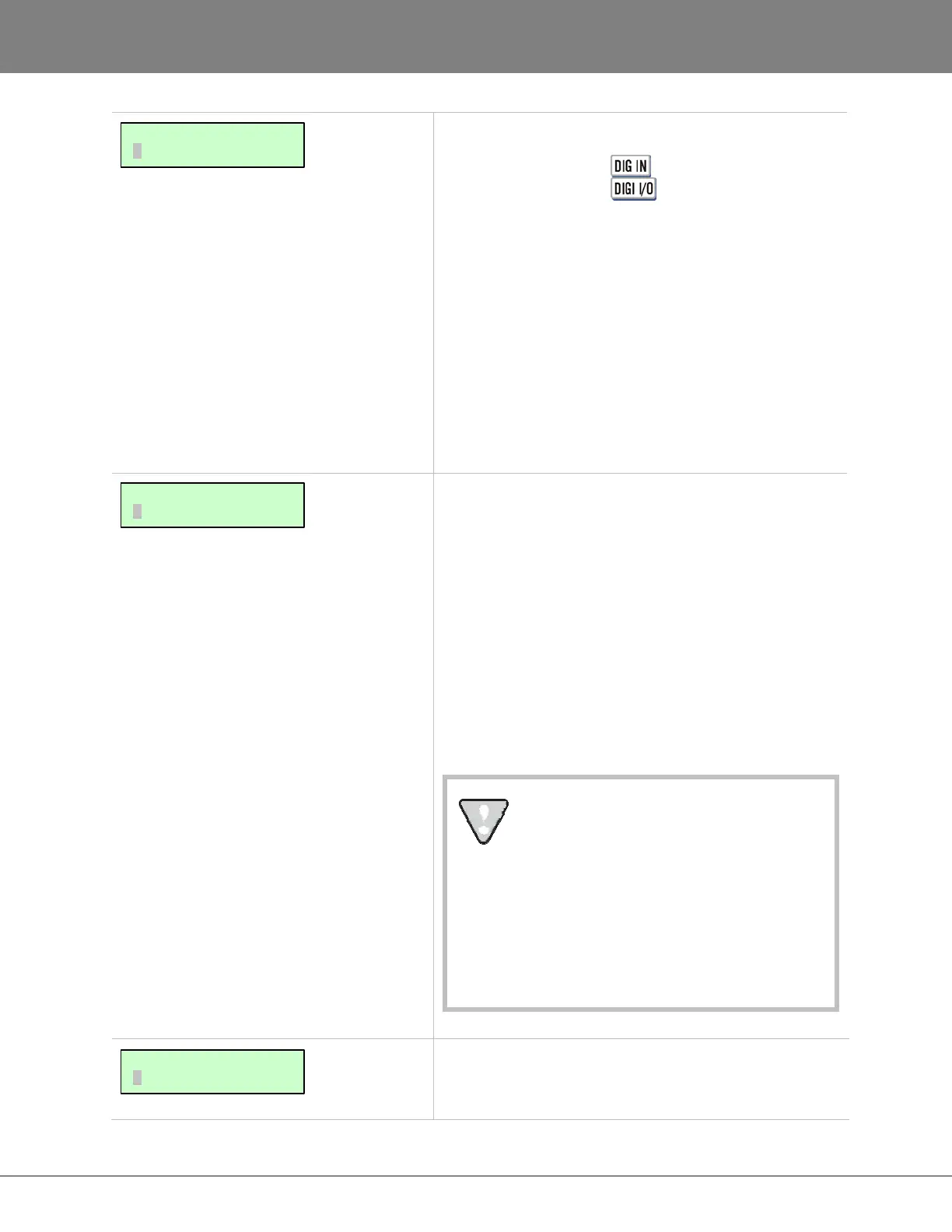
MAIN/I/O MENU:
DIG 2-CH OUTPUT
MAIN/I/O MENU:
DIG I/O SDQ
MAIN/I/O MENU:
DIG IN FORMAT



 To Next Page