www.izcorp.com • 1.800.776.1356
Shortcut keys:
Session Controller
KC-24
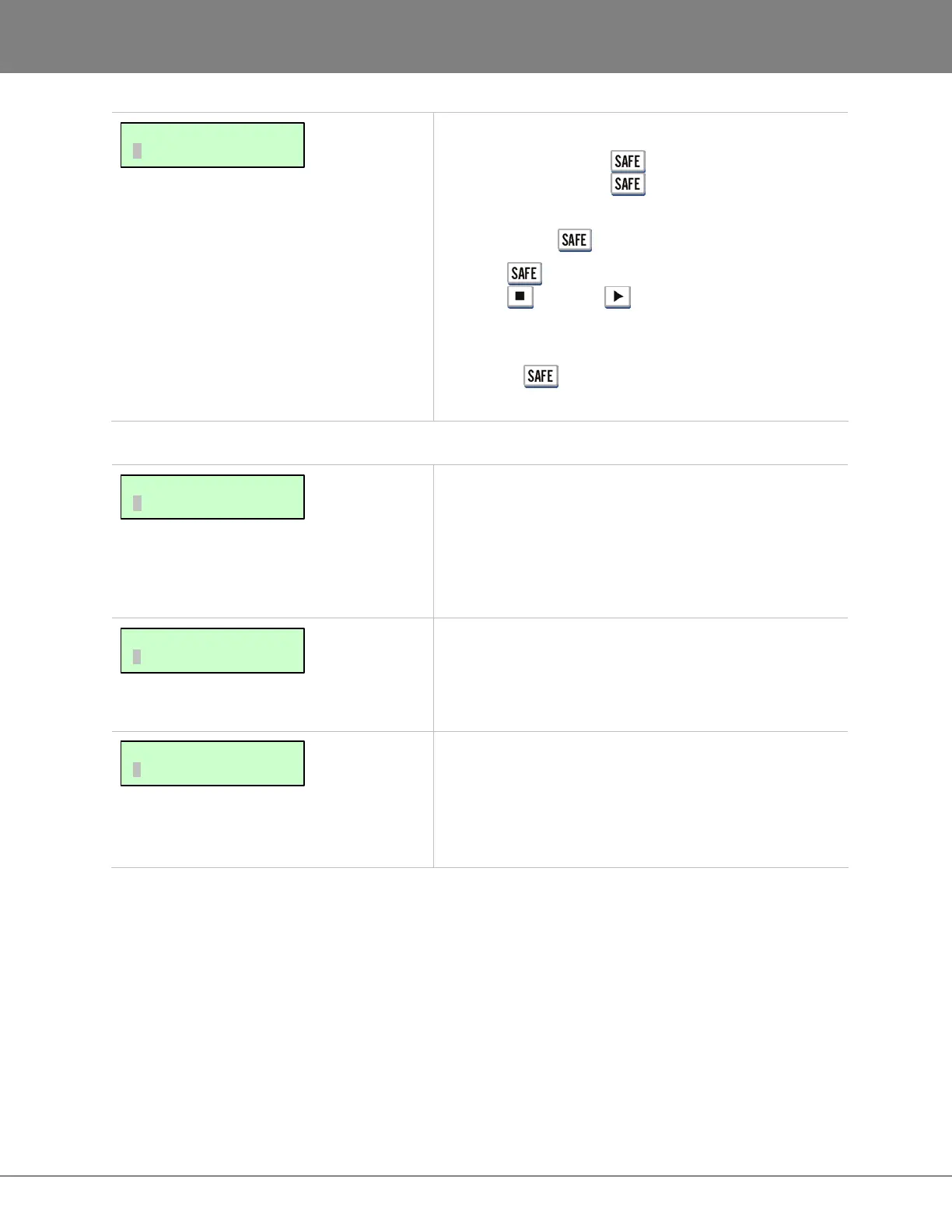
This key puts the system in safe mode. No recording can
take place while is engaged.
Pressing while recording enables record lock.
Pressing (Stop) or (Play) will disable record
lock. No other key press can disable recording once
record lock mode has been engaged.
The shifted (CLEAR) function resets all tracks in record
ready mode.
PREFERENCES MENU
This setting determines the default position of the cursor
when entering SMPTE times into the RADAR. The
preference choices are:
• SECONDS
• FRAMES
Cursor defaults to the selected field.
This item controls whether or not sub-frames (hundredths
of a frame) will be displayed during normal transport
operation. Sub-frames are always displayed when Jog is
enabled.
This option sets the default Session Controller LED
project number scrolling for project numbers 100 or
higher. 3x will cause the project number to scroll three
times before displaying only the last two numbers.
CONTINUOUS will constantly scroll the project number.
MAIN/PREFS MENU:
SCROLL PROJ LED
MAIN/PREFS MENU:
SHOW SUBFRAMES
MAIN/PREFS MENU:
DEF SMPTE FIELD
MAIN/EDIT MENU:
RECORD SAFE



 To Next Page