iZ Technology Corporation
There are three different modes of operation for TRACK
SOLO, which is a playback-monitoring feature available
from the Session Controller and the KC-24. The three
TRACK SOLO MODE settings are:
ADDITIVE mode adds to any others currently being
soloed each time a Track Arm key is pressed.
INTERLOCK mode, which is the system default, replaces
any previously soloed track(s) every time a track is
soloed using a Track Arm key. To solo more than one
track while in INTERLOCK SOLO mode, simply press
and hold the currently selected Track Arm key and select
additional tracks to be soloed.
MOMENTARY mode keeps track(s) in solo only as long
as their corresponding Track Arm keys are held down.
This preference determines whether or not audio is
soloed along with the zoom solo display function. When
enabled, visually soloed tracks on the display will
determine the solo status of audio tracks as well.
Use this option to select the units used for the SLIDE
TIME editing function.
This preference item is used to select the speed of both
the (Fast Forward) and (Rewind) fast-wind
transport modes. The value range is from 1 to 99 times
normal play speed. The default setting is 8 times normal.
RADAR also provides a super fast-wind mode when the
(Fast Forward) or (Rewind) keys are pressed
twice in a row. The super fast-wind speed is 3x faster
than the regular fast-wind speed set in this preference
dialogue.
With an Adrenaline
Plus card installed, use this option to
control the jog rate. Select PLAY to limit the jog speed to
normal play speed, or MAXIMUM to allow jogging at
speeds up to 192 KHz.
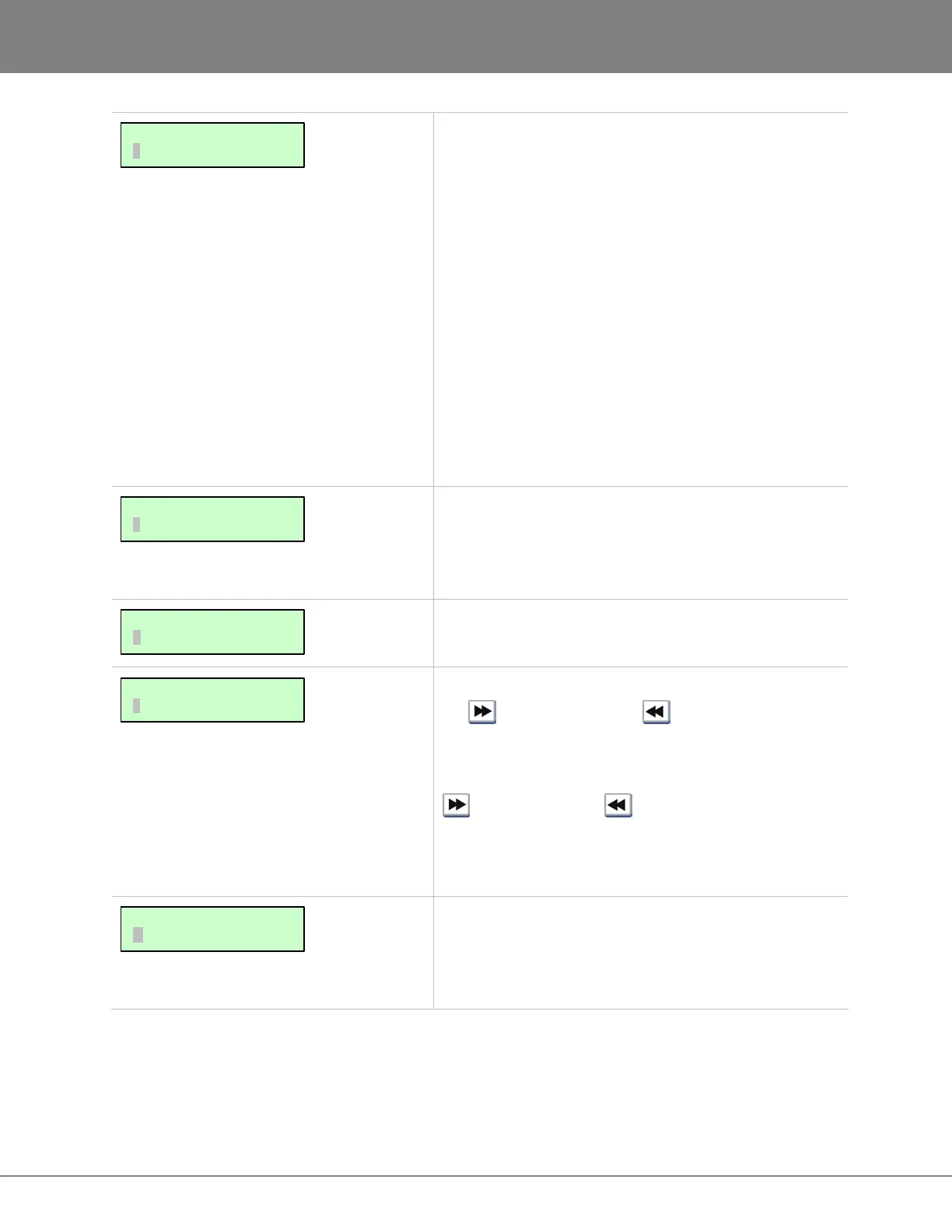
MAIN/PREFS MENU:
MAX JOG RATE
MAIN/PREFS MENU:
FFWD & REW RATE
MAIN/PREFS MENU:
SLIDE TIME UNITS
MAIN/PREFS MENU:
ZOOM SOLO AUDIO
MAIN/PREFS MENU:
TRACK SOLO MODE



 To Next Page