iZ Technology Corporation
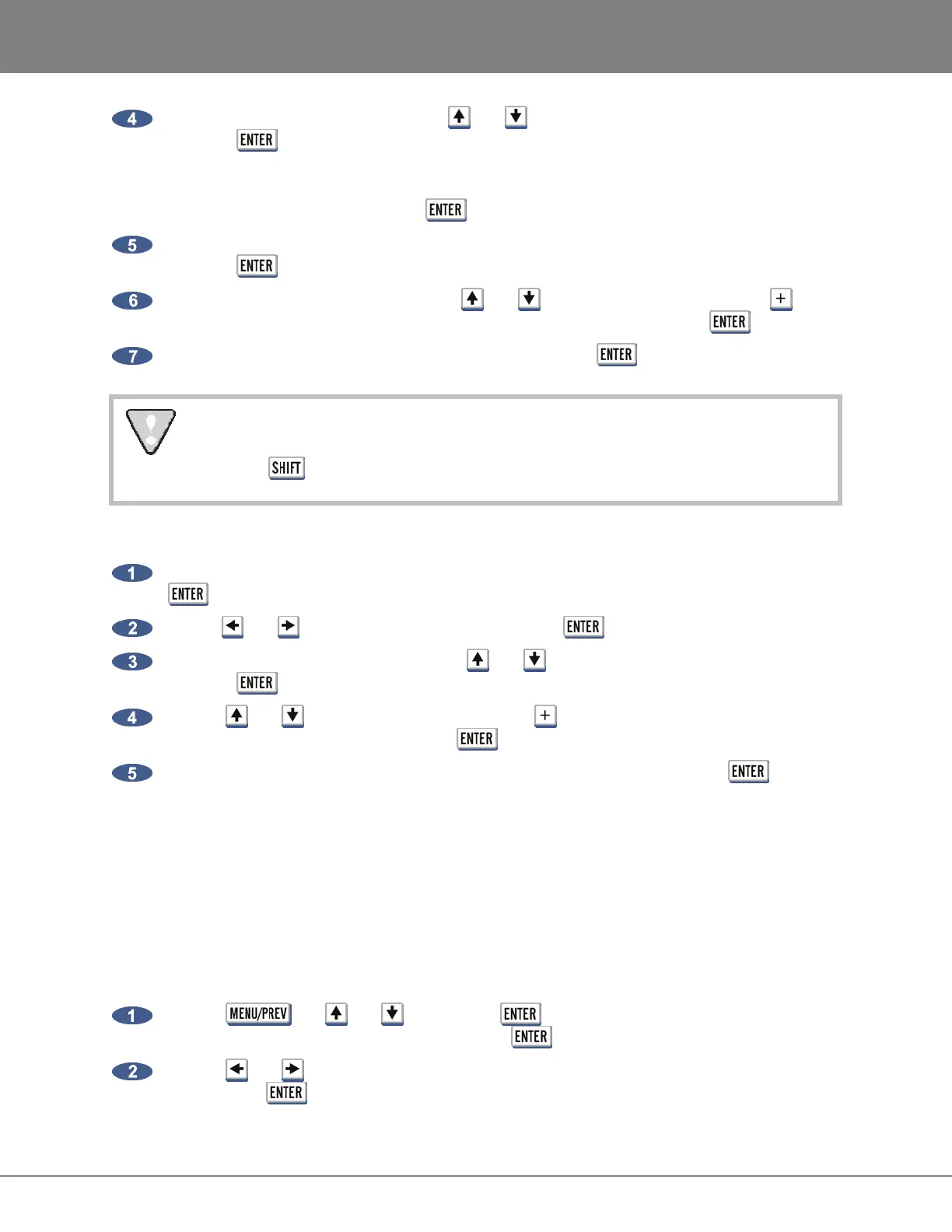
At the IMPORT FROM: prompt, use the and keys to select the device to import from, and
press the key. This list will include D:ARCHIVE (RADAR internal system drive partition),
N:NETWORK, A:FLOPPY, B: (DVD-RAM, DVD-R, BD-RE or CD-R), REV DISK, E:USB DRIVE
and any FAT32 or HFS Standard formatted SCSI drives connected to the RADAR. Once the
template folder is selected, press the key.
At the IMPORT TEMPLATE prompt choose ALL TEMPLATES or SELECT TEMPLATES and
press the key. If selecting ALL TEMPLATES skip to step 6.
If choosing SELECT TEMPLATES use the and keys to select templates and the to
mark them to be exported. Once the desired templates are selected, press the key.
At the XX FLS/ XXKB PROCEED? Select YES and press the key.
After you have finished using a USB drive, make sure you unmount it before unplugging it
from RADAR. You can access the MOUNT/UNMOUNT dialog via the DISK MENU or by
pressing + UNMNT on the Session Controller.
To delete a template from RADAR:
Go to the MAIN MENU / FILE MENU / FILE PREFS / FILE NAME FORMAT and press the
key.
Use the and keys, select CUSTOM and press the key.
At the CUSTOM FORMAT: prompt use the and keys, select DELETE TEMPLATE and
press the key.
Use the and keys to select templates and the to mark them to be deleted. Once the
desired templates are selected, press the key.
At the XX FLS/ XXKB PROCEED? Select YES to confirm deletion and press the key.
WRITE VERIFY
WRITE VERIFY is used during backup or export to removable media (e.g. DVD-RAM). This preference
determines whether or not the backup process verifies the data after it is written. It is highly
recommended that this preference is left set to ENABLED (factory default setting). However, with WRITE
VERIFY ENABLED the backup time takes twice as long. To create an unverified DVD-RAM backup that
will decrease the backup time, set this preference to DISABLED.
To select the default setting for WRITE VERIFY:
Use the , the and keys and the key to go to MAIN MENU / FILE MENU
/ FILE PREFS / WRITE VERIFY and press the key.
Use the and keys to select DISABLED or ENABLED in the WRITE VERIFY dialogue
and press the key.



 To Next Page